97
FAAC
Duplication requires MASTER* RC
1. Press button 1 and 2 on the operating RC (top right and
bottom left button) for 5 seconds.
2. On the RC, press the gate opening button within 10 seconds.
3. Press the button you want to memorise on the new RC.
4. Repeat the process for all buttons.
If the process is not successful or if errors are made during
programming, wait 20 seconds and start the programming
process again from point 1.
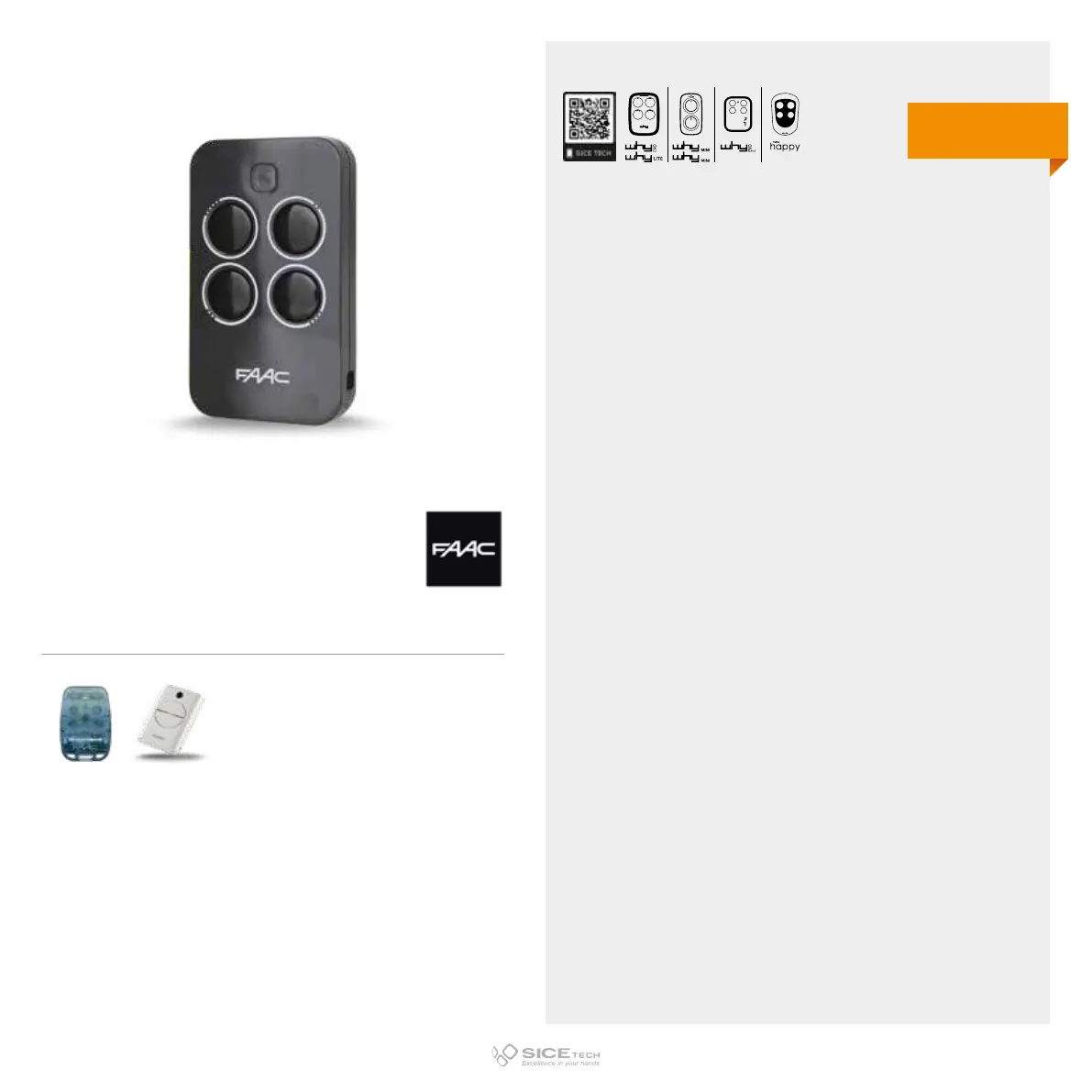
IMPORTANT NOTE:
Do not confuse this radio control with the FAAC XT2/XT4 SLH
series. The XT4 433 RC is not compatible with the XT2/XT4SLH
series. To distinguish them, pay attention to the buttons and in
particular to the screen-printed circumference surrounding the
buttons. On the XT4 433 RC series there is no screen printing,
while on the XT2/XT4 SLH series you will find a grey or black
circumference. Moreover, LED of the XT4 RC is red while LED of
the XT4 SLH series is blue.
XT4 433 RC
Cod. 6900983
Compatible with TE4433H RC and its older version XT4 433 RC.
433.92 MHz
Rolling code
EVO
LITE
DUPLICABLE THROUGH UNIVERSAL RCs



 To Next Page