106
FERPORT
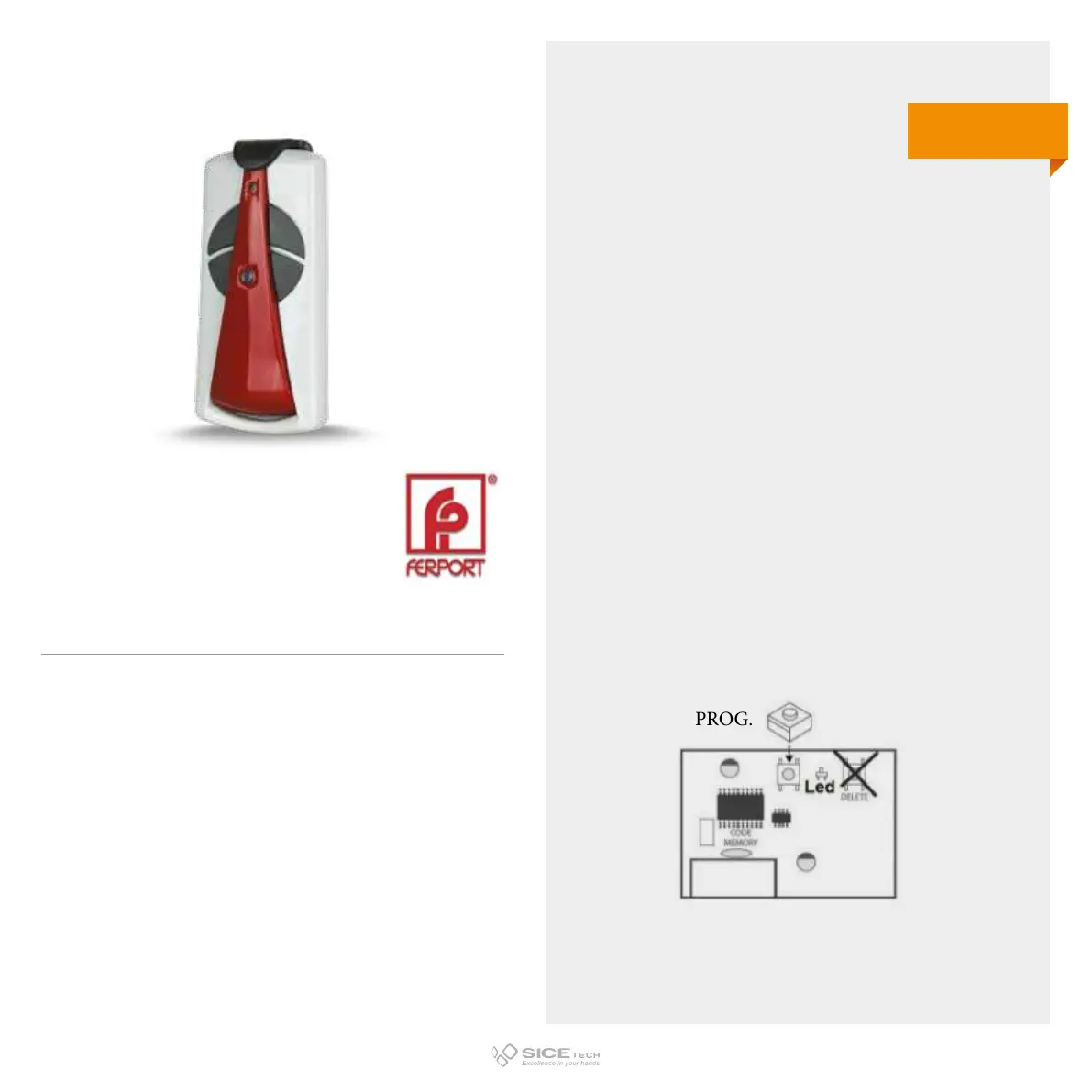
To enable a new RC it is necessary to intervene directly on the
receiving card to access the programming buttons.
1. Press and release the PROG button on the receiving card;
one green and one red LED will light up.
2. Press the new RC button; LEDs on the card will turn o and
then on.
3. Press the same button on the new RC again; LEDs will turn
o and then on again.
4. Wait 15 seconds and try to operate the automation.
TR04F
Cod. 6901222
433.92 MHz
Rolling code



 To Next Page