111
HORMANN
RESET THE DEVICE
1. Open the battery cover and remove the battery for 10 seconds.
2. Press a button on the RC and hold it pressed.
3. Insert the battery:
- LED slowly flashes blue for 4 seconds
- LED quickly flashes blue for 2 seconds
- LED stays on blue for a long time
4. Release the RC button to complete the operation.
SET A FIX CODE
1. If immediately after the device reset you continue to press the RC button, the
fix code 868 is activated.
- LED slowly flashes red for 4 seconds
- LED quickly flashes red for 2 seconds
- LED stays red for a long time
The RC has now a fix code.
LEARNING A CODE (BiSecur and Fix)
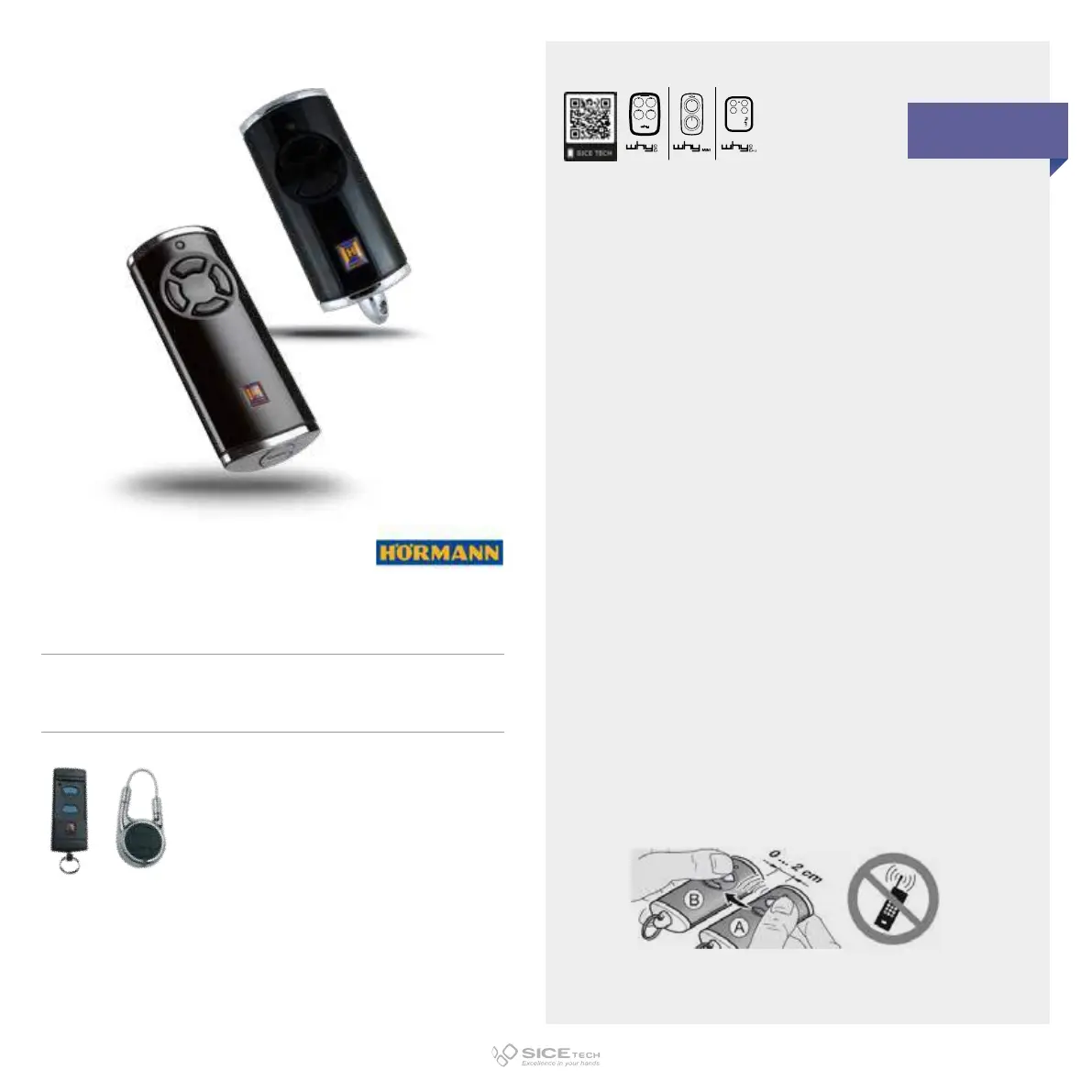
1. Keep RC A which must learn the radio code on the left, next to RC B.
2. Press and hold the RC B button you want to copy.
- LED lights up blue for 2 seconds and goes out
- After 5 seconds LED flashes blue and red alternately
- The RC starts transmitting the code
3. Press and hold down the key of the remote control A on which you want to
enter the code to be copied
- LED lights up blue for 2 seconds and goes out
- LED slowly flashes blue
- When the code is recognised LED quickly flashes blue
- After 2 seconds LED goes out
4. Release the RC buttons. The code has been learnt correctly.
IMPORTANT NOTE:
If the RC LED is blue then the RC is programmed as rolling-code; if the LED is red
then it is programmed as fix code.
HSE-2 868 BS
Cod. 6901501
HS4 868 BS
Cod. 6901500
Compatible with HORMANN HSE2 868 e HSD2 868 RCs
868.35 MHz
AM/FM
IN CASE OF RED LED: DUPLICABLE THROUGH UNIVERSAL RCs
EVO



 To Next Page