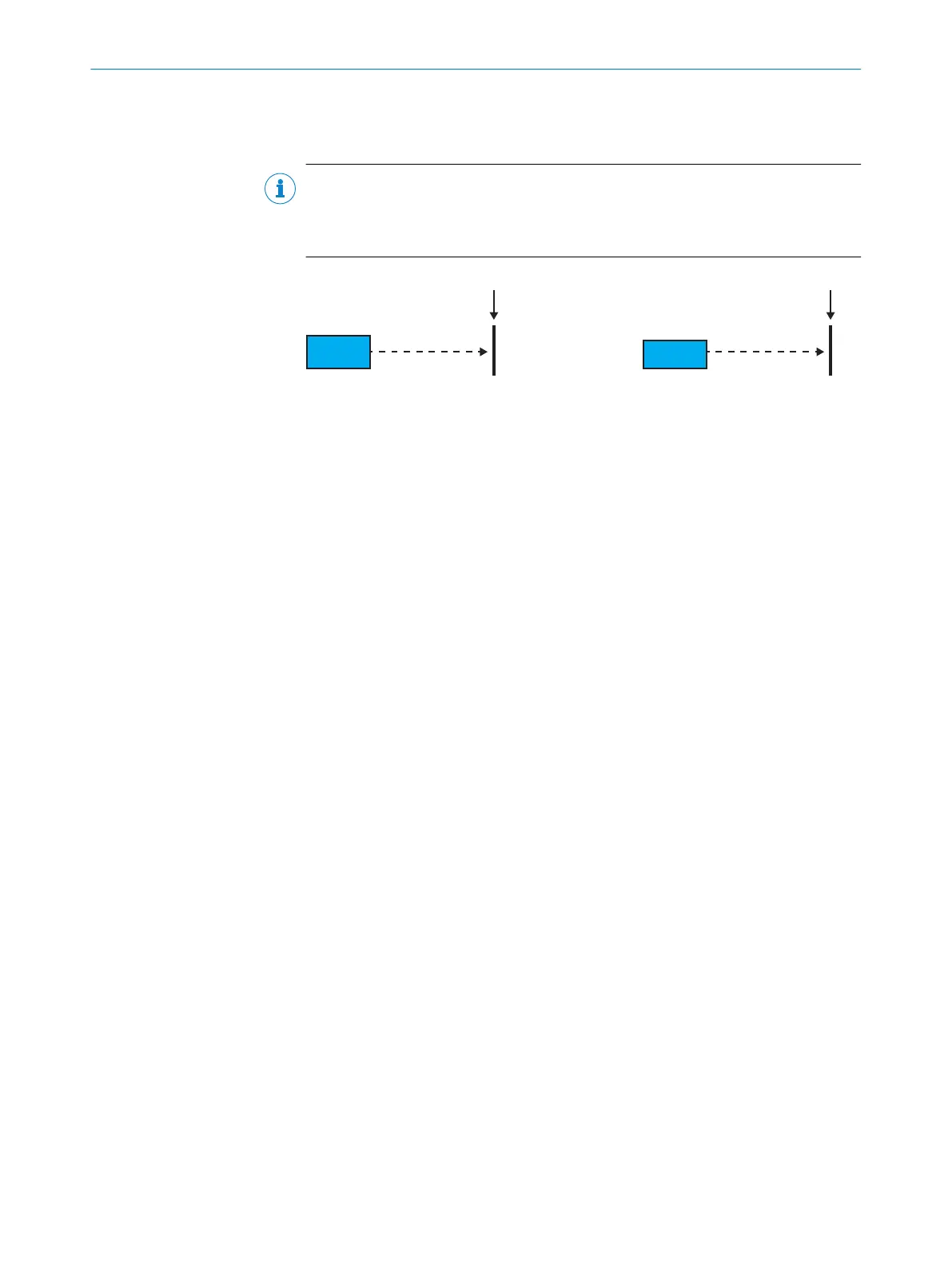
Since object 6004h can only accept positive values, a suitable positive offset
must be set when the counting direction is inverted. Otherwise the value 0 is
output when the md bit is set.
NOTE
If you want to change the counting direction, you must first delete an existing
preset (see "Object 4006h Command", page 78). An existing preset is applied
when the object 6509h is not equal to 0.
Sensor
md=1
reflector
-(50m)
Sensor
md=0
reflector
+(50m)0 0
Object 6001h Measuring Units per Revolution
Number of steps per revolution.
According to specification CiA 406 V3.2.0, table 18, page 16, object 6001h is specified
as mandatory for class 2. For the linear encoder here, however, the value is always “1”.
Object 6001h therefore has no function.
Object 6002h Total Measuring Range in Measuring Units
This object can be used to divide the entire measuring range (e.g. 100m for variant
DL100-21xxxxxx) into sections of equal length, at the end of which the measured value
starts again at 0.
This functionality is only active if the Sfc bit from object 6000h is equal to 1. The
following example will explain how it works.
Example
•
Input = 7. The total measured distance is divided into 7 sections.
•
100m/7 = 14.2857m. One section is therefore 14.2857m. When 14.2857m
is passed, the measured value starts again at 0, as it does when another
14.2857m is passed, etc...
Object 6003h Preset Value
Use this object to set a preset value. This makes it possible to automatically adjust
the measured distance value to a reference value (preset) known to the system during
commissioning, maintenance or device replacement. For the dynamic preset described
here, the time for adopting the reference value in the device is determined by writing
object 6003h. The distance value measured at this time is automatically provided with
an offset and therefore adjusted to the reference value. The following applies: Offset
= Preset – measured distance value. The new offset value must be saved see "Object
1010h Store Parameter Field", page 71.
The preset is entered in mm.
Setting a preset value automatically updates the object 6509h (offset value). The
preset value written via object 6003h is also used as a reference value for the static
preset see "MF1 – Preset submenu", page 43.
The value range of the preset is 0 ... +300,000mm. Negative values are not permitted,
as per specification CiA 406.
As an alternative to object 6003h, a preset can be made via switching input MF1, see
"MF1 – Preset submenu", page 43.
CANOPEN INTERFACE 10
8015418/19HA/2022-12-15 | SICK O P E R A T I N G I N S T R U C T I O N S | DL100 Pro CANopen
79
Subject to change without notice












 To Next Page