Expansions and configuration
10.5 Installing/removing a Compact Flash card
SIMATIC Box PC 627
10-16 Operating Instructions, Release 05/2006, A5E00362052-03
Note
The Compact Flash slot is coded against reversed insertion. Insert the Compact Flash card
so that its label side is facing the front panel of the PC.
Caution
If the Compact Flash card meets resistance, flip it over. Never insert the Compact Flash card
with force.
3 Close the board slot again.
Removing a Compact Flash card
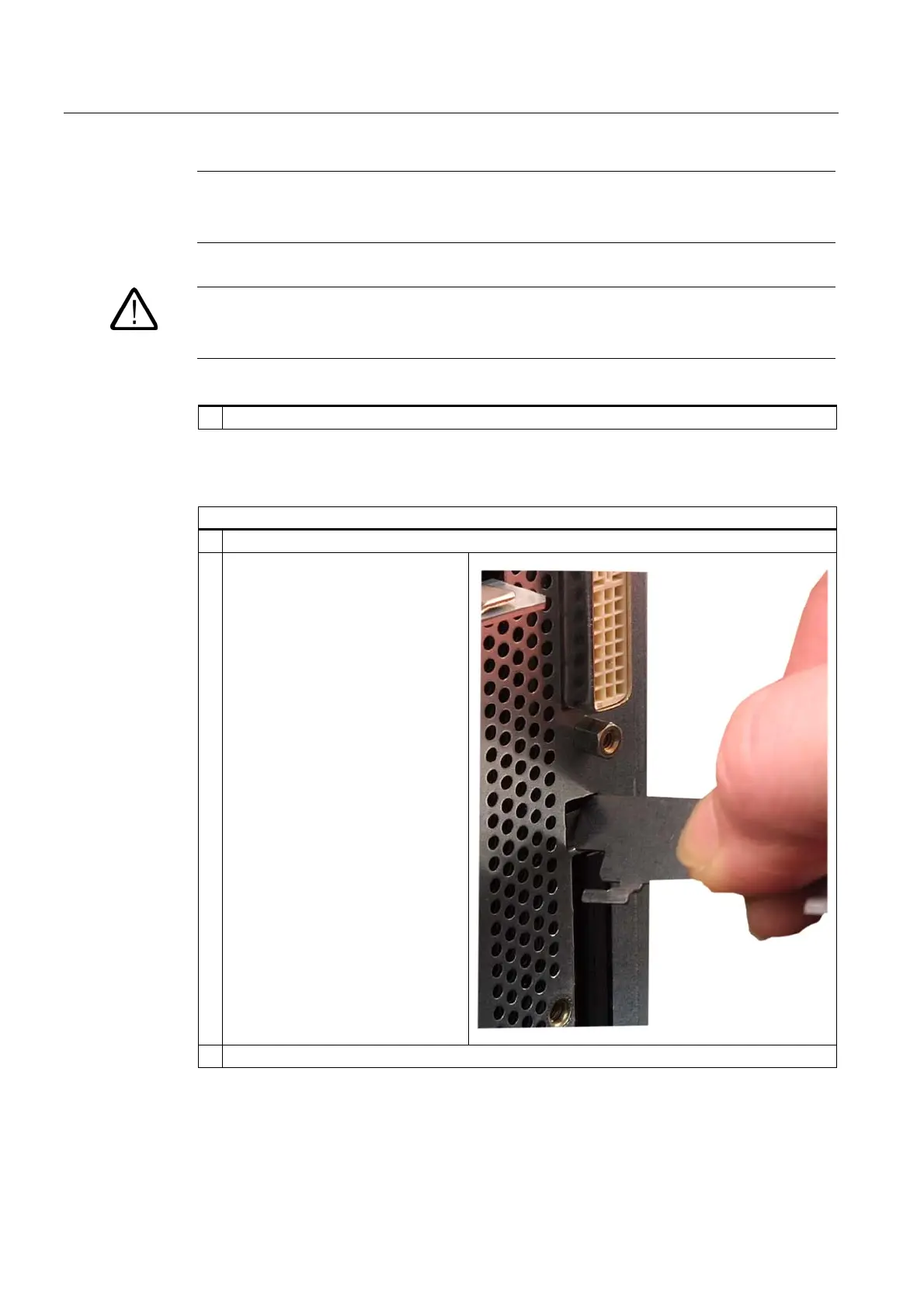
Steps for removing a Compact Flash card
1 Opening the board slot
2 Press the eject button, for example
with the cover of the board slot, and
remove the Compact Flash card
3 Close the board slot again













 To Next Page