66 007-5832-002
6: Add or Replace Procedures
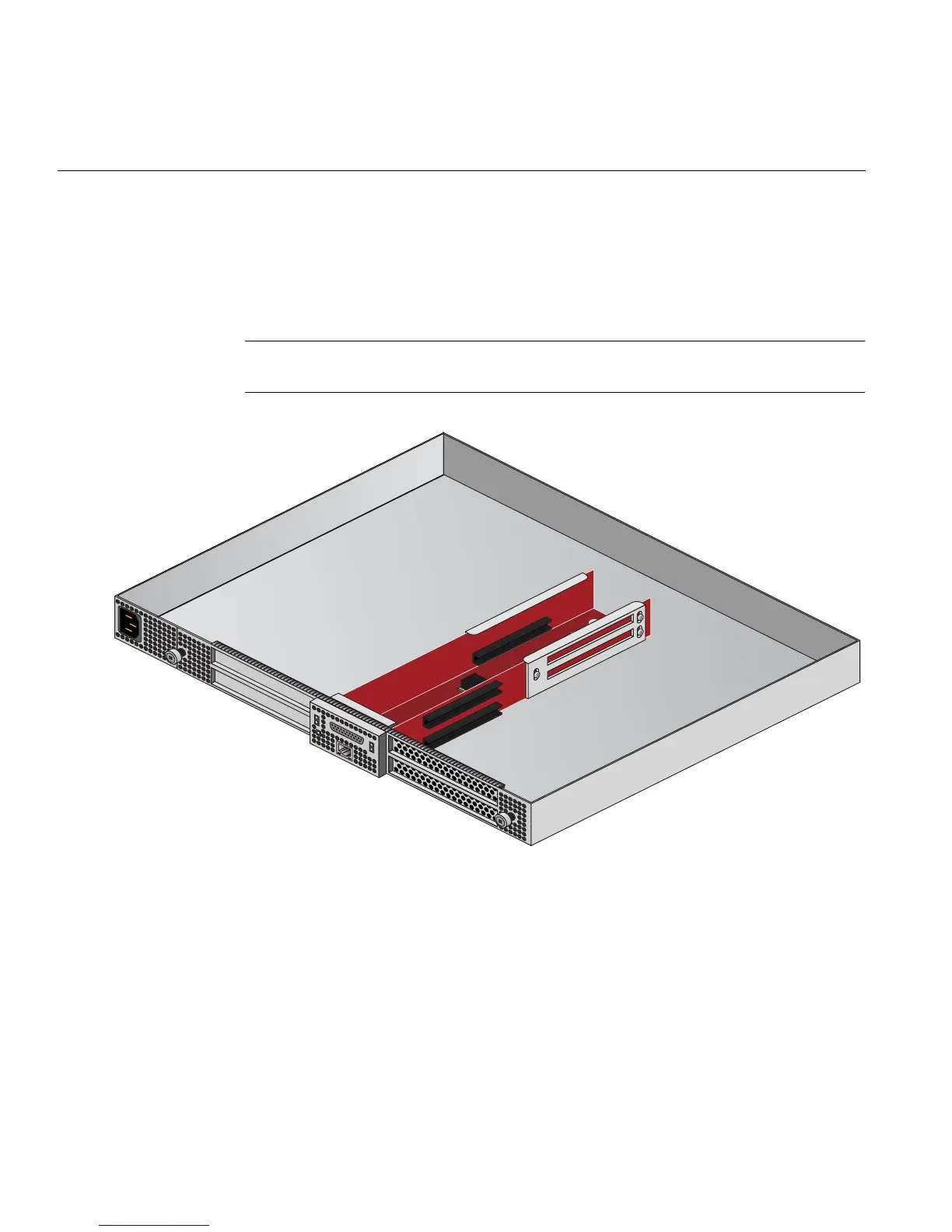
6. Fit the PCIe card into the slot connector with the connector(s) extending out the front of the
bracket, then secure the board with the screw that previously held the metal slot cover.
7. Push the PCIe board “carriage” back into the enclosure until it is seated and twist the
retaining thumb screws clockwise (right) until fully secure.
Important: After installation, be sure to power on the PCIe expansion enclosure before
re-booting your system.
Figure 6-2 The PCIe Expansion Enclosure


 To Next Page