www.simmonsdrums.net
41
Saving Songs
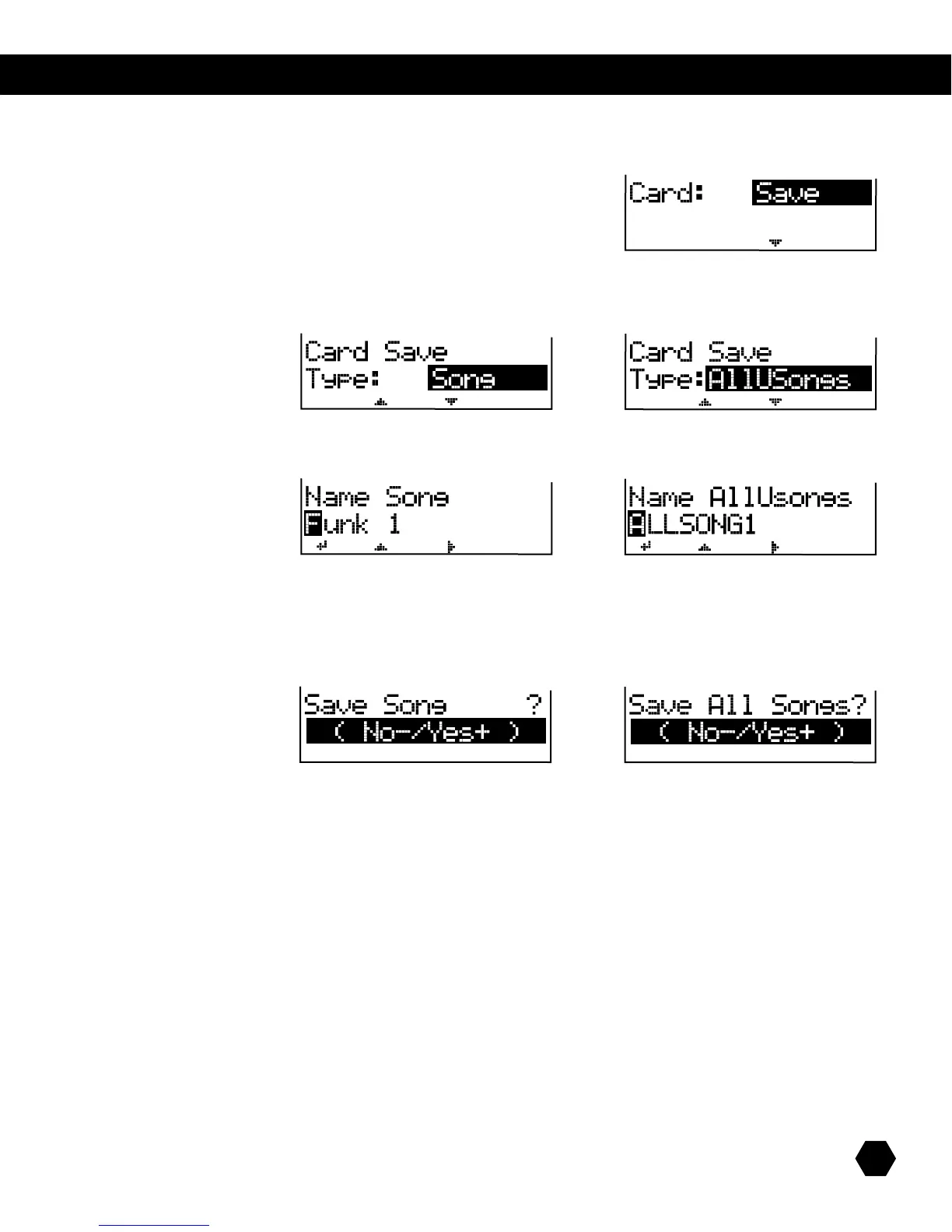
Select Card: Save option:
Press [PAGE DOWN] to select the Type of file to save.
Tosaveasinglesong,selectType:Song.TosaveallSongsasonele,selectType:AllUSongs:
or
Press [PAGE DOWN] to go to the Song file naming page.
or
UsetheDatawheelor [+]/[-] buttons to change characters and the [PAGE] buttons to move the cursor.
NOTE:WhensavingasingleSong,thecurrentSongisautomaticallyselected,andthelenamedefaultstotheSongname.
Press [SAVE] to go to the Save confirmation page:
or
Press [+] to save or [-] to cancel.
Afterthesaveoperationiscompleted,thescreenwillbrieydisplay“SaveOK!”,thenwillreturntotheCardSaveTypepage.
NOTE:SinglesongsaresavedasstandardMIDIles,Type1(*.mid).



 To Next Page