ALARM MESSAGES AND CORRECTIVE ACTIONS
113 988-12718-003
If the bearing input is accepted by the system, the LCD will display
current bearing without flashing.
3 Report the error to Simrad even if the bearing is accepted and the
alarm removed.
System communication failure
Alarms generated when there is a malfunction in the communication from
the Master compass to the Control unit.
1 Turn the power OFF by pressing the POWER button. Re-press the
button after 20 seconds.
2 If no alarm is activated, continue the start-up procedure as
described in
Start-up
, page 19.
3 If the alarm continues, turn the power OFF and disconnect the
power cable from the Control unit.
4 Confirm the connection between the terminal board in the Master
compass and the terminal board in the Control unit as described
below:
GC80 Master compass:
TB1, MR+/-
GC80 Compact MK2 Control unit:
ICNT, TB1-1, MR+/-
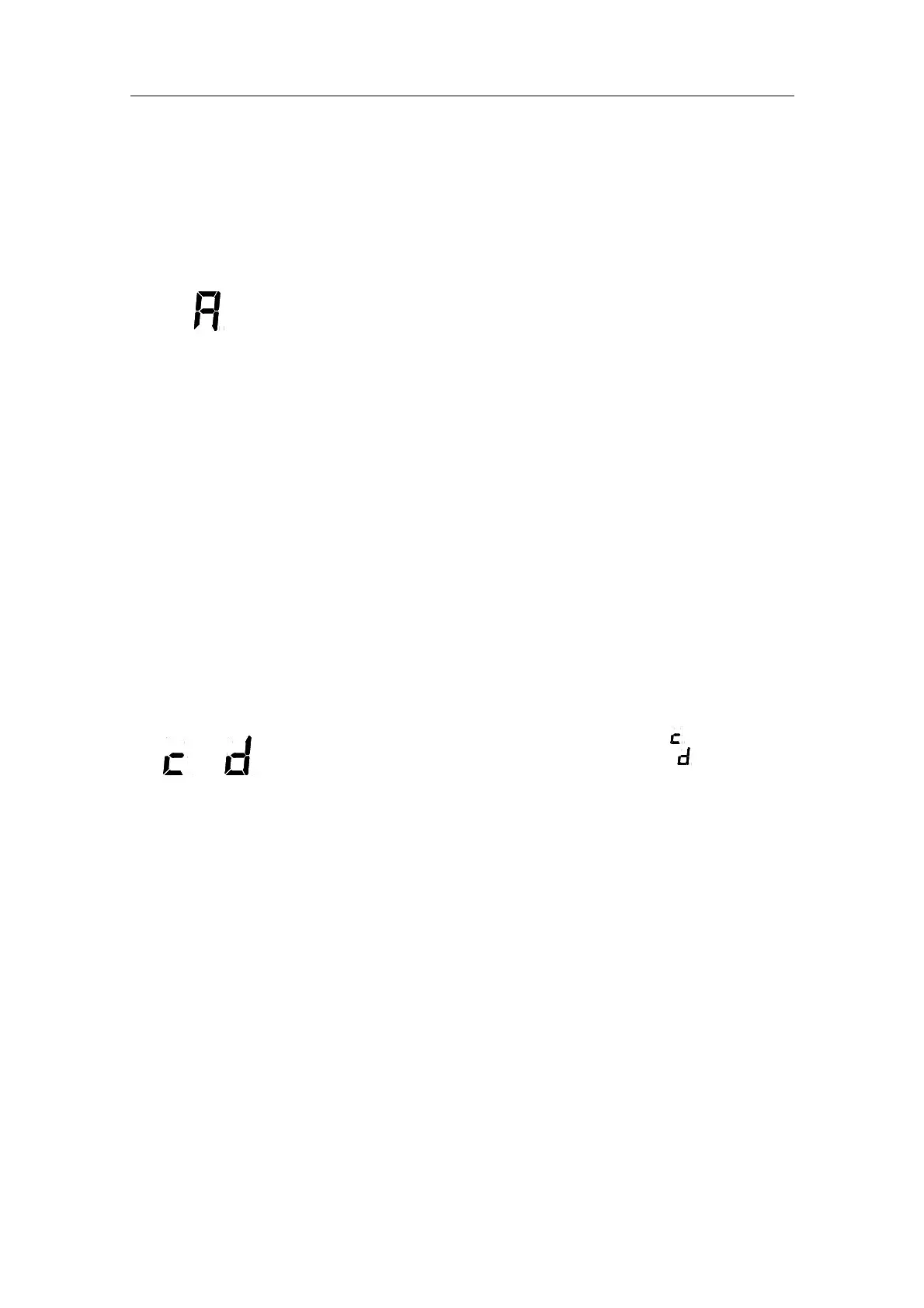
GPS communication or data malfunction
and
Generated if the communication from GPS has stopped (
), or when there
is a malfunction in the communication line from the GPS (
).
Note!
This alarm is only generated when GPS is selected as the vessel’s input
source for latitude or speed.
1 Verify that the GPS operates according to the GPS documentation.
2 If the GPS has an error, change the input source as described in
Setting the Latitude input source
, page 63 and
3
If GYRO is
selected you need to verify that GPS connection is set to
Non in extension menu A-2, 2.9.G.
4 Setting the Speed input source, page 64.
Caution
Any alarm generated by a failure in the GPS may cause large errors in
the bearing output.



 To Next Page