OPERATION
31 988-12718-003
Acknowledging an alarm
An alarm is acknowledged by pressing the ACK/ENT button.
- The audible alarm will be silenced.
- If the alarm situation has disappeared, the alarm lamp will be
switched off and the alarm code will be removed from the LCD.
- If the alarm situation continues, the alarm lamp will switch from
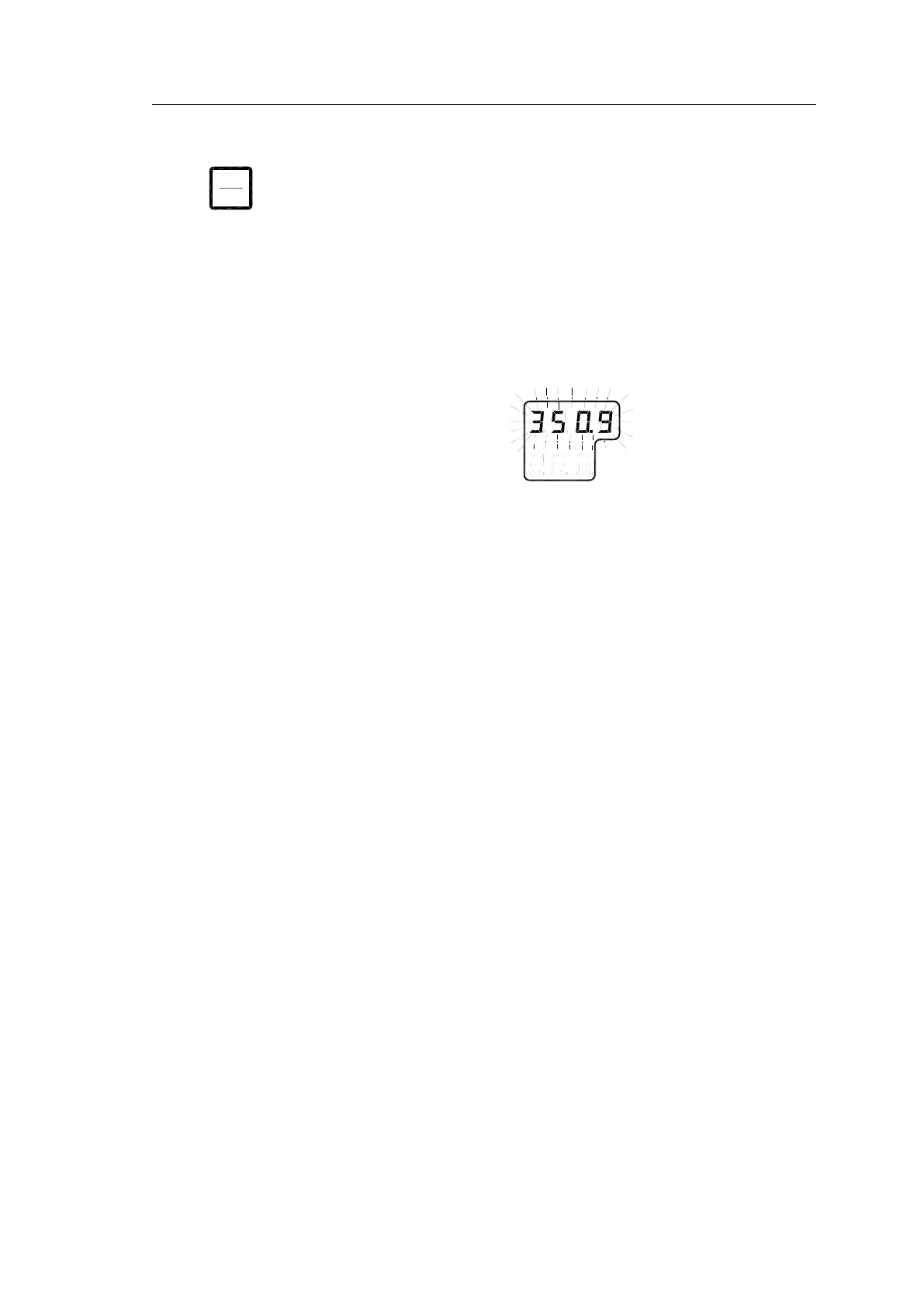
flashing to steady light. The LCD will return to show true bearing
with flashing numbers to indicate that the bearing may have large
errors.
An alarm code for an active error may be recalled by pressing the DISP
button until the alarm code is shown on the display. It is possible to recall
any alarm code in the LCD as long as the alarm situation is present.
The
Complete alarm code list
section, page 116, has a complete list of
alarm codes.
Internal buzzer silence only
By installing an external acknowledging switch, it is possible to silence the
buzzer while the alarm code remains in the display.
Install the switch to the Control unit according to the Wiring diagrams on
page 83 onwards.
Note!
Could only be used if no pendulum switch is installed!
External buzzer silence output
By using an internal output contact, it is possible to silence an external
buzzer when alarm ack. is operated.
Ref. Wiring diagrams on page 83 onwards.
Note!
Could only be used when RUNNING contact is not required.
Central Alarm Panel
On some installations, it is required to connect the Gyro to an external
bridge alarm panel. In these types of installations, the functions mentioned
above and the alarm contact output are used to fulfil this requirement.
BAMS
It is possible to connect to a BAM system via serial connection, ref
. BAMS
complete alarm code list
on page 118 onwards.



 To Next Page