Simrad GC80/85 Compact MK2 Gyro Compass
988-12718-003 114
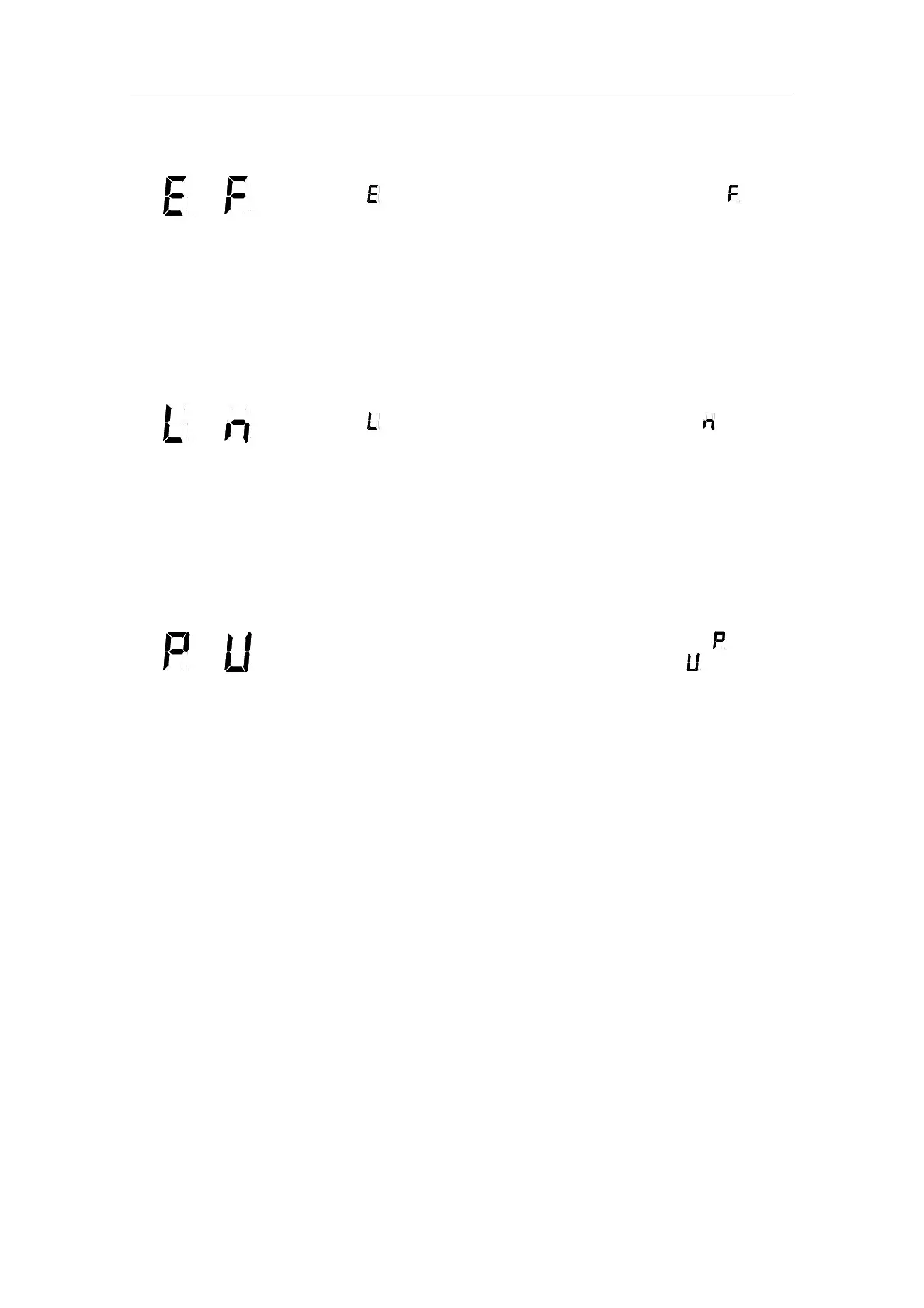
Internal communication error
and
Generated when the communication from the external bearing sensor has
stopped (
), or when an error is detected in the communication ( ).
Caution
When these alarms are generated, the bearing information from the
external bearing sensor may have large error.
Verify that the external bearing sensor operates correctly according to the
system documentation.
External bearing sensor error
and
Generated when the serial signal from the external bearing sensor has
stopped (
), or when an error is detected in this serial signal ( ).
Note!
This alarm is only generated when the external bearing sensor is selected
as active bearing output source.
Verify that the external bearing sensor operates correctly according to the
system documentation.
LOG (serial) communication or data malfunction
and
Activated when the serial signal from LOG (serial) has stopped (
), or when
a malfunction is detected in the serial signal from the LOG (
).
Note!
This alarm is only generated when GYRO is selected as the active bearing
output source, and when LOG (serial) is selected as the vessel’s speed input
source.
1 Verify that the LOG operates according to the LOG documentation.
2 If the LOG has an error, change the input source as described in
3
If GYRO is selected
you need to verify that GPS connection is set to
Non in extension menu A-2, 2.9.G.
4 Setting the Speed input source, page 64.
Repeater error
No output on single repeaters
1 Check that the repeater is connected to the Gyro according to the
repeater’s documentation.
2 Each repeater output has a separate fuse in the Control unit.
Disconnect the power from the Control unit, and check the fuses:
Step repeater:
XF5: 1 A



 To Next Page