Simrad GC80/85 Compact MK2 Gyro Compass
65 988-12718-003
4 Select active speed input source and confirm the selection by
pressing the ACK/ENT button.
5 If Manual input source is selected, the display will change to show
flashing numerical values.
6 Use the ARROW buttons to enter the speed value, and confirm the
input by pressing the ACK/ENT button.
7 The display will return to show speed value and speed input source
without flashing.
Note!
If Manual or GPS is selected (used) and no pulse or serial data for speed is
connected you need to verify that LOG connections is set to Non in
extension menu A-2, 2.A.L and 2.b.S.
6.8 Balancing the Horizontal ring
After the compass has been running continuously for at least 2 hours, the
Horizontal ring should be adjusted.
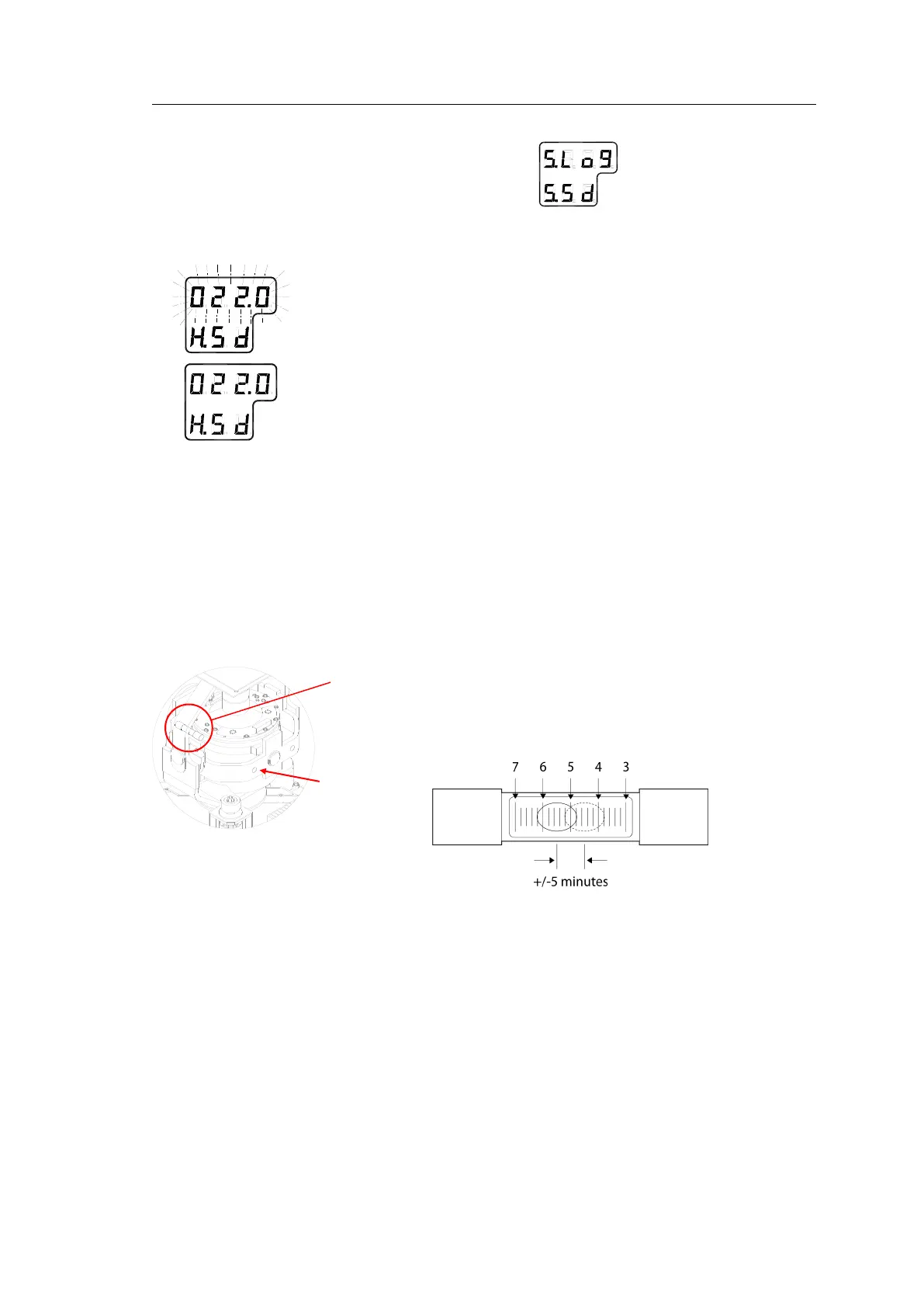
1 Locate the reference level tool on the Horizontal ring, and check that
the level bubble is within +/-5 minutes from the center. Each division
equals 2 minutes.
2 If the level bubble is not within this limit, add or remove weights from
the Horizontal ring until it is leveled.
Note!
It is important that there are as few weights as possible on the Horizontal
ring.
3 Let the compass run for at least 20 minutes before the level is
rechecked and eventually confirmed.
WARNING If the Horizontal ring is tilted more than +/-5’, a bearing
error will be generated!



 To Next Page