Simrad GC80/85 Compact MK2 Gyro Compass
61 988-12718-003
6.7 System start-up and software configuration
When all GC80 units are installed and the cables connected according to
the procedures described in previous chapters, the system is ready for the
first time start-up procedure.
System start-up
1 Turn ON the Gyro system by pressing the POWER button on the
Control panel. Follow the start-up sequence.
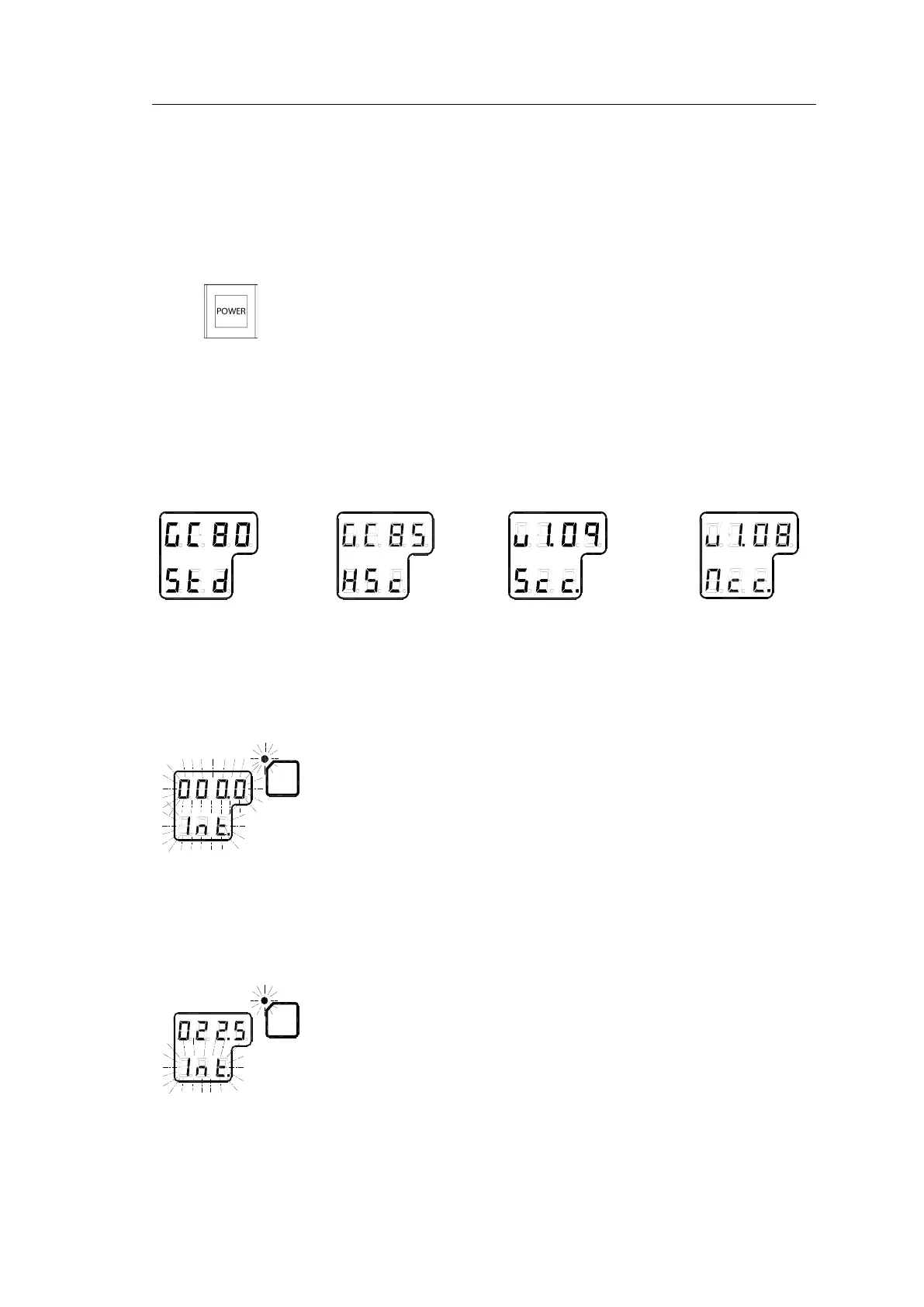
- Control unit type (GC80 Std, or GC85 HSc), software version for
Control unit and for Master compass is displayed in rapid
succession. Examples of display text are shown below:
GC80 CONTROL
UNIT
STD VERSION
GC80 CONTROL
UNIT
HIGH SPEED
VERSION
SOFTWARE VERSION
CONTROL UNIT
SOFTWARE VERSION
MASTER COMPASS
2 The Sensitive element starts rising horizontally, and the compass turns
360° clockwise. The display shows decreasing bearing as the compass
is turning.
3 If the Gyro has been turned ON and OFF again, but the rotor is still
rotating when the POWER button is pressed for new start, a rotor
break function will be activated to completely stop the rotor.
4 Active rotor break is indicated with flashing display.
5 When the rotor rotation has stopped, start bearing is indicated with
flashing text in the display. The start bearing will be the same as active
bearing when the compass was turned OFF.



 To Next Page