OPERATION
25 988-12718-003
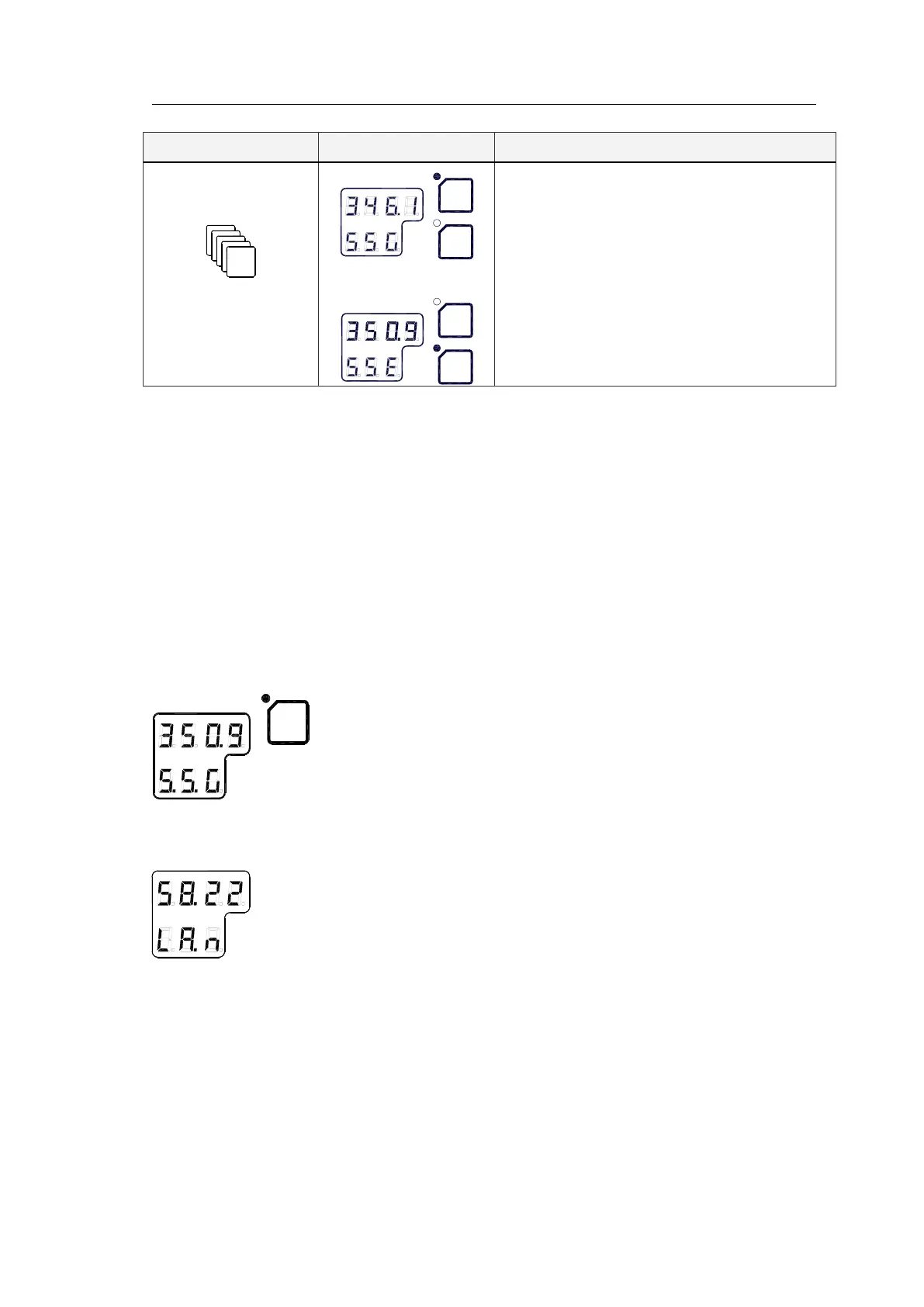
Display state Display Description
7
th
press on DISP button
Normal operation
or
- True output bearing
- Active compass
4.5 Confirming present settings
After the GC80 is configured according to the
System start-up and
software configuration
described on page 61 onwards, it should not be
necessary to adjust any settings when operating the Gyro compass.
However, if an error is reported in any of the input sources, it may be
necessary to choose a different input source.
True bearing
Make sure that the Gyro compass is selected as active compass. Refer
Selecting active compass
page 21.
Confirm that the Gyro compass’ displayed true bearing is according to a
known target or astronomical observation.
If there is any difference, adjust the bearing according to
, page 66.
Latitude
Press the DISP button until the vessel’s latitude is displayed.
The displayed latitude value is calculated based on the vessel’s true bearing
and the vessel’s actual speed. Refer
Setting the Latitude input source
and
you need to verify that GPS connection is set to Non in
extension menu A-2, 2.9.G.
Setting the Speed input source, page 63 onwards.
- If GPS is selected as latitude input source, the latitude obtained
from the GPS is displayed on the LCD. Confirm that the displayed
latitude is the same as indicated on the GPS indicator.
- If GYRO (manual setting of latitude) is selected as latitude input
source and other than MANUAL selected as the vessel’s speed
input source, the latitude will be automatically updated. In this
case, the indicated latitude should be confirmed every 4th hour



 To Next Page