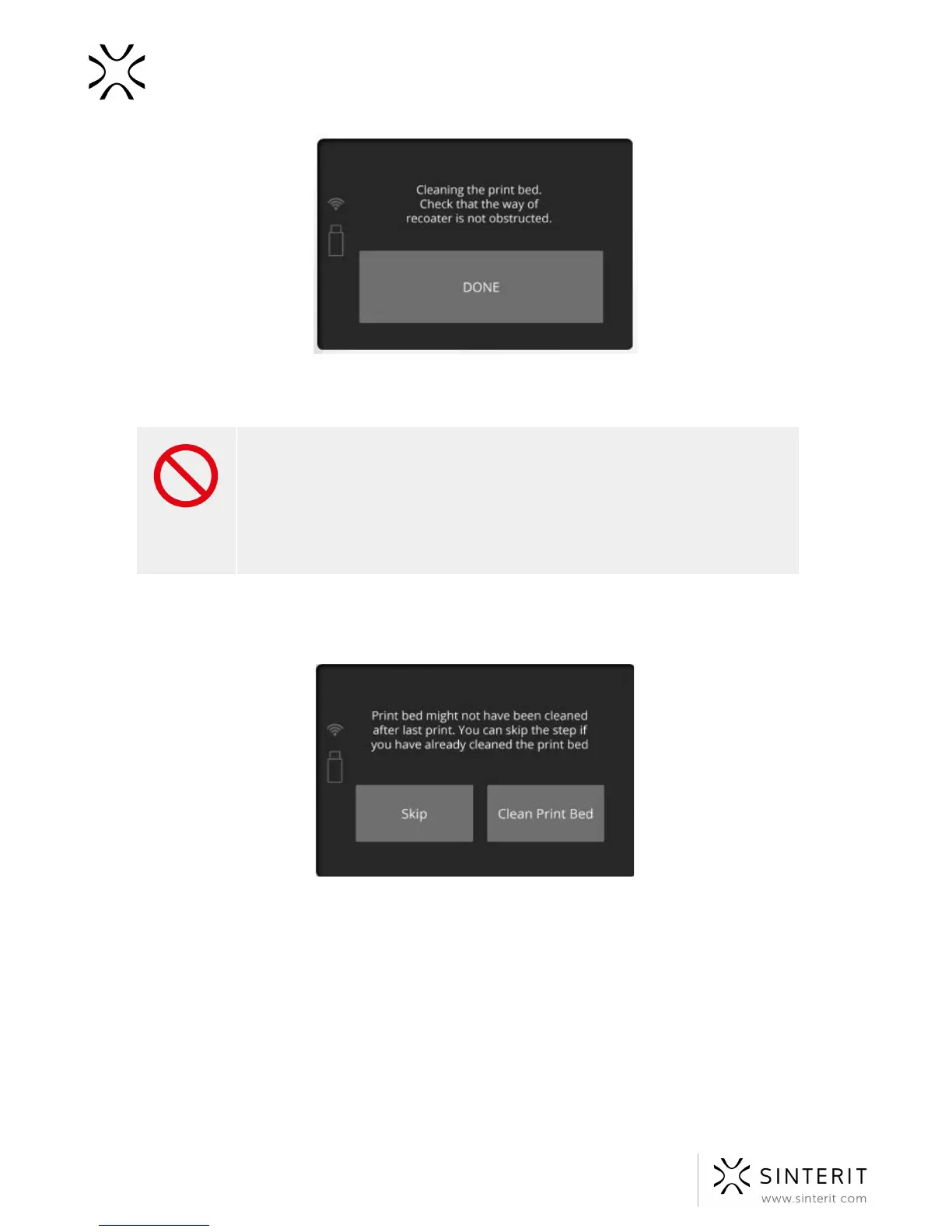
Check if all elements are at their default positions (Recoater, Laser). Check the tension and
condition of the Recoater’s wire. Confirm by clicking “DONE” button.
STOP!
Do not use any greases or oils for the guide bar of the Recoater. This may
cause damages to the device.
For cleaning, it is recommended to use a paintbrush with a soft bristle
(included in the set), or compressed air (when there is no powder inside
the printer).
5. A message “Print Bed might not have been cleaned after last print” will appear. All
remaining powder from print chamber should be removed.
All remaining powder from Print Bed should be placed into the Overflow Bin gap. Precisely
clean the Print Bed from the remaining unsintered powder including the Beds’
surroundings.This can be done with the use of a spatula.
44 Sinterit Lisa USER MANUAL



 To Next Page