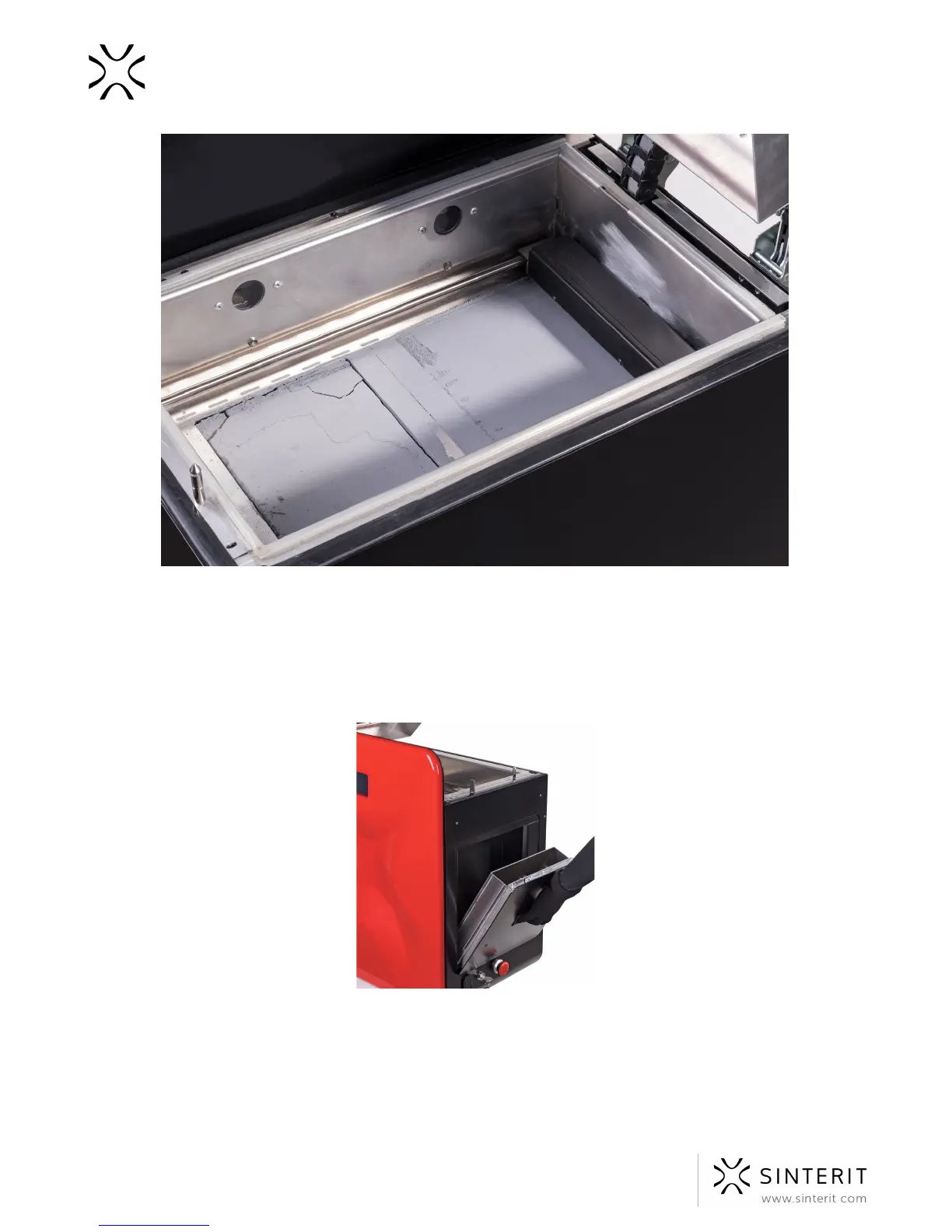
Image. A correct condition of the powder after printing (visible cracks on the surfaces of both Beds).
5. Remove the powder from the Overflow Bin. Transfer it to the container in which you
will mix the powder from the printer, with the powder from container number (Fresh
Powder).
6. Place the Overflow Bin back in its place.
Image. A correct way of taking out the Overflow Bin and placing it back.
7. In order to take the print out of the Print Bed keep pressing MECHANICS//PRINT//▲
until the entire content of the Print Bed will be out in the form of solid cuboid (see
image).
54 Sinterit Lisa USER MANUAL



 To Next Page