All of the basic parameters for working with Flexa are already
included in Sinterit Studio. There are two types of settings to
choose from:
- more flexible – with those settings the prints are more
flexible, more delicate, small details are more visible,
however the prints are less resistant to stretching or
crushing.
- more rigid – with those settings the prints are more rigid,
more abrasion and stretching resistant, small details
may however not be visible.
The temperature and
power of the laser
The temperature and power of the laser are automatically set
after selecting Flexa.
The recommended layer height is 0.125 [mm].
Due to the low sintering temperature, the working area for this
type of powder is larger than with PA12 Smooth.
Dimensions: 110 x 150 x 150 [mm] // 4.3 x 5.9 x 5.9 [in]
The Flexa does not have such rigorous rules in terms of
positioning models in the Print Bed as in the case of PA12
Smooth (and other PA12).
EXAMPLE: Long prints may be positioned flat because the
lower melting temperature does not cause the prints to bend.
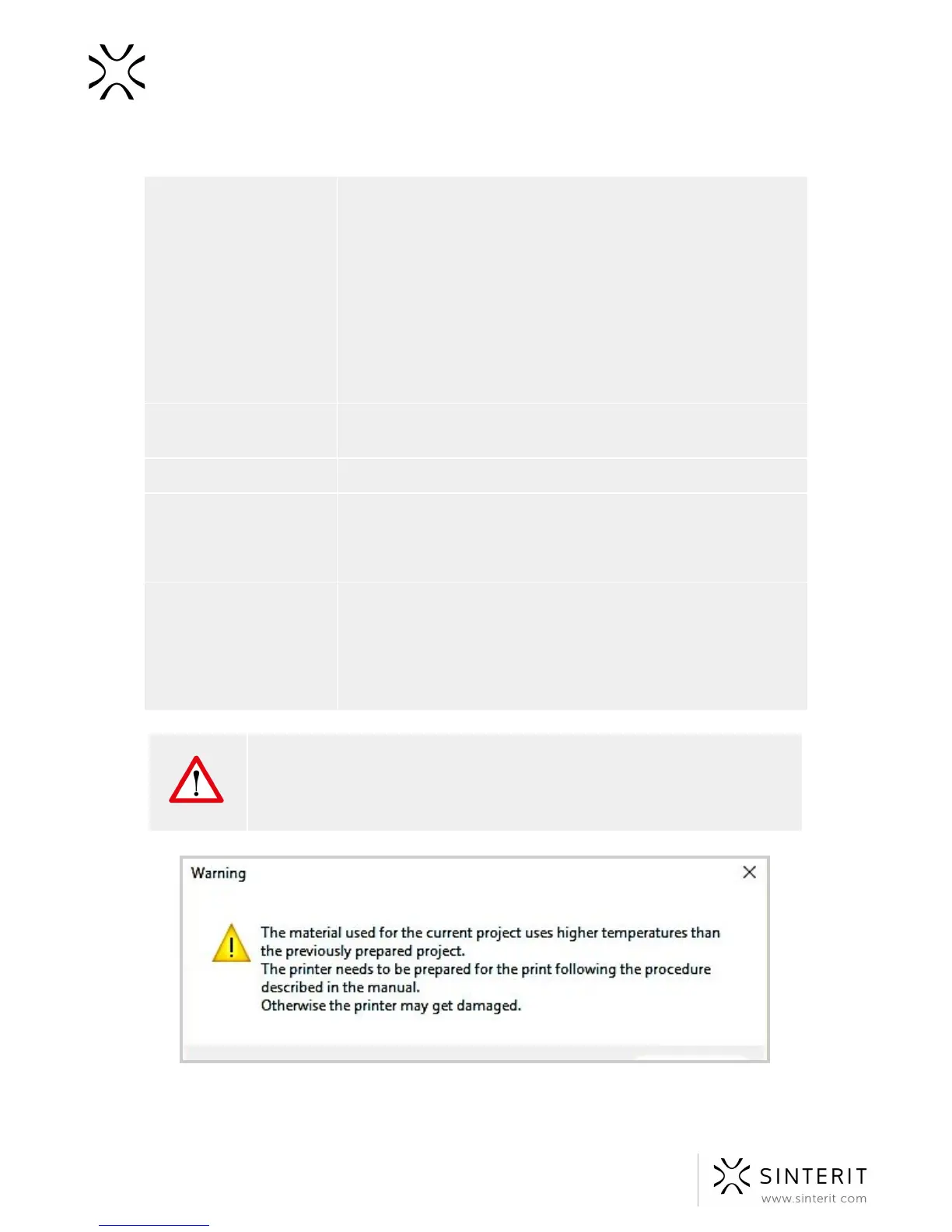
WARNING! Important messages will be displayed in Sinterit Studio, not
obeying the may result in damaging the print and/or the printer. Similar
messages appear on the display of Sinterit Lisa Printer. Please read them
carefully in case of changing the powder from Flexa to PA12 Smooth.
Image. A warning message appearing after changing Flexa to PA12 Smooth.
72 Sinterit Lisa USER MANUAL



 To Next Page