4.0 System Installation
User’s Manual Page 4-6
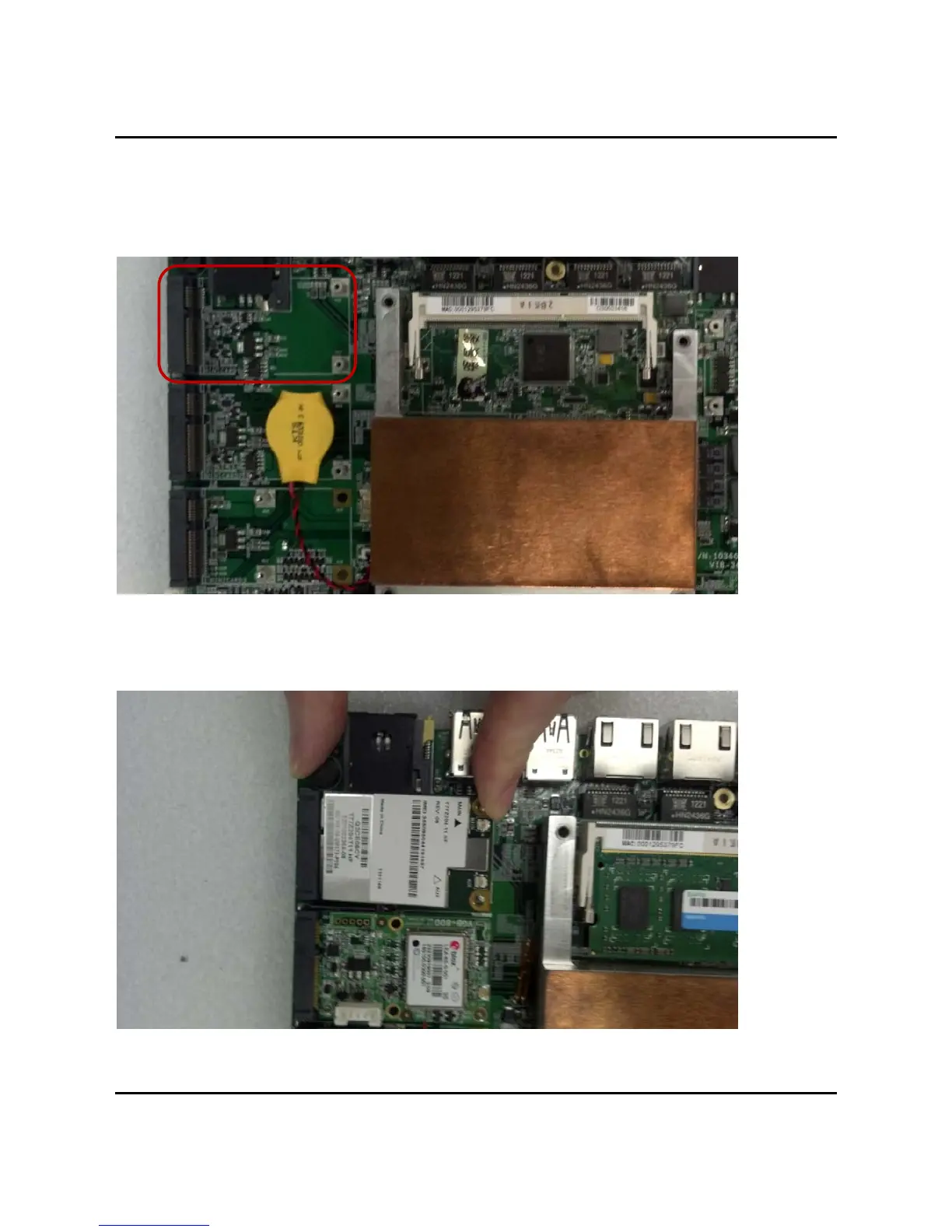
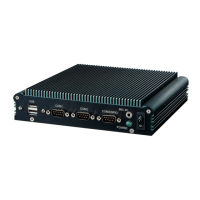
4.4 InstallingMINIPCIeExpansionCard(PCIe1,3GModuleonly)
Step1.PutMINIPCIeExpansionCardonthisplaceasshowninthepicture.
Step2.HoldtheModulewithitsnotchalignedwiththesocketoftheboardandinsertit
ata30degreeangle
intothesocketasshowninthepicture.
Step3.Screwtwoscrewstotheholderasshowninthepicture.



 To Next Page