64 57 498 D3543
D3543.201.01.05.02 08.2016
113
Sirona Dental Systems GmbH 4Operation
Operating Instructions INTEGO 4.5Dentist element
båÖäáëÜ
✔ The
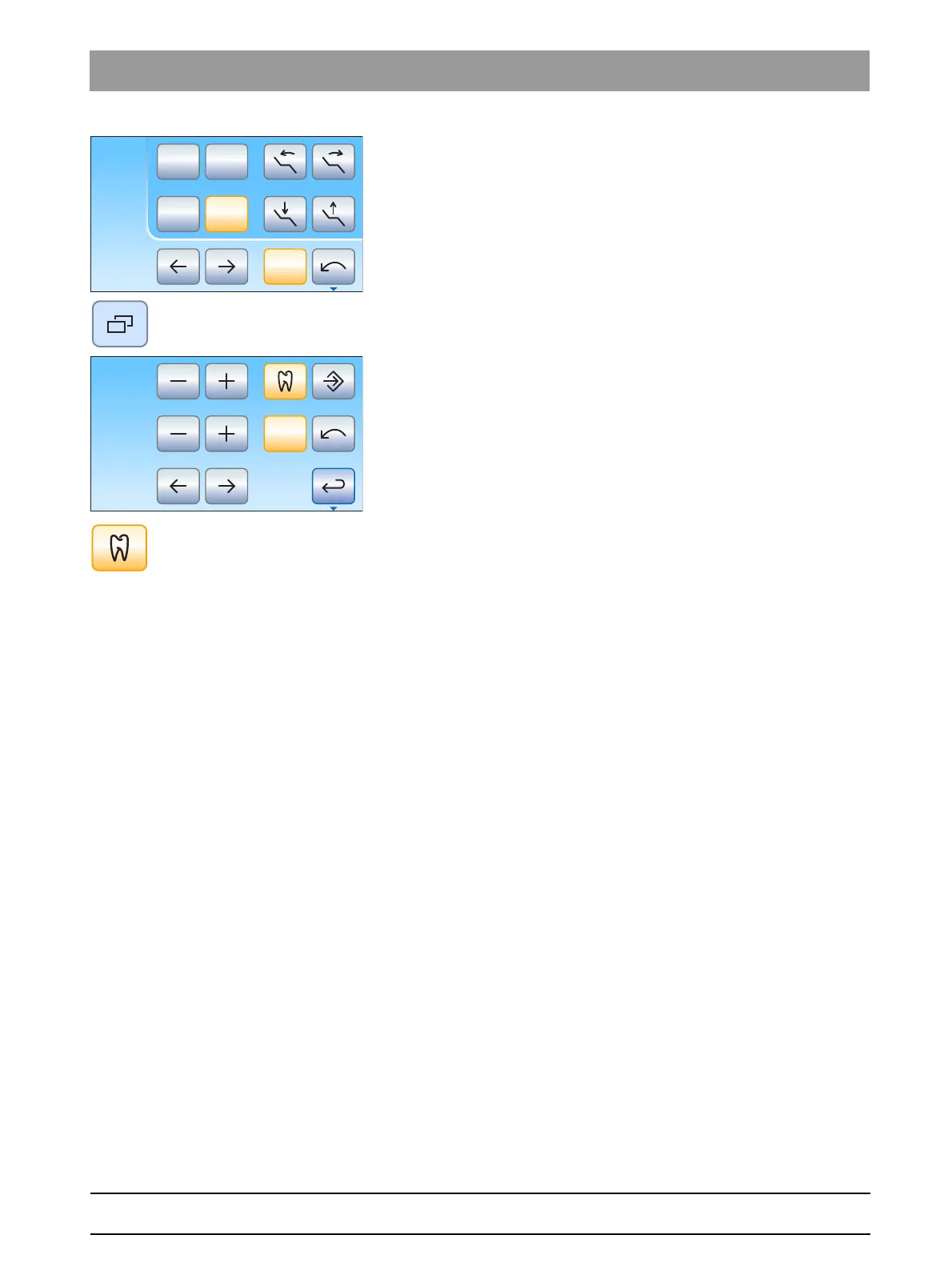
Endodontics dialog
is displayed on the touchscreen.
1. Press the
Sub-dialog
fixed key.
The
Endodontics
sub-dialog is displayed.
2. Press the
Integrated torque control
key.
If the key is blue, the integrated torque control is switched off.
When the burr drive is taken from the holder, the
Motor screen
is
called up.
2
1
0S
rpm
300
Ncm
1.00
Endo 3
Cal















 To Next Page