64 57 498 D3543
192 D3543.201.01.05.02 08.2016
4Operation Sirona Dental Systems GmbH
4.14Configuration of the treatment center (setup) Operating Instructions INTEGO
4.14
Configuration of the treatment center (setup)
Various treatment center functions can be individually configured via the
Setup settings. The treatment center can therefore be adapted to match
each user's personal method of treatment.
4.14.1 Configuring the treatment center on EasyPad
4.14.1.1
Access the Setup program
✔ All instruments are in place.
✔ The required user profile is active.
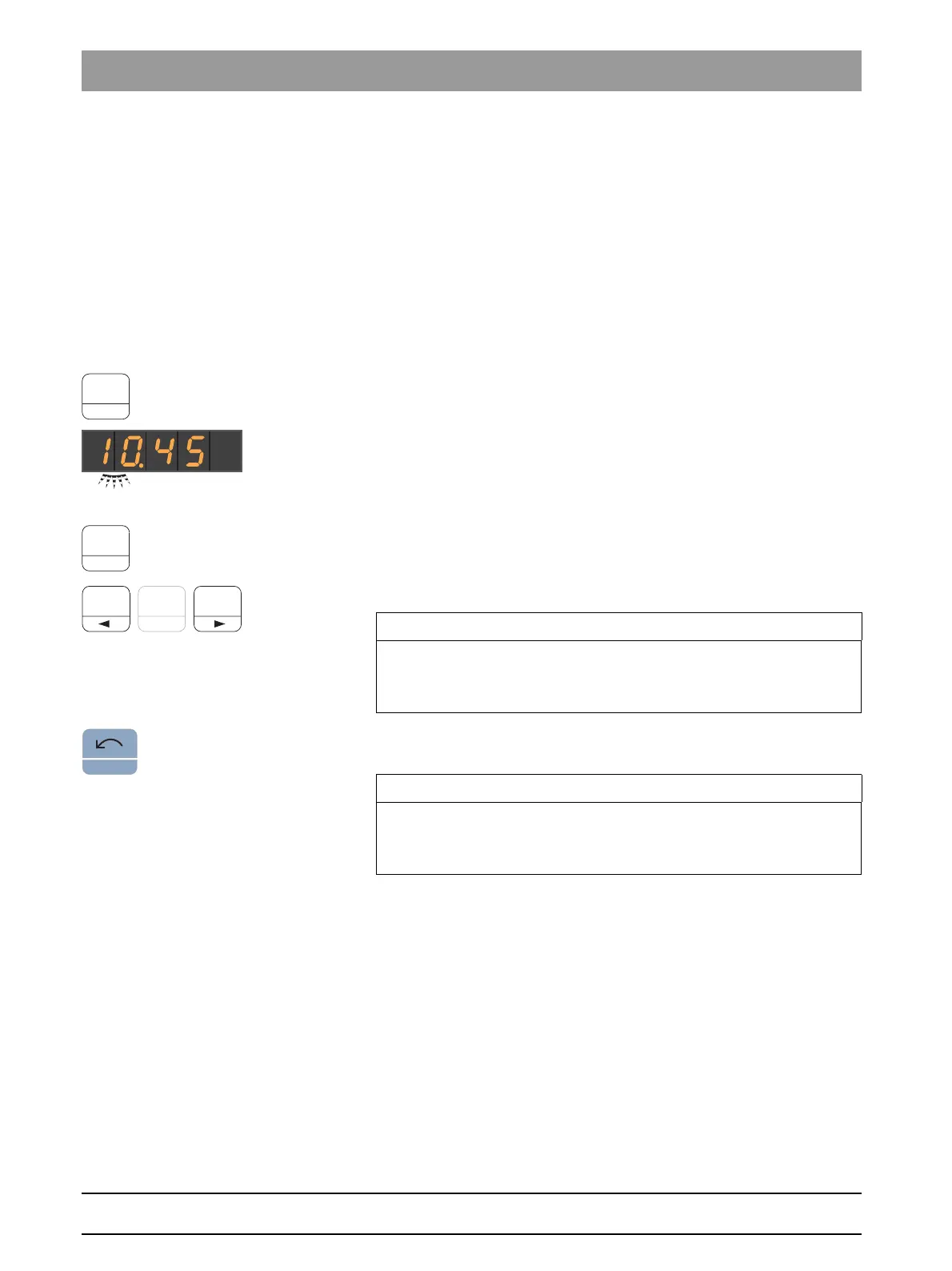
➢ Press and hold the favorite key
2 / Setup
(> 2 s).
The
Setup
operating context opens. The first
Time
selection
context appears on the EasyPad display.
The
Setup
operating context contains several selection contexts. The
active focus flashes.
Press favorite key
2/Setup
to select the next focus item or display the next
selection context.
Use favorite keys 1 and 3 to set.
Setup pro gram, s toring settings
Pressing the
Counterclockwise rotation/User profile
button immediately
hides the
Setup
operating context.
Menus, missing
IMPORTANT
Storing settings in setup
If no key is pressed for > 25 s, the
Setup
dialog closes automatically. All
settings made are saved.
IMPORTANT
Missing menus
Menus for functions not included with the treatment center are not
displayed in setup















 To Next Page