64 57 498 D3543
180 D3543.201.01.05.02 08.2016
4Operation Sirona Dental Systems GmbH
4.12SIVISIONdigital video system Operating Instructions INTEGO
4.12.2.4
Operating SiroCam F / AF / AF
+
intraoral camera
An external or internal PC is required in order to display the video images
of the SiroCam F / AF / AF
+
intraoral camera on the SIVISION monitor.
The SIDEXIS or SI video can be used as a PC video application. For
details please refer to chapter "Operation with a PC" [ → 185].
The video applications can be operated via the user interface of the
dentist elements or the C
+
electronic foot switch.
4.12.2.4.1 Focusing SiroCam AF / AF
+
intraoral camera
The SiroCam AF / AF
+
intraoral camera adjusts the image focus at the
touch of a button. It is focused continuously.
1. Direct the camera to the subject to be acquired.
The image is displayed on the SIVISION monitor.
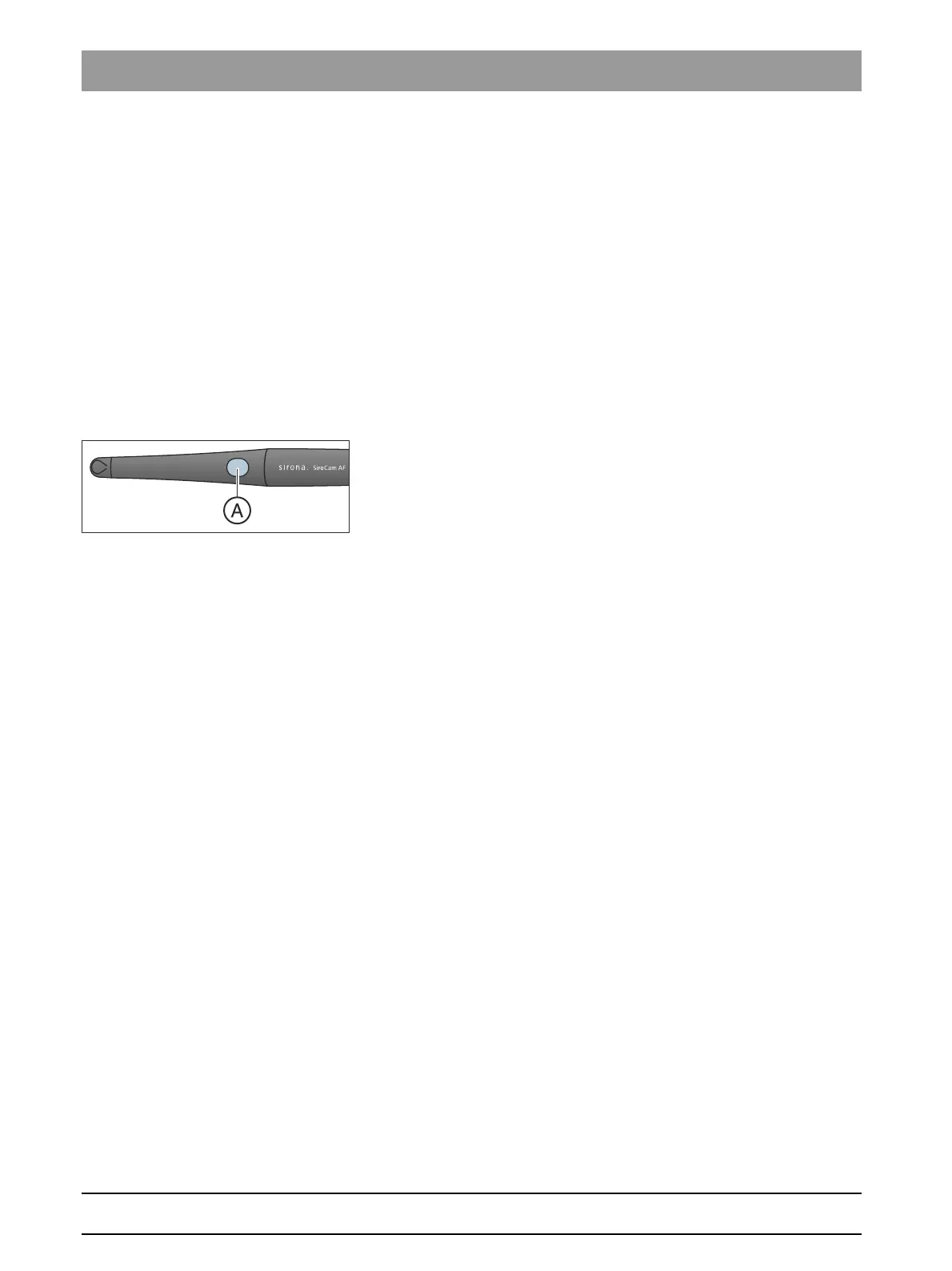
2. Press the
Auto focus
key A.
The intraoral camera adjusts the image focus according to the
distance from the subject to be acquired. The adjustment
remains until the key is pressed again.
Focusing the camera using the C+ electronic foot control
If the treatment center is equipped with the C
+
electronic foot switch, it
can be configured in the setup that the foot control can be used to focus
the camera, see "Switch intraoral camera focus ON/OFF with the C
+
electronic foot switch" at for Easy Pad [ → 195], at for EasyTouch [ → 200].
4.12.2.4.2 Focusing the SiroCam F intraoral camera
With the SiroCam F, focusing is set only for close-up range. The A key
has no function















 To Next Page