64 57 498 D3543
78 D3543.201.01.05.02 08.2016
4Operation Sirona Dental Systems GmbH
4.4Patient chair Operating Instructions INTEGO
4.4.9.2
Adjusting the chair height
Via fixed keys on the EasyPad
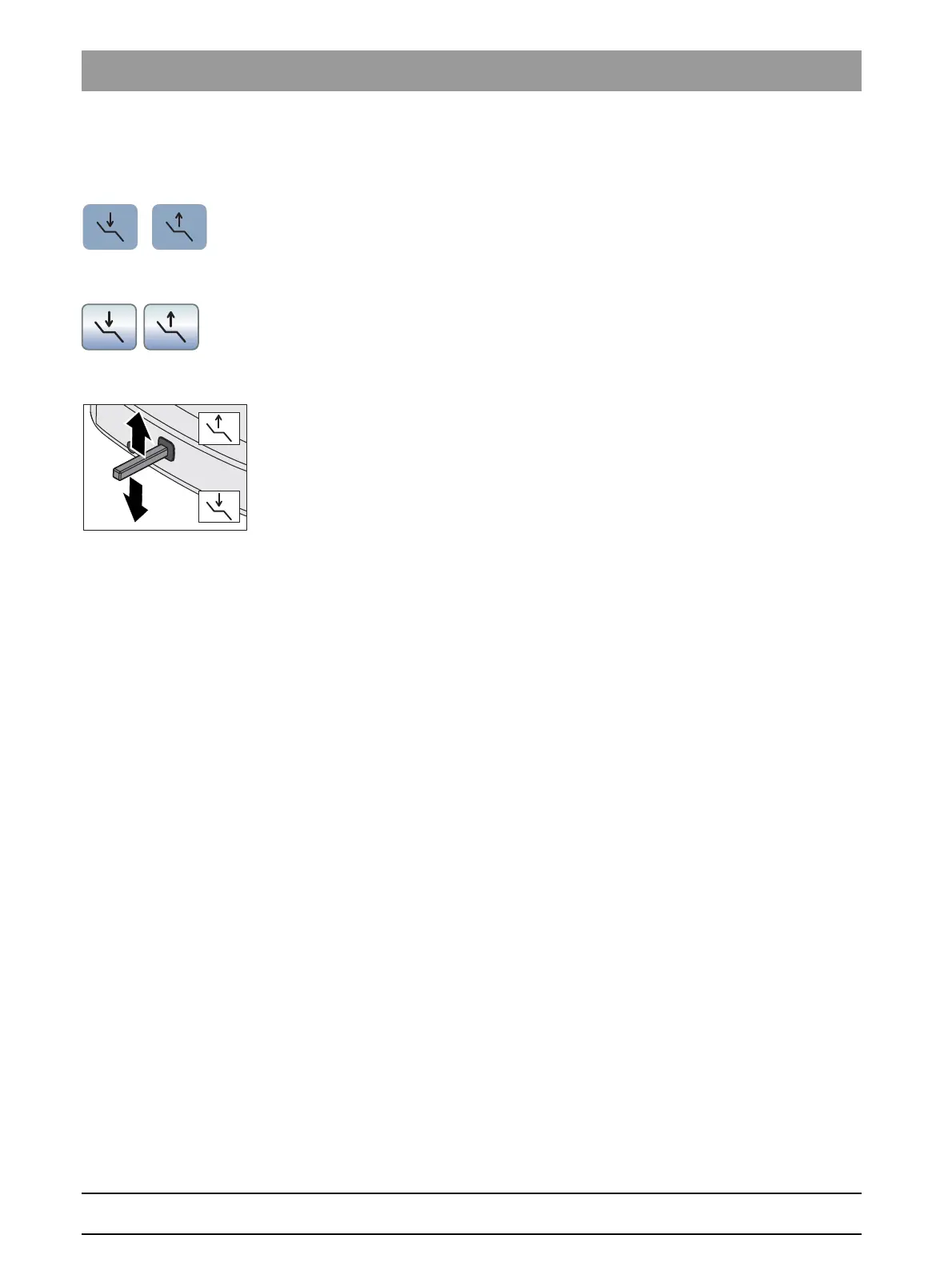
➢ Press the
Adjust the chair height
key.
Via the touchscreen on the EasyTouch
✔ The
Start
or
Instrument dialog
is displayed on the touchscreen.
➢ Touch the
Adjust the chair height
key.
Via the 4-way foot switch
✔ If the 4-way foot switch is allocated to the aspirator in the setup
program, the spray aspirator must be in place. See "Coupling suction
to the 4-way foot switch" on the EasyPad [ → 194], on the EasyTouch.
➢ Slide the upper 4-way switch upward or downward.















 To Next Page