64 57 498 D3543
D3543.201.01.05.02 08.2016
137
Sirona Dental Systems GmbH 4Operation
Operating Instructions INTEGO 4.5Dentist element
båÖäáëÜ
4. Close the setting dialog with the
Back
key.
The setting is automatically saved when the dialog is closed.
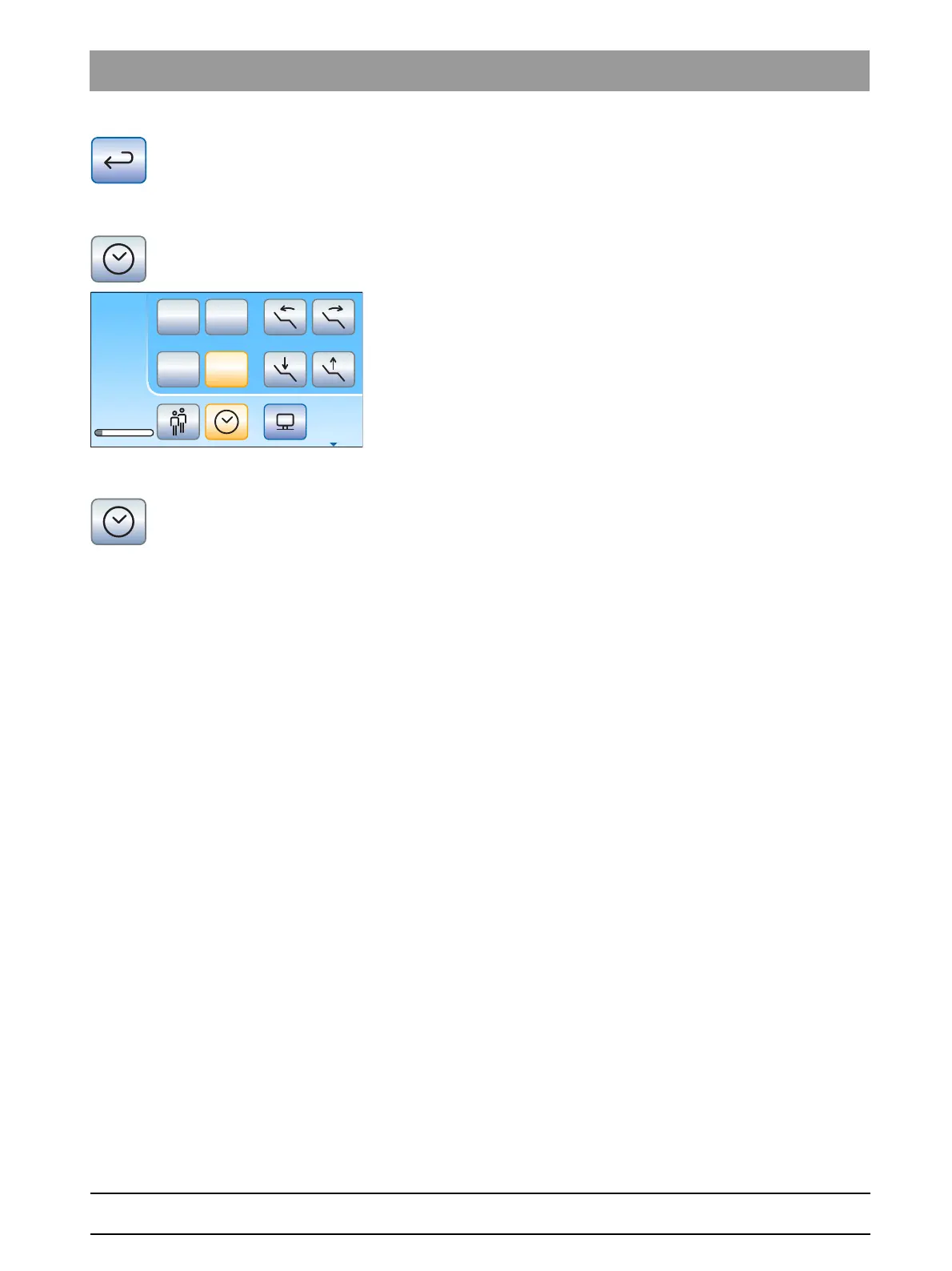
Starting the timer
➢ Press the
Timer
key on the touchscreen briefly.
The preset timer is started immediately. The set and elapsed time
are displayed on the left side of the touchscreen.
Stopping/resetting the timer
Briefly touching the key stops the timer. Touching it again continues the
countdown.
Pressing and holding the
Timer
key (> 2 s) serves to display the
Timer
function
setting dialog. This resets the timer to zero.















 To Next Page