64 57 498 D3543
D3543.201.01.05.02 08.2016
91
Sirona Dental Systems GmbH 4Operation
Operating Instructions INTEGO 4.5Dentist element
båÖäáëÜ
4.5.5.2.5 Setting the ApexLocator
If your treatment center is equipped with the ApexLocator option, you can
configure this in the first and second
Motor
sub-dialog. For more
information, refer to the chapter "ApexLocator", section "Endodontic
treatments with ApexLocator and torque limitation handpiece" [ → 127].
The ApexLocator is available only with the EasyTouch comfort user
interface.
4.5.5.2.6 Setting the C
+
electronic foot switch as a direct starter or speed
control foot switch
To operate the motor or scaler SIROSONIC L the C
+
electronic foot
switch can be set as a direct starter or a control foot switch:
● Direct starter
When the foot switch is actuated, the instrument is switched on with
the set speed and intensity.
● Control foot switch
Depending on the setting of the foot switch, the instrument controls
the speed and intensity continuously up to the maximum value set.
✔ The
sub-dialog
of the removed instrument is displayed on the
touchscreen.
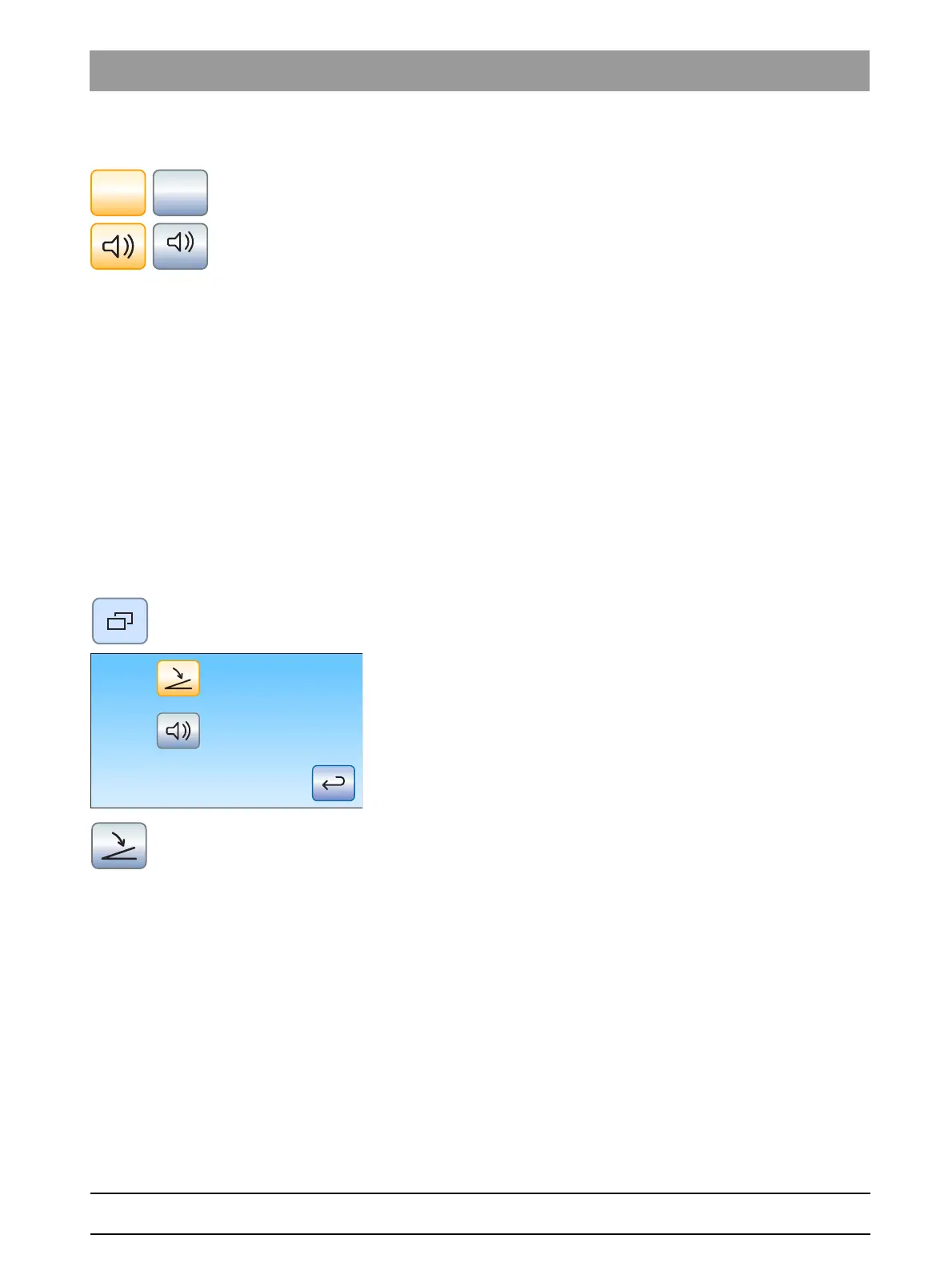
1. Only in the
Motor
sub-dialog: Press the fixed
Sub-dialog
key again.
The second sub-dialog is displayed.
2. Touch the
Direct starter/control foot switch
key.
If the key is highlighted gray, the direct starter function is switched
on. If the key is highlighted orange, the speed control foot switch
function is switched on.















 To Next Page