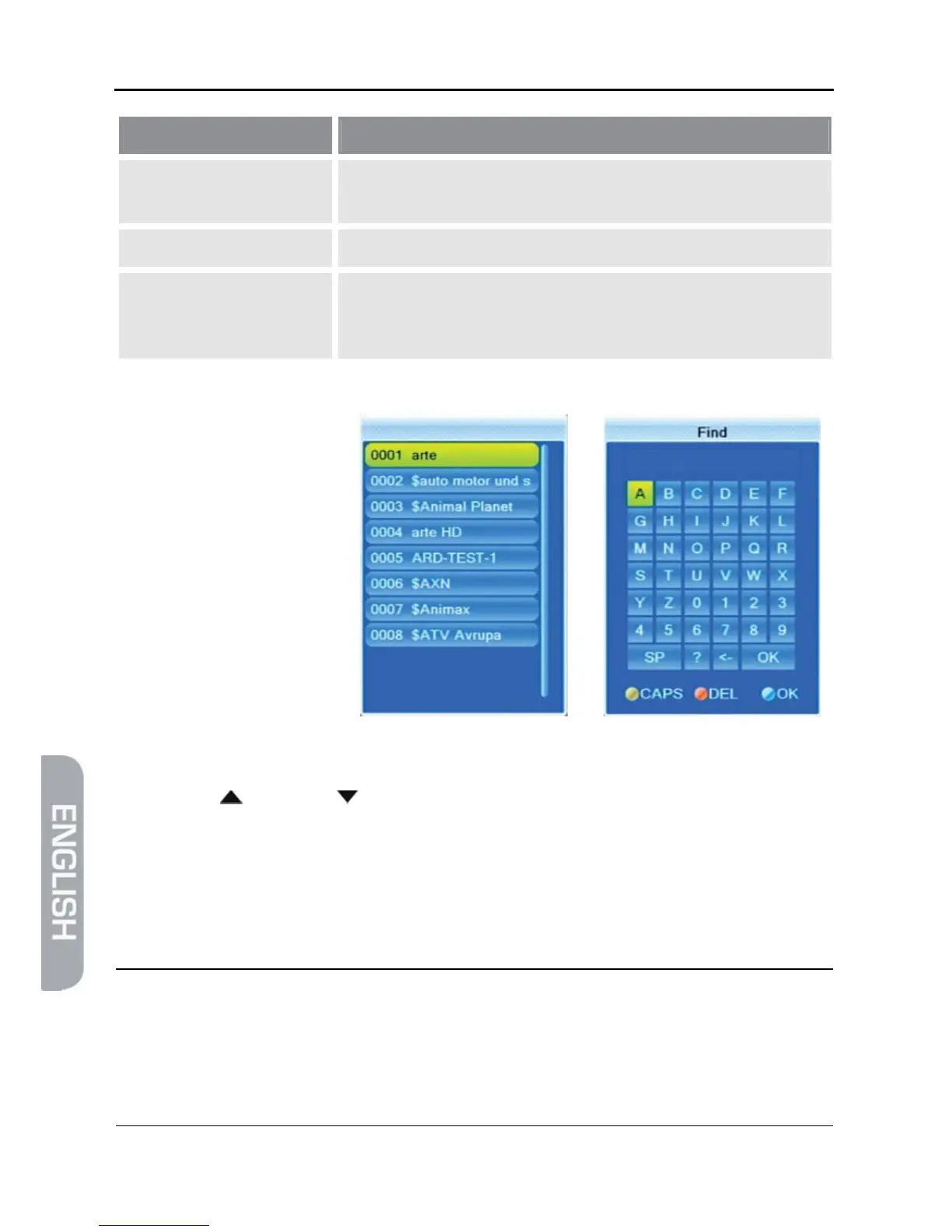
he question mark as first character has a wildcard function.
Example: "?R" searches for all channel names that include an
"R".
2 1
As soon as the first se-
lected character has been
confirmed by pressing
OK, a second window will
open, showing all chan-
nels starting with this
character (in most cases,
the first character is a
letter).
¾ Press EXIT to close window 1, provided that selection is sufficiently arranged for
your purposes. Now, you can select the desired channel in window 2 by using
the keys / PR+ and / PR-, and confirm by pressing OK.
¾ Return to entry of characters (see above) to further limit channel selection.
5.8.3.4 Sort Channel List (by Alphabet)
¾ Select Sort (A-Z) or Sort (Z-A) to sort the displayed channels in ascending or de-
scending alphabetical order in the channel selection window.
)
With all of the functions as described in 5.8.3, the made selec-
tion or sorting is deleted as soon as a channel is selected by
pressing OK, i.e. if you are then pressing the OK key to show
the channel selection window, the channel selection list is dis-
played in its previous original state.



 To Next Page