Extended Settings and Functions
132 smart CX01
7.3.5 RAPS System
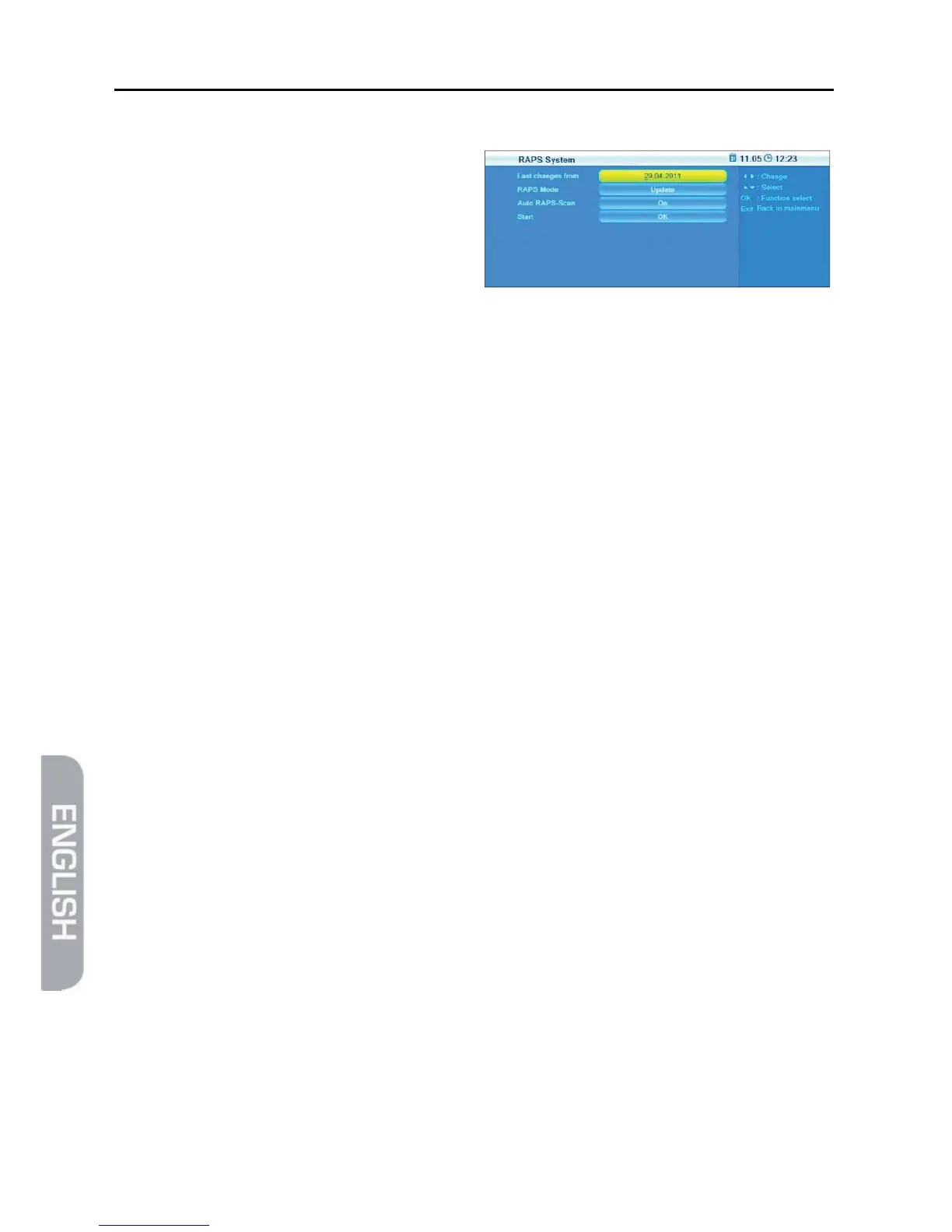
The window RAPS System displays at
Last changes from the date of the
RAPS file on the receiver.
¾ Select RAPS Mode to determine if the channel list should be completely recre-
ated or only be updated after resetting to factory settings.
¾ Select Auto RAPS Scan to determine if the automatic update function should
be activated.
¾ Select Start to manually start new configuration or updating.



 To Next Page