Extended Settings and Functions
118 smart CX01
then mark further channels by using the keys / PR+ and / PR-, and respec-
tively confirm by pressing OK. The channels to be moved should not be neces-
sarily in an uninterrupted sequence.
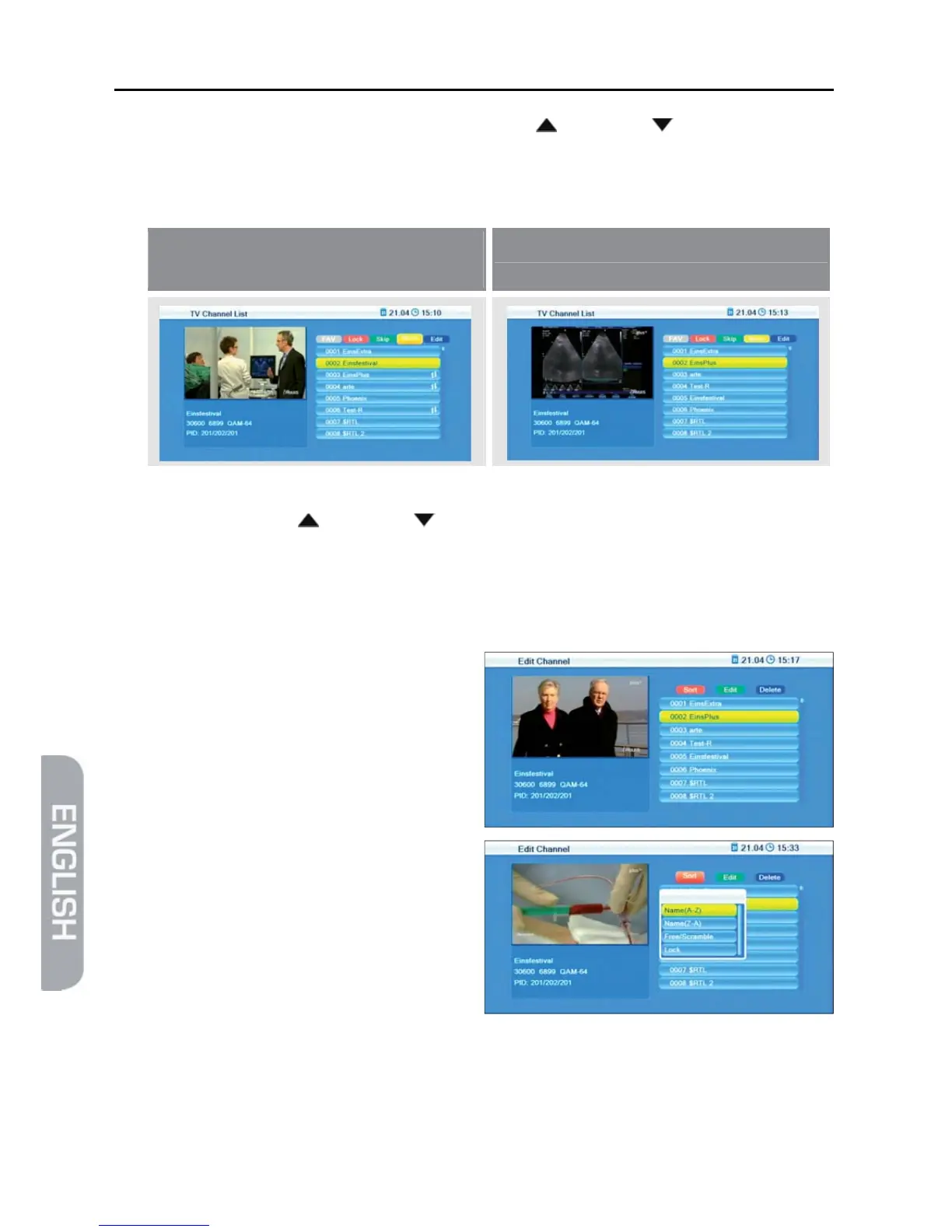
Example:
Before moving – three channels
are marked
After moving
3. Select the channel number to which the channel/channels are to be moved to
by using the keys / PR+ and / PR-, and again press the yellow function
key.
4. Press the EXIT key to leave the function Move.
7.1.1.5 Sort Channel List
1. Press the blue function key (Edit).
The window Edit Channel will
open.
2. Press the red function key (Sort)
to open a window for determining
sorting criteria.
3. Select Name(A-Z) to sort the channel list in ascending alphabetical order.
or
Select Name(Z-A) to sort the channel list in descending alphabetical order.
or



 To Next Page