Installation of smart CX01Fehler! Unbekannter Name für Dokument-Eigenschaft.
92 smart CX01
a.
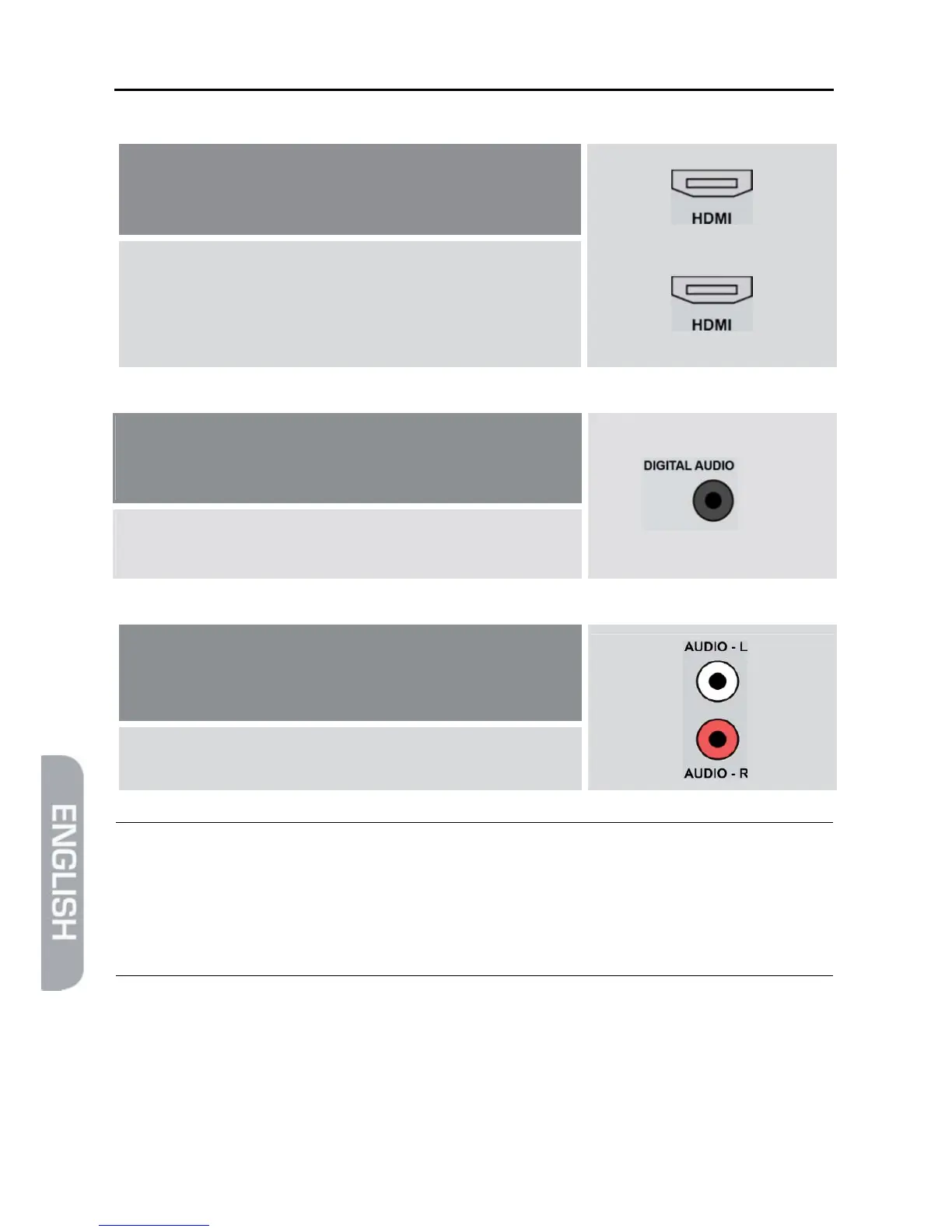
Your home cinema system is able to loop
through an HDMI signal, i.e. HDMI connection
for receiver and HDMI connection for TV set.
Receiver
TV set
¾ Connect the home cinema system and the re-
ceiver by using an HDMI cable as well as home
cinema system and TV set by using an HDMI ca-
ble.
b.
Your home cinema system can process digital
audio data – connection for digital data is pre-
sent.
¾ Verbinden Sie die Heimkinoanlage und den Recei-
ver mit einem Cinch-Kabel.
c.
Your home cinema system can not process digi-
tal audio data – no connections for digital data
present
¾ Connect the home cinema system and the re-ceiver by
using a 2-pole RCA cable (stereo).
)
¾ If your home cinema system (hi-fi system) supports HDMI
connection, then use such connection.
This ensures best possible audio and video quality with digi-
tal signals.
4.5 Connect Data Storage (Optional)
Connect a data storage (USB stick or hard drive with USB connection) at the USB
connector to be able to access MPEG, MP3, JPG or other media data files.



 To Next Page