Extended Settings and Functions
smart CX01 123
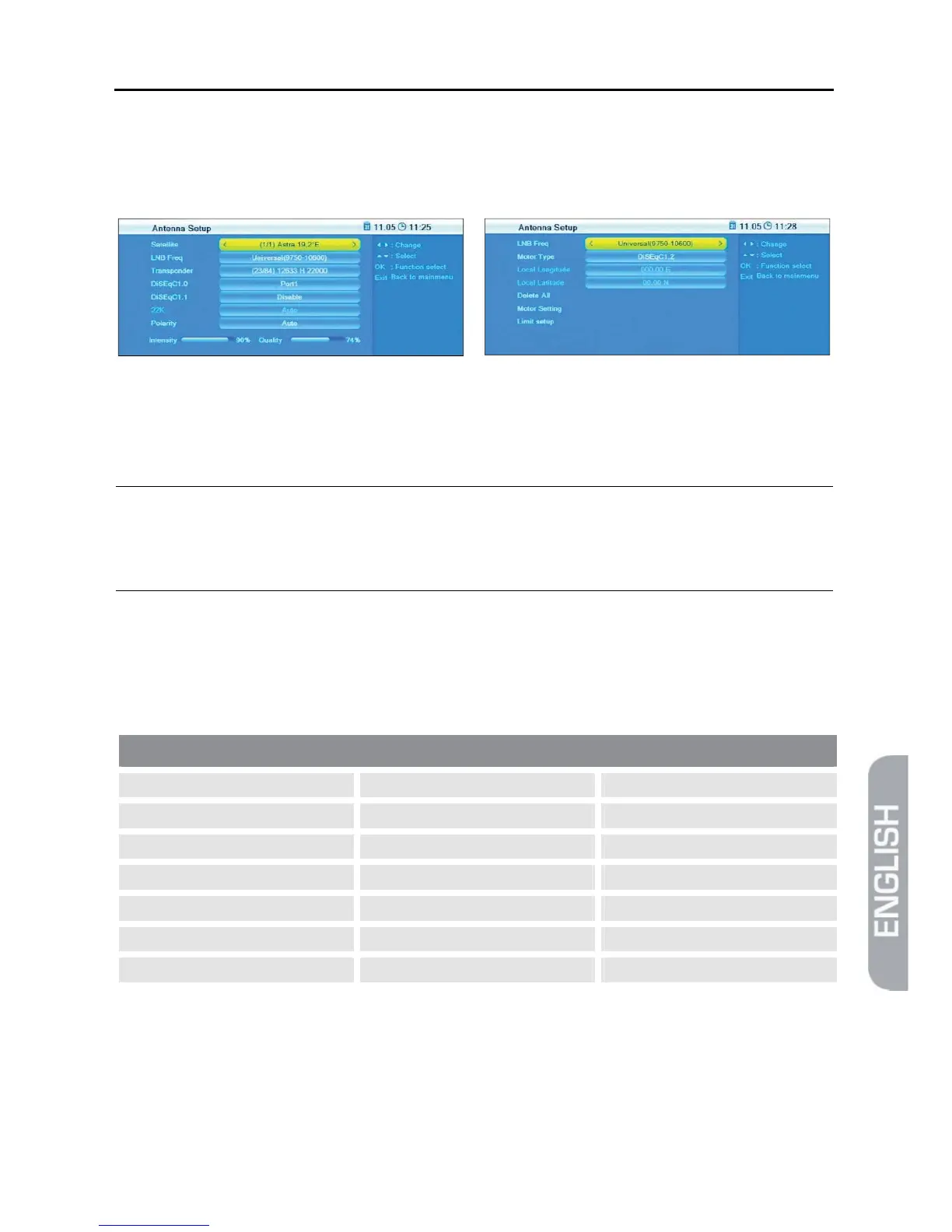
7.2.3 Antenna Setup
The submenu Antenna Setup states several entries depending on your selection of
Fixed Antenna or Motor Antenna
at Antenna Connection.
7.2.3.1 Fixed Antenna
¾ At Satellite, select the satellite to which the following settings should apply.
)
The options are limited to such satellites that are marked in the
Satellite List as such satellites from which you want to receive
channels.
¾ At LNB Freq, select the value corresponding to the used LNB. Alternatively,
press OK, select the corresponding value from the list, and confirm by pressing
OK.
Possible values LNB frequency (MHz)
5150 10600 Universal (9750 - 10550)
5750 10700 Universal (9750 - 10600)
5950 10750 Universal (9750 - 10700)
9750 11250 Universal (9750 - 10750)
10000 11300 Universal (9750 - 10600)
10050 5150 - 5750 Unicable (9750 - 10600)
10450 5750 - 5150 Unicable (10200)
A universal LNB with 9750 - 10600 MHz is the default value.
You can set signal strength and signal quality for receiving of a certain transponder:



 To Next Page