Extended Settings and Functions
134 smart CX01
7.4.4.1 Software Update via Satellite
If you receive your TV signal via Astra 19.2°E, then you can perform an update of the
receiver software via satellite:
In the menu Tools, select the submenu S/W Upgrade by.
1. Leave all settings unchanged (factory settings).
)
The option of software update via satellite is only possible via
Astra 19.2°E. Correspondingly, all settings should be left un-
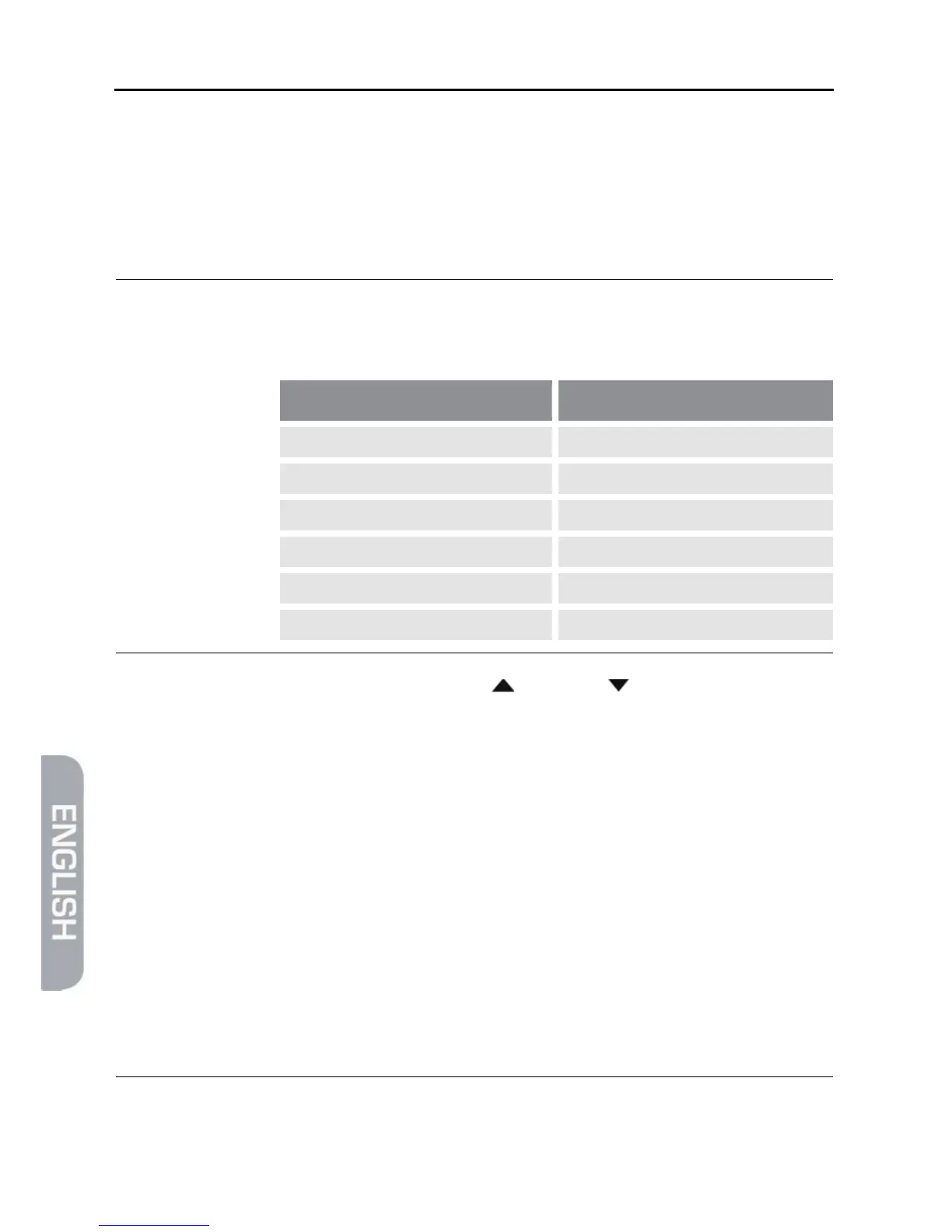
changed in the status as preset by smart:
Line Target value
Satellite (1/1) Astra 19.2°E
Transponder (61/84) 12604 H 22000
Frequency 12604
Symbol rate 22000
Polarization H
Download PID 343
2. Mark the button Start by using the keys / PR+ and / PR-, and confirm by
pressing the OK key.
Now it is being checked if the software currently installed on the receiver is up-
to-date. If it is not up-to-date, then the current software version will be down-
loaded via satellite and installed onto the receiver. After end of installation you
will be asked if the update should be saved.
3. Select the option Yes to accept the update.
The satellite update may take up to one hour. Do not switch off the receiver
during such period!
7.4.4.2 Update via USB
1. Search for the upgrade file on the internet page www.smart-electronic.de
(menu item Support) and save it to a USB data storage.
2. Unpack the file with the ending .abs and copy it to the USA data storage.
)
Please note that the upgrade file (*.abs) is copied directly to the
root directory of the USB data storage (no subdirectory)!



 To Next Page