Extended Settings and Functions
smart CX01 135
3. Connect the data storage to your receiver.
4. In the menu Tools, select the sub-menu Upgrade by USB and press the OK key.
5. At Upgrade Mode, select the upgrade mode Allcode by using the keys
/ and / .
6. At Upgrade File, select the file copied in step 2.
7. Select the Start button and confirm
by pressing OK.
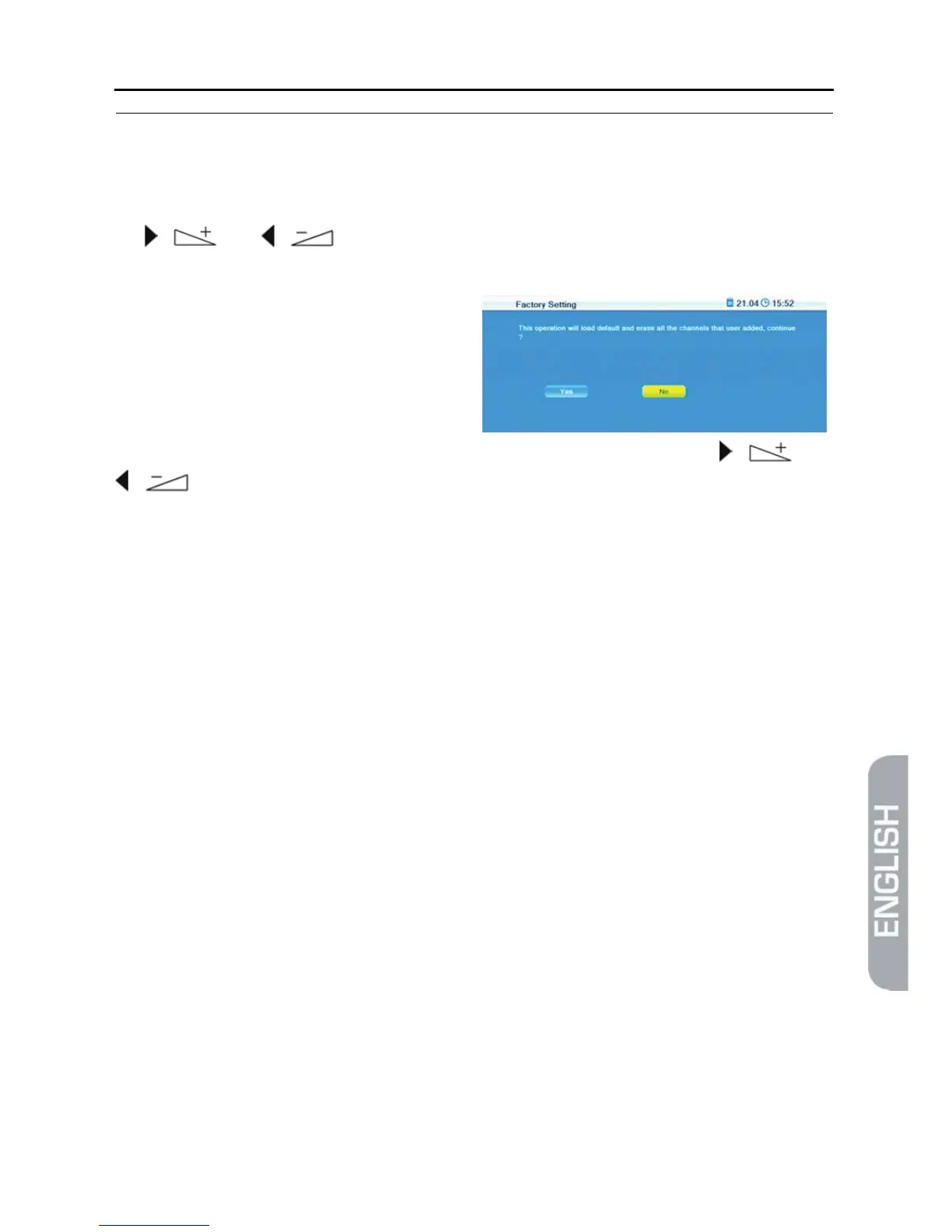
The message on the right will be
displayed:
The upgrade will be performed after selecting OK by using the keys / and
/ and pressing OK. Then, the receiver will automatically perform new start.



 To Next Page