Basic Operation
smart CX01 99
5.3 Select Operation Mode
)
TV is the operation mode after first switching-on of the receiver
(or after restoration of factory settings).
You can select between the operation modes TV (TV channels) and RADIO
(radio channels) as follows:
¾ Press the key TV/RADIO on the remote control.
¾ Press again the key TV/RADIO to return to the previous operation mode.
5.4 Call/Leave Menu
¾ To call the menu, press the key
MENU (of the remote control or at
the receiver).
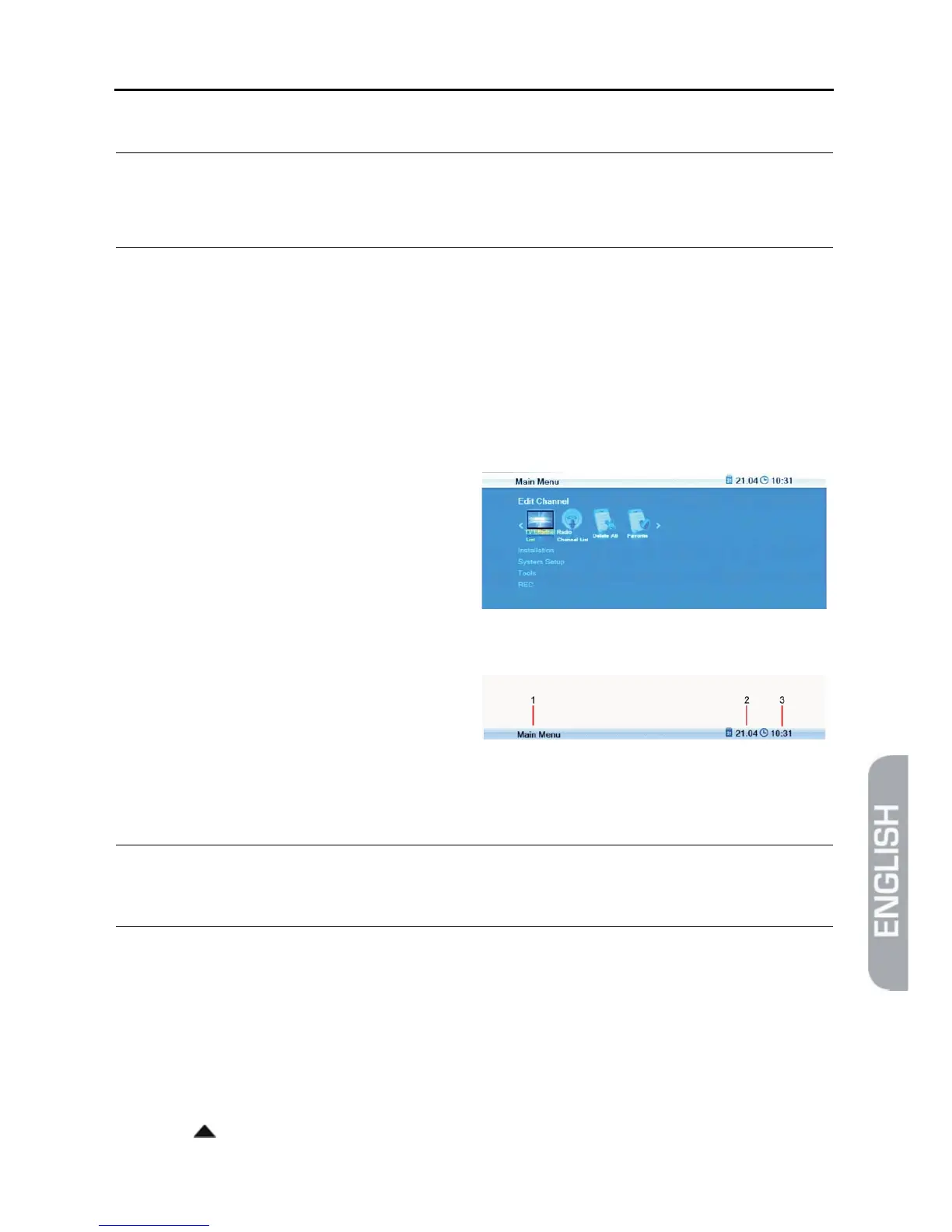
The menu is called.
The following is displayed in the
headline of the various menu win-
dows:
1 Name of menu window
2 Current date
3 Current time
¾ Press the EXIT key to leave the menu or to go back one step.
)
In could be possible that you have to press EXIT several times
to go back to TV mode.
5.5 Menu Navigation
The menu items with the settings for TV and radio can be respectively accessed in
the two operation modes TV and Radio.
For menu navigation, you can use both the keys at the receiver as well as the re-
mote control:
¾ Press / PR+ to select the menu item above.



 To Next Page