Extended Settings and Functions
130 smart CX01
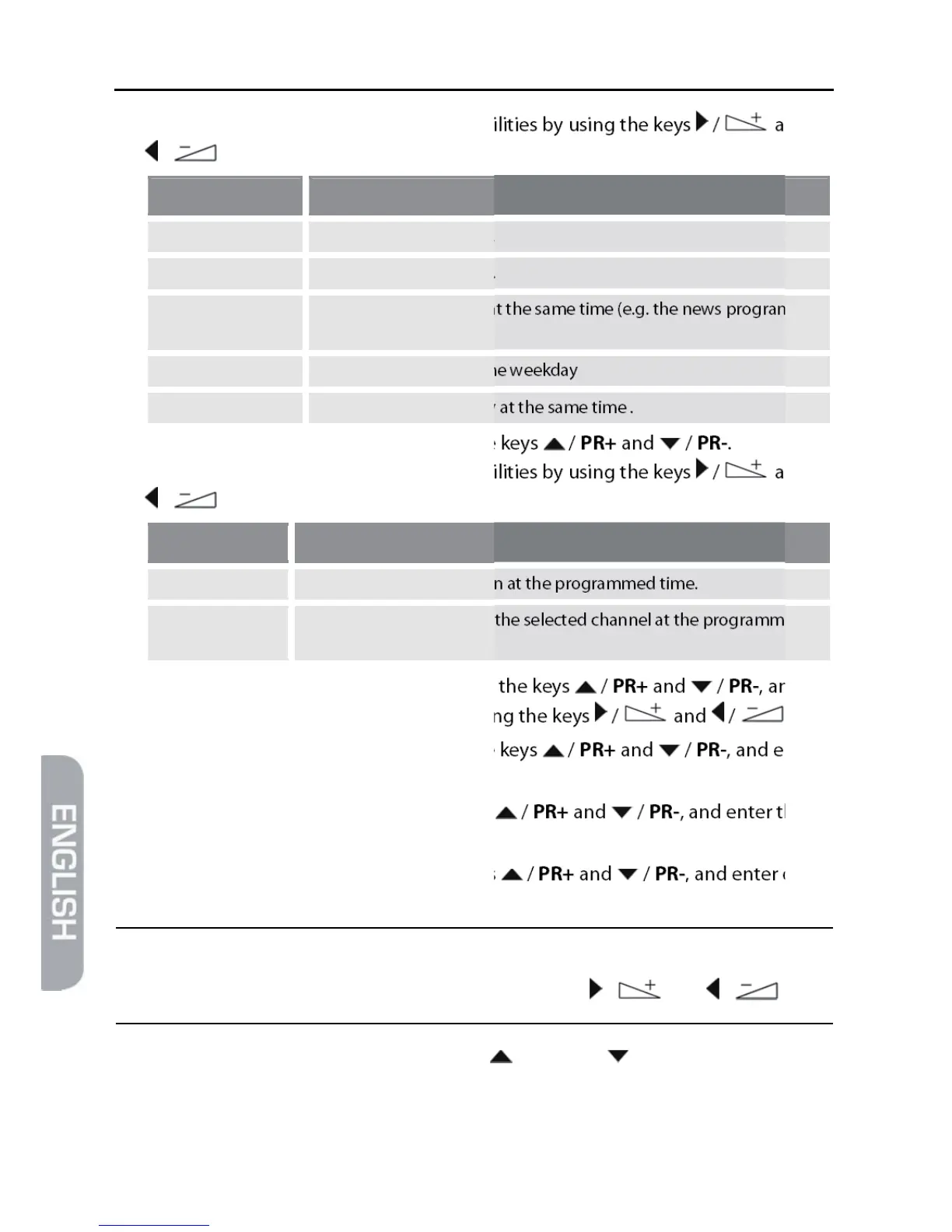
4. You can select from the following possibilities by using the keys / and
/ :
Value Meaning
Off The timer is deactivated.
Once Single event (only once).
Daily Event occurs every day at the same time (e.g. the news program
every day)
Weekly Event always at the same weekday
Monday to Friday Event Monday to Friday at the same time .
5. Mark the line Timer Service by using the keys / PR+ and / PR-.
You can select from the following possibilities by using the keys / and
/ :
Value Meaning
Turn Off The receiver will shut down at the programmed time.
Channel The receiver will switch to the selected channel at the programmed
time.
6. Mark the line Wakeup Channel by using the keys / PR+ and / PR-, and
select the channel to be displayed by using the keys / and / .
7. Mark the line Wakeup Date by using the keys / PR+ and / PR-, and enter
the date by using the numeric keys.
8. Mark the line On Time by using the keys / PR+ and / PR-, and enter the on
time by using the numeric keys.
9. Mark the line Duration by using the keys / PR+ and / PR-, and enter dura-
tion of the program by using the numeric keys.
)
You can go from letter to letter (position to position) in the date
and time fields by pressing the keys / and / .
10. Mark the button Save by using the keys / PR+ and / PR-, and confirm by
pressing OK (or select Cancel and confirm by pressing OK if you want to cancel
programming – then you will return to the sub-menu Timer Setting).



 To Next Page