Optional Equipment
The following equipment is not provided:
• Stacking cable, order number SMC3300-CABLE — one is
required for each hub you want to stack
• Rack-mounting screws — four are required for each hub
you want to mount in a rack
Required Rack-Mounting Tools
Be sure to have the following tools available when rack mount-
ing your hub:
• Screws for mounting the hub in a rack (not included)
• A screwdriver (Phillips-head or flathead, depending on type
of screws used)
Slide-in Modules
(Models 3312TA and 3326TA Only)
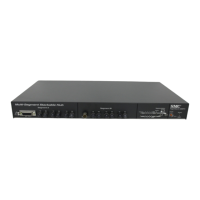
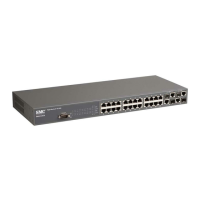
SMC’s TigerStack 3312TA and 3326TA hubs are equipped with
two expansion slots (port 7, port 14) for slide-in modules. AUI,
10BASE2, 10BASE-T and 10BASE-F modules are available.
Port 7 is accessible from the front panel and port 14 is located
on the rear of the hubs.
If you have purchased a slide-in module for port 7 and/or 14,
install the module(s) now. Follow the installation instructions
provided in the slide-in module package.
9
INSTALLING








 To Next Page