Connecting Power
Note: It is recommended that the hubs be stacked before
power is applied.
To connect each hub to a power source:
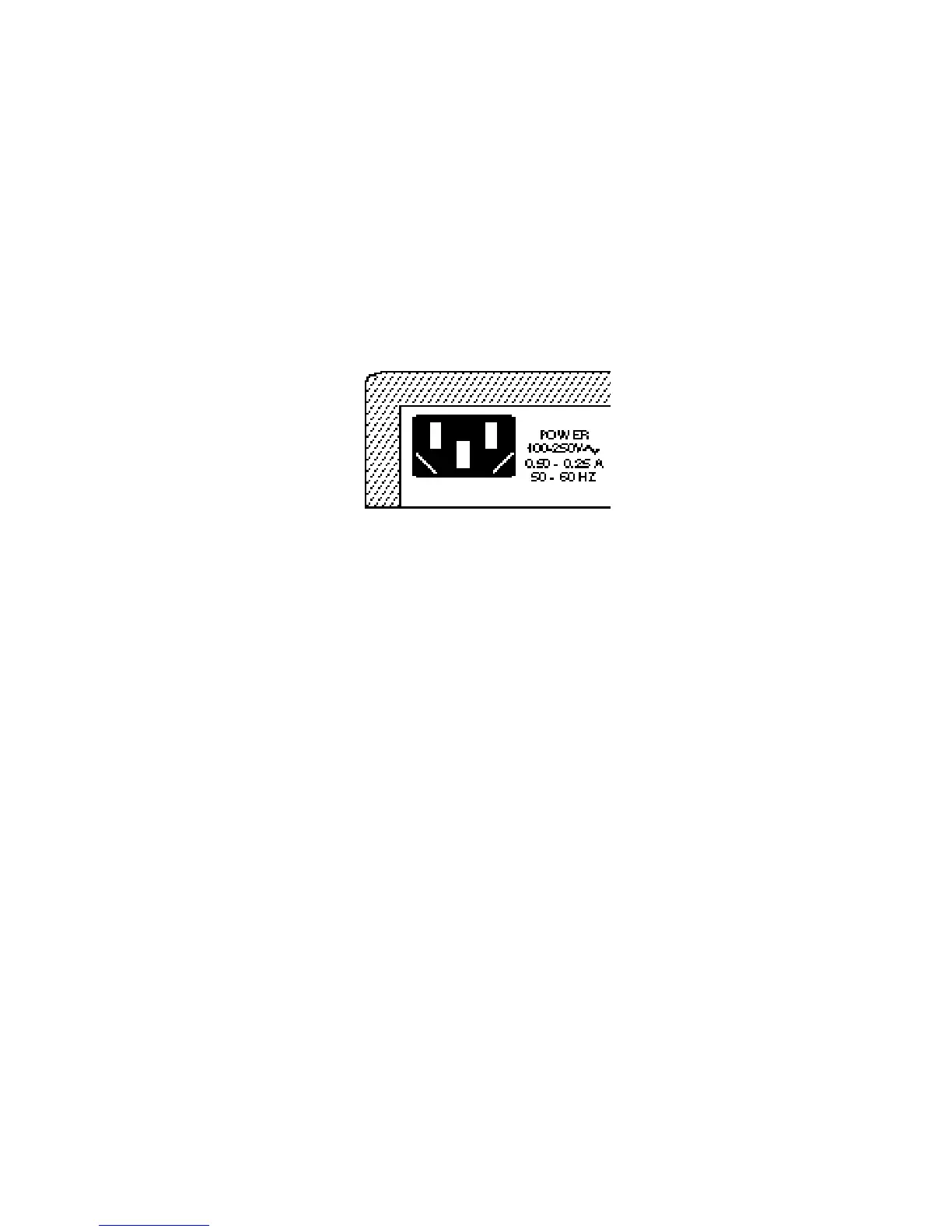
1. Insert the power cable plug directly into the receptacle
located at the back of the hub.
Power Connector on Rear of Hub
2. Plug the other end of the cable into the appropriate
receptacle.
Note: For international use, you may need to change the AC
line cord. You must use a line cord set for the recepta-
cle type in your country. The cord should be HAR-
Certified, and the mark HAR should appear on the outer
sheath or jacket, or on the insulation of one of the inner
conductors. The female receptacle of the cord set must
meet CEE-22 requirements. If you have any questions
concerning the proper power cord to use, please con-
tact your local SMC Supplier.
3. Check the front panel LEDs. At power on, the:
• Power LED — lights and remains on.
• NMM LED:
• If the NMM is installed, this LED blinks green for a
few seconds during power-on diagnostics, then turns
solid green. If diagnostics fail, the LED blinks yellow.
• If the NMM is not installed, the LED remains off.
15
INSTALLING








 To Next Page