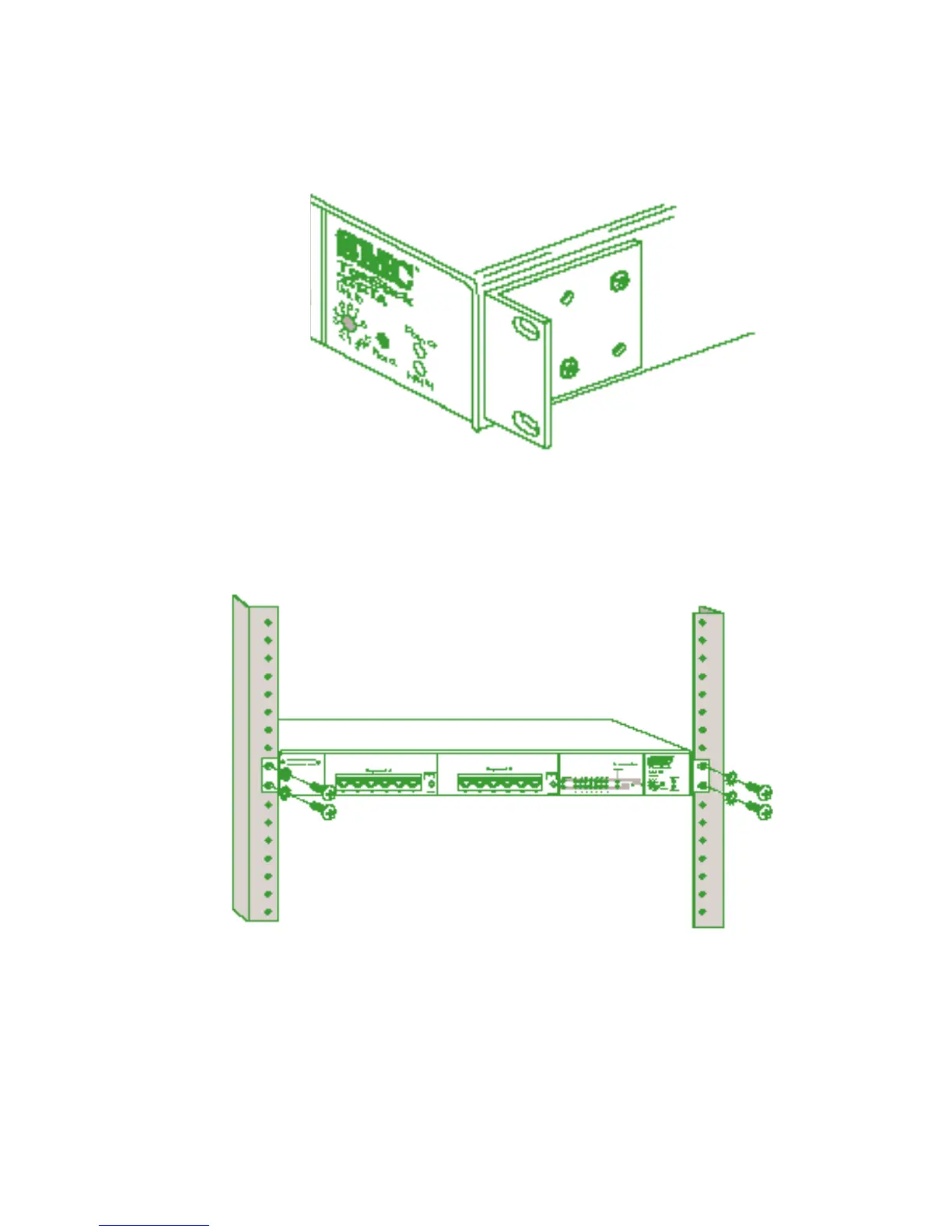
Attaching the Brackets
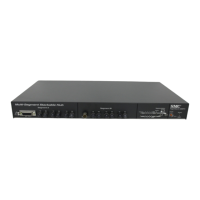
3. Install the hub in the rack, using four rack-mounting screws
(not provided).
Installing the Hub in a Rack
4. If stacking hubs, install the remaining hubs in the rack, one
atop the other. Then go to “Stacking” later in this chapter.
5. If installing a single hub, go to “Connecting Power” at the
end of this chapter.
11
INSTALLING








 To Next Page