Desktop or Shelf Mounting
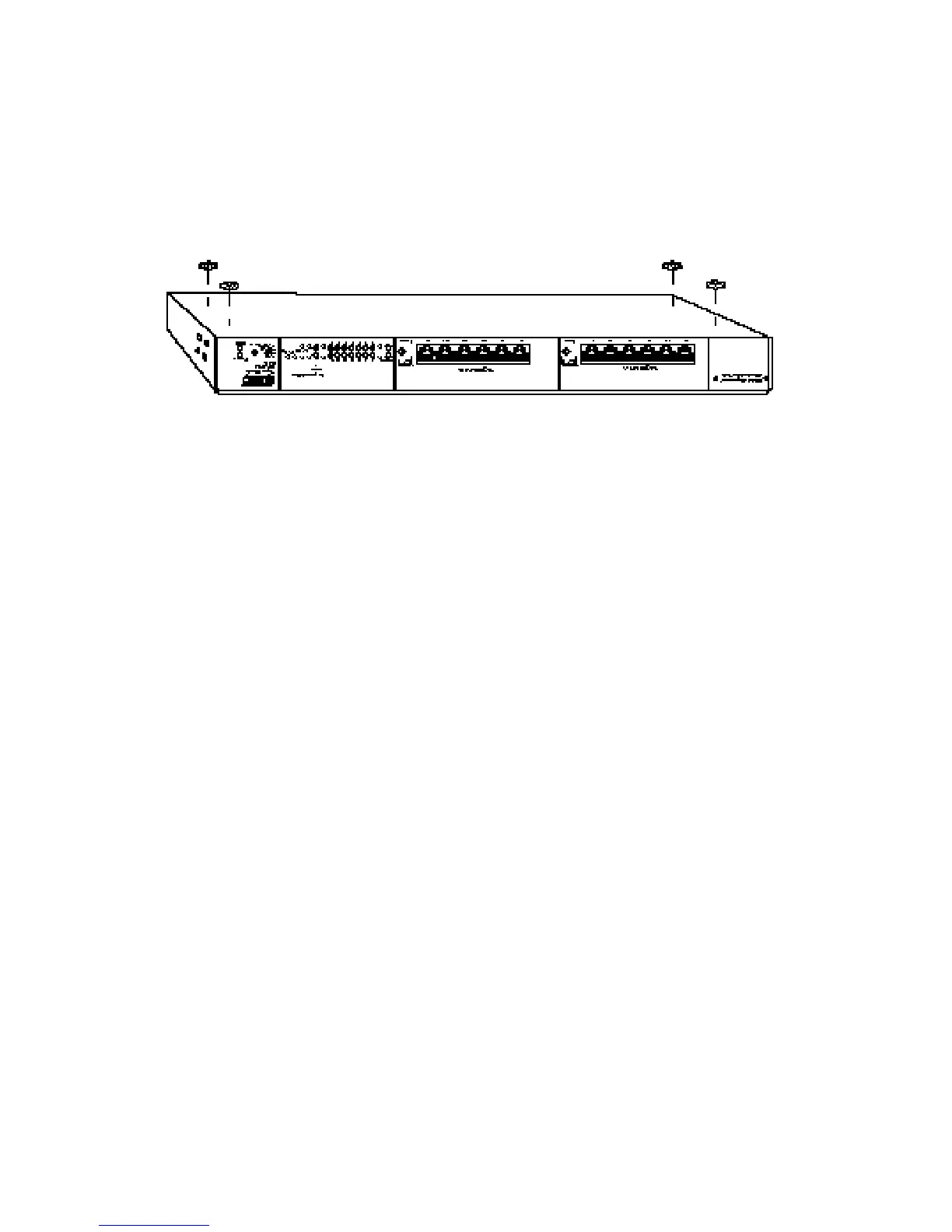
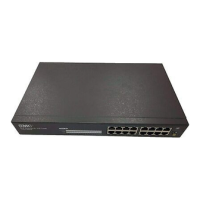
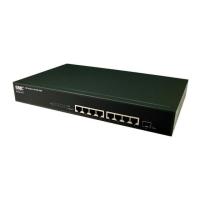
1. Attach the four adhesive feet to the bottom of the hub.
Attaching the Adhesive Feet
2. Set the hub on a flat surface near an AC power source,
making sure there are at least two inches of space on all
sides for proper air flow.
3. If stacking hubs, install four adhesive feet on each unit and
place each hub squarely on top of the hub below. Then go
to “Stacking” on the next page of this chapter.
4. If installing a single hub, go to “Connecting Power” later in
this chapter.
INSTALLING
12








 To Next Page