Caution: Regulations regarding the connection of equipment to
telephone networks vary from country to country.
Check with your local telephone network supplier
before using existing telephone wiring.
Note: Refer to the table on the preceding page to determine
whether you need straight-through or crossover cable.
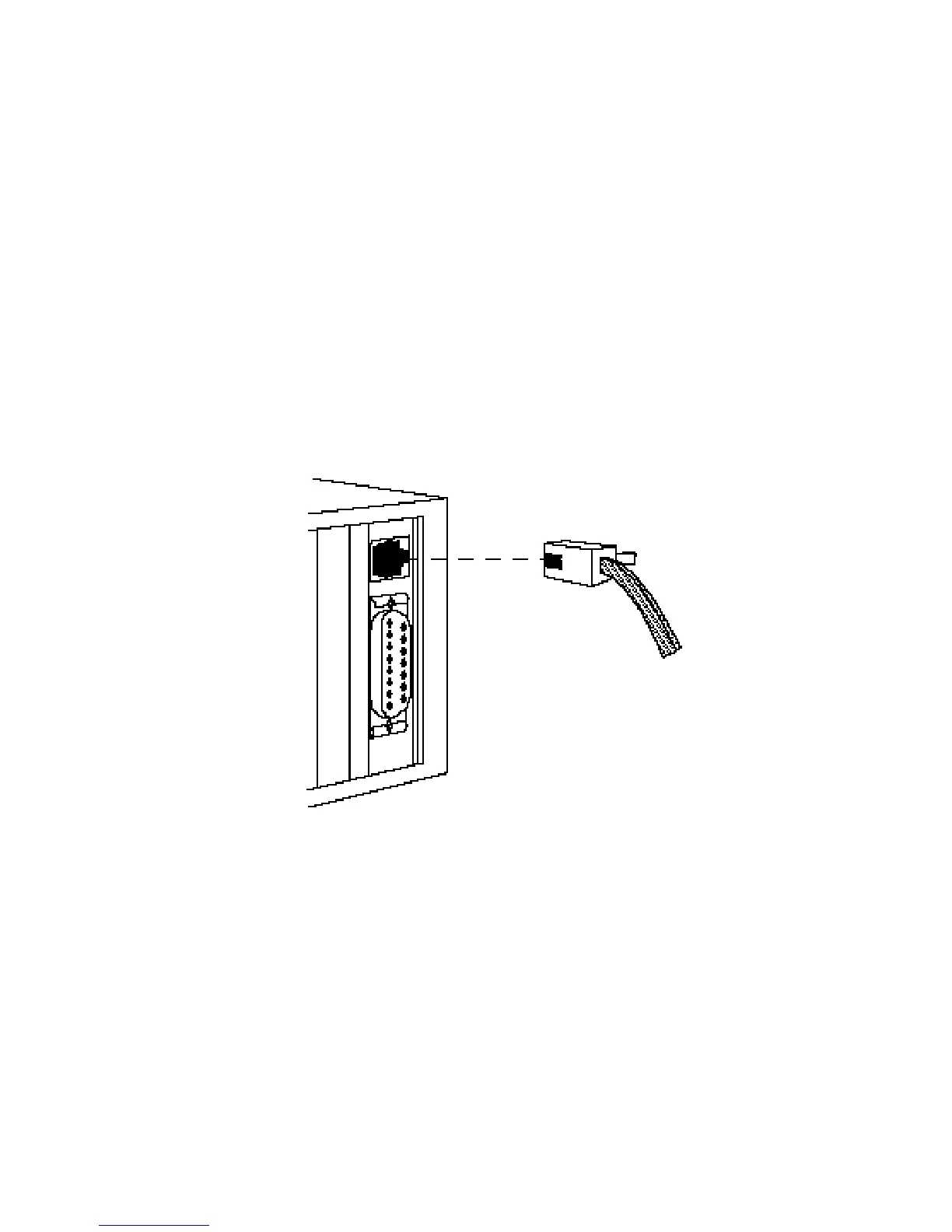
To connect a device to a 10BASE-T port on a TigerStack hub:
1. Attach one end of a twisted-pair cable segment to the
device’s RJ-45 connector.
10BASE-T Connections
2. If the device is another hub or a LAN switch, attach the
other end of the cable segment to an open 10BASE-T port
on the hub.
3. If the device is an adapter and the TigerStack hub is in a
wiring closet, attach the other end of the cable segment to
a 10BASE-T modular wall outlet that is connected to the
wiring closet (see “Wiring Closet Connections“ on the
next page). Otherwise, attach the other end to an open
10BASE-T port on the hub.
23
CONNECTING








 To Next Page