30
D375 | Snom 370 User Manual Getting to Know Your Phone
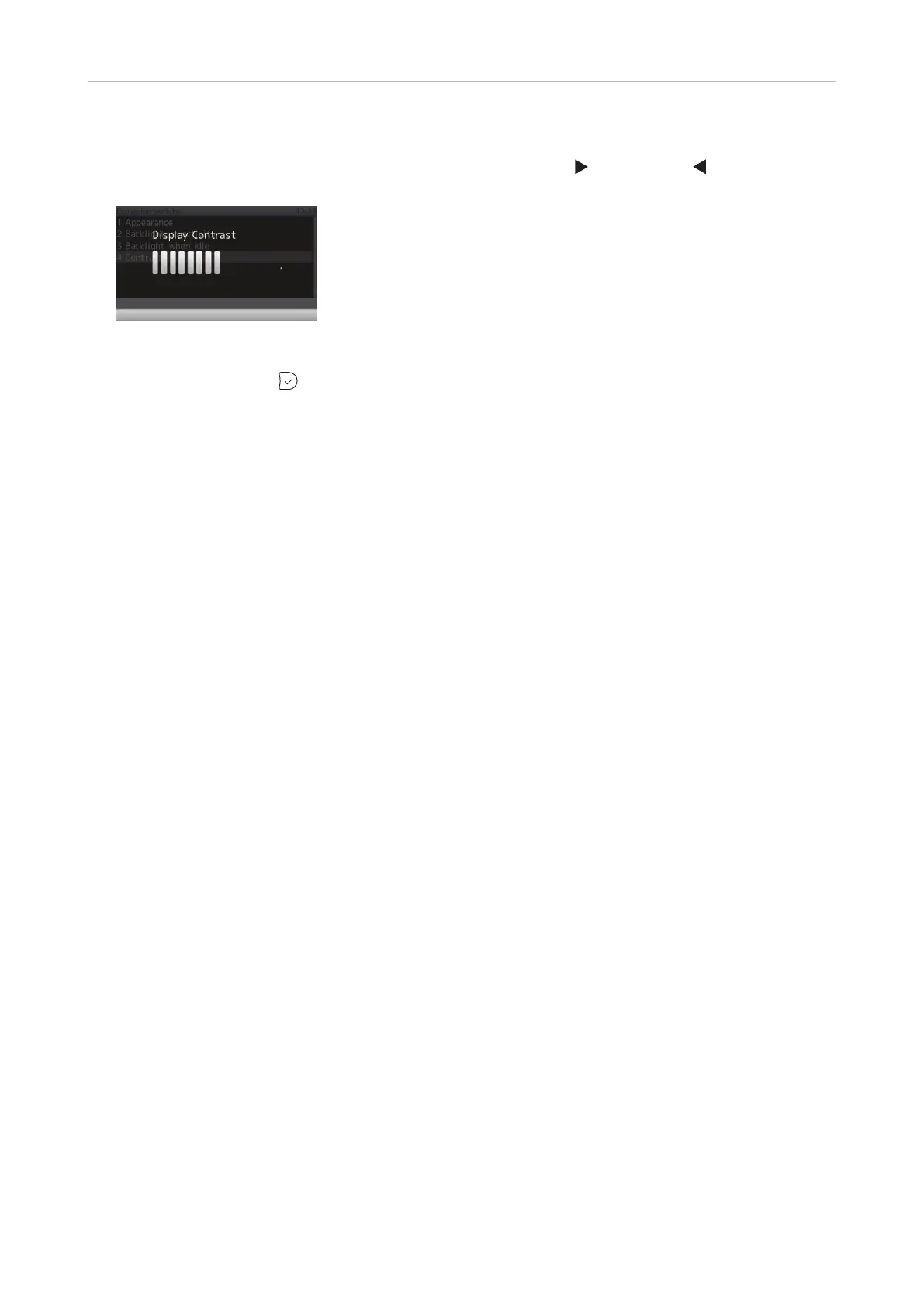
8. Press 4 Contrast.
9. Press right or left arrow on the navigation key to increase (
) or decrease ( ) the backlight's
intensity. The setting applies to all expansion modules connected to the phone.
Fig. 7
10. When done, press to save and return to Expansion modules menu (Fig. 3).



 To Next Page