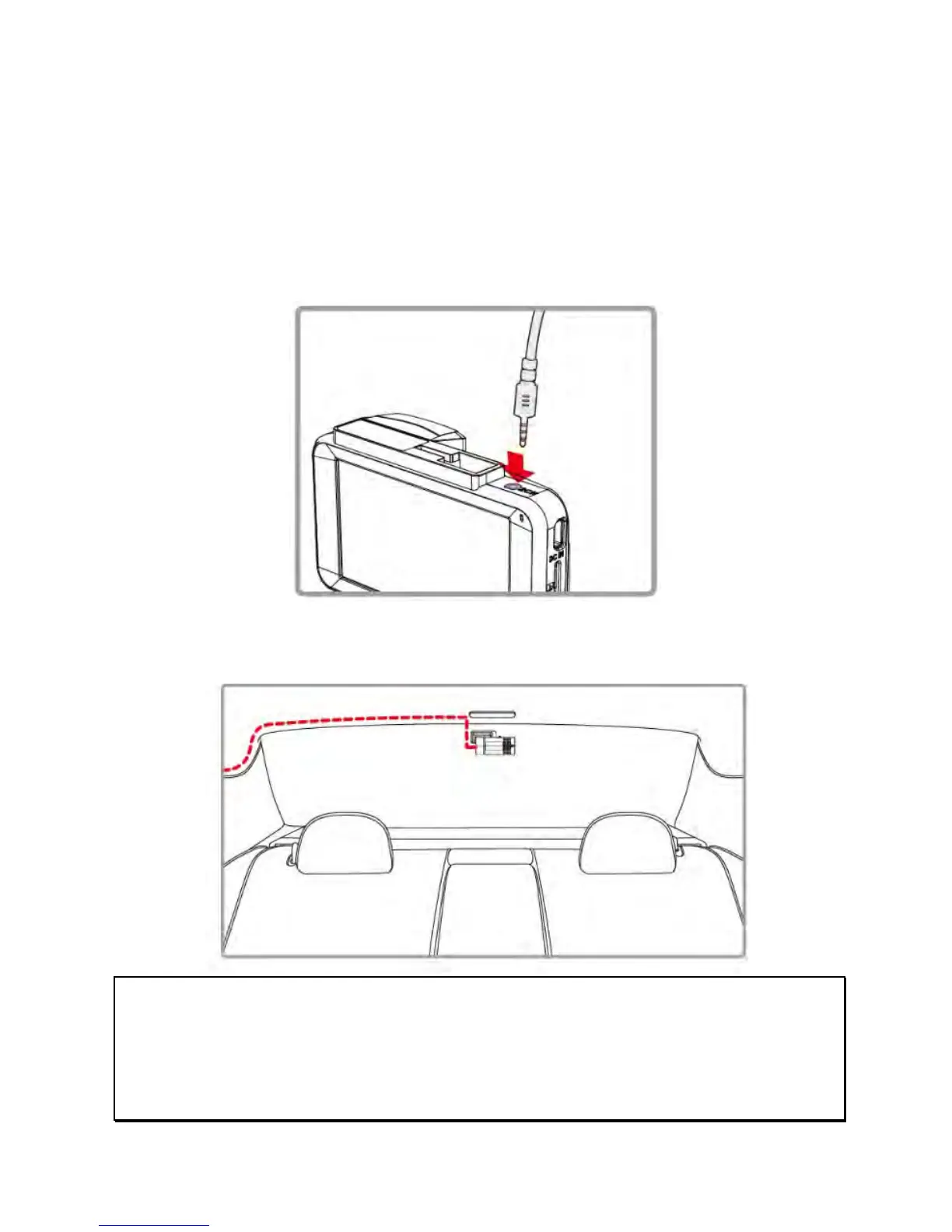
2.5 Connect and Set Up Rear Camera (DVR-5HD only)
Use the USB cable from the rear camera package to connect
between the front and rear cameras. (Rear camera is included in
the DVR-5HD package only. Please contact distributor for further
information.)
1. Plug phone j
ack into the front camera’s 2CH port. (Front
camera should be powered off.)
2. Plug the o
ther end of the USB cable (micro USB connector) into
the rear camera’s USB port.
Note:
1. Install the rear camera in the upper central position of the rear windshield.
2. The rear camera doesn’t support hot Plug-n-Play. Please turn off the front camera
before plugging in the rear camera.
3. If you change to the other rear camera, after Menu setting, you will need to re-power
on the front camera.



 To Next Page