3.11 Playback Videos and Photos
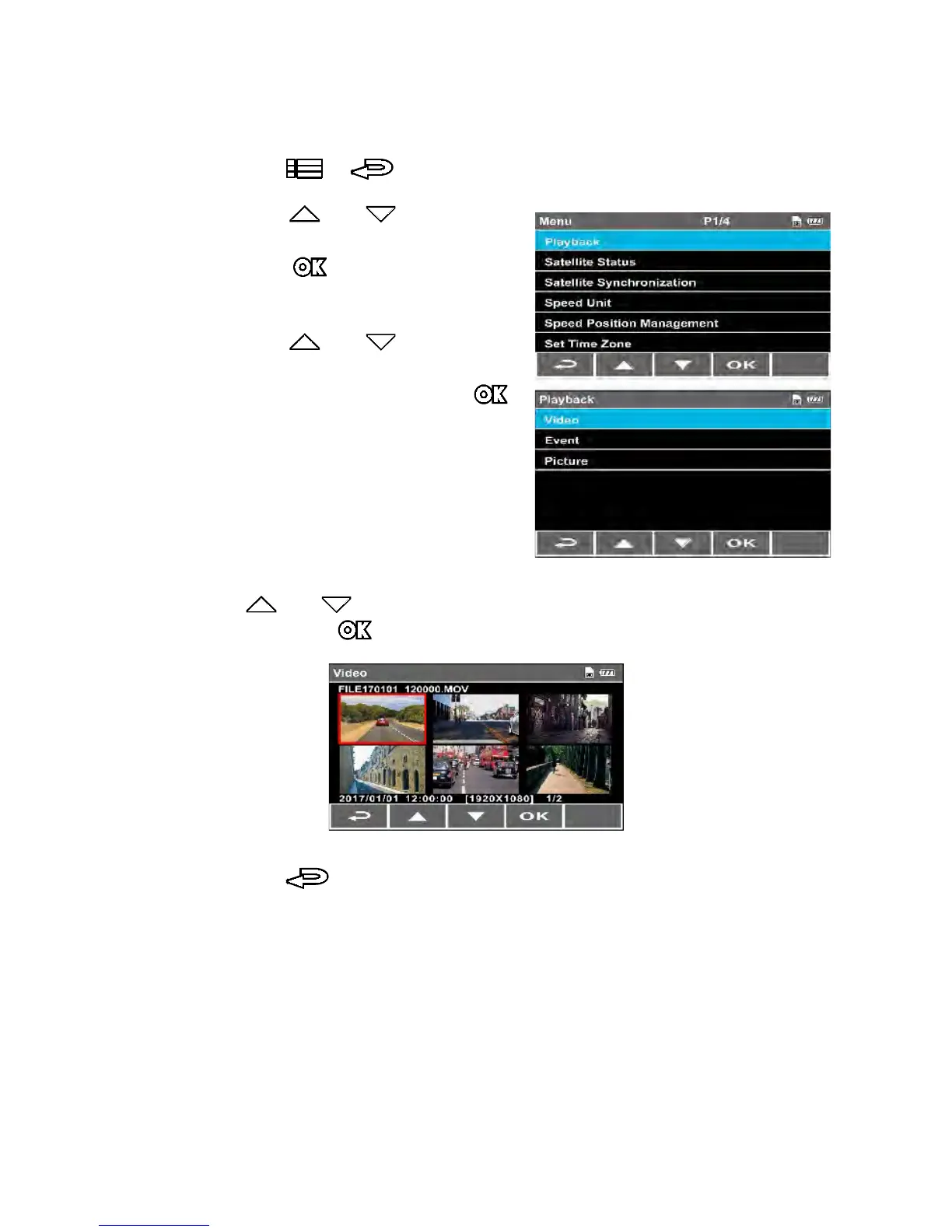
3.11.1 Playback
1.
Press the
/
button to enter the OSD menu.
2. Press the or button to
select Playback, and then
press the button to enter
the function menu.
3. Press the or button to
select file types (Video / Event /
Picture), and then press the
button to enter menu.
4. Press or button to browse the files, select the file and
then press the button to enter Playback Mode.
5. Press the repetitively to return to the recording screen.



 To Next Page