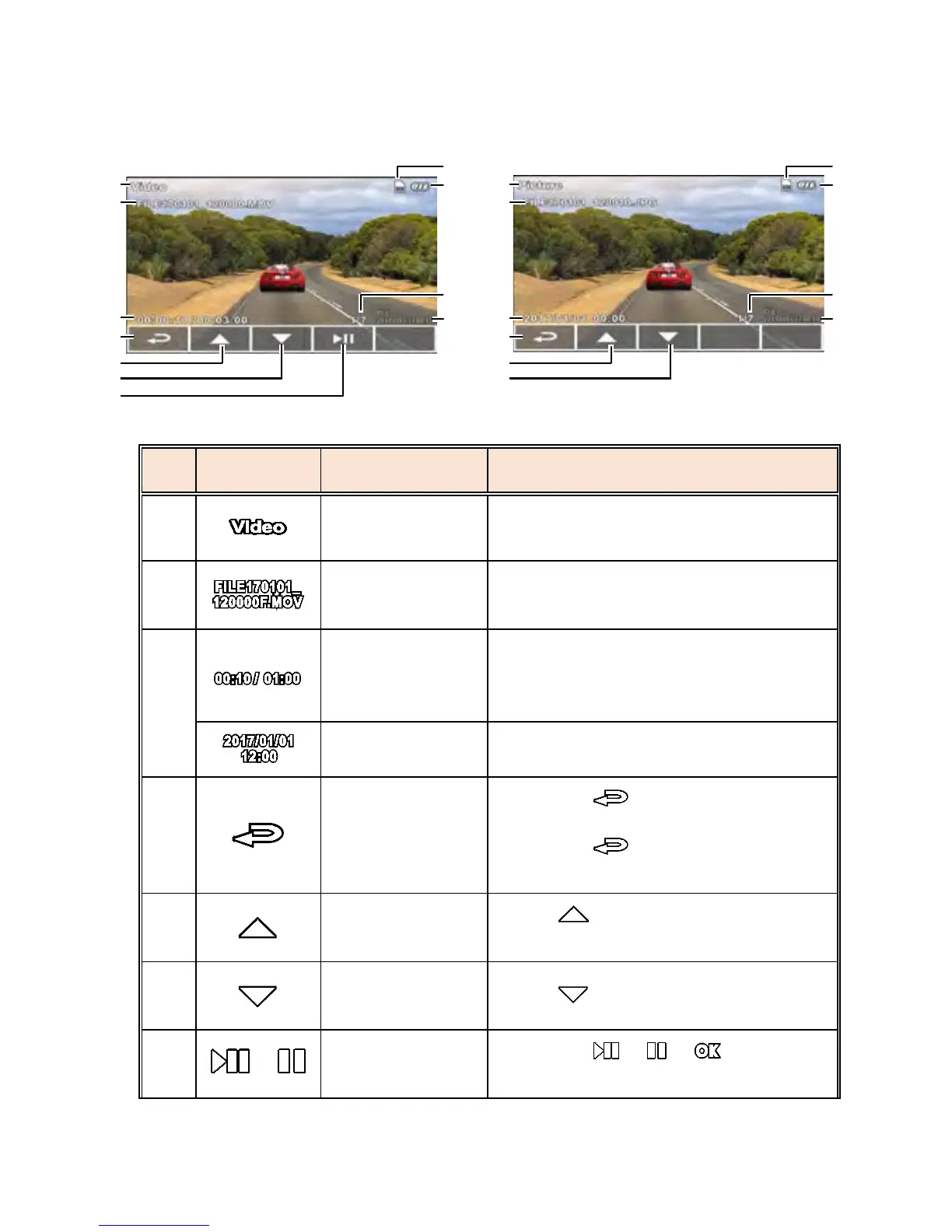
3.11.2 Playback Mode
No.
Icon Item Description
1
File Type
Indicates the type of file currently
playing.
2
File Name
Indicates the file name of video /
picture.
3
Duration /
Total
recorded time
Indicates the video elapsed time /
Indicates total recorded time.
Date and time Date and time the photo was taken.
4
Return
Press the button to return to
preview screen of video or picture.
Press the button repetitively
to return to the recording screen.
5
Previous File
Button
Press button to view previous
file.
6
Next File
Button
Press button to view next file.
7
/
Playback/
Pause button
Press the / / button to
play or pause the video.



 To Next Page