6.1 Updating speed trap data
Updating the speed trap data is simple.
Register your device at http://www.snooperneo.co.uk once registered,
follow the on screen instructions.
For subsequent downloads please follow the instructions below:
1. For DVR-4HD Gen 2 go to or click on the link below:
https://www.snooperneo.co.uk/SoftwareDVR.cfm?type=305
and enter your serial number.
For DVR-5HD Gen 2 go to or click on te link below:
https://www.snooperneo.co.uk/SoftwareDVR.cfm?type=306
2. Download by clicking the link on the webpage , when prompted
save the file to your PC.
3. Unzip/decompress the downloaded file and copy the 2 files
“SdFwCode.bin” & “DVR401.bin” into a micro SD card.
4. Insert the micro SD card into the DVR-4HD or DVR-5HD gen2.
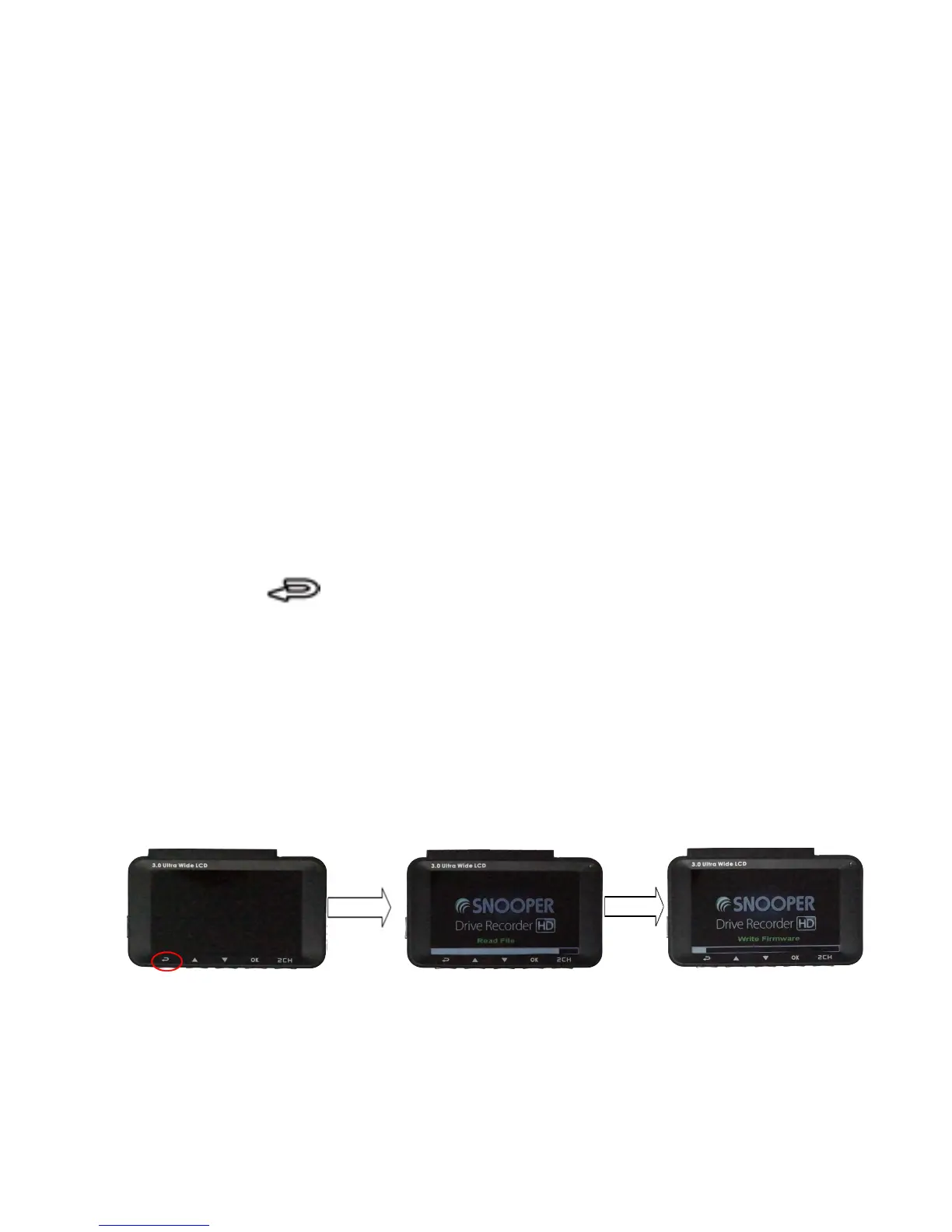
5. Press the button, and then connect a power adaptor to
power on the dash camera.
You can release the button when you see the firmware begin to
update.
6.
Do not disconnect power form the device until the update has
completed.
7. Once the update has completed the device will switch off.the
device will automatically the .BIN file from the SD card.



 To Next Page