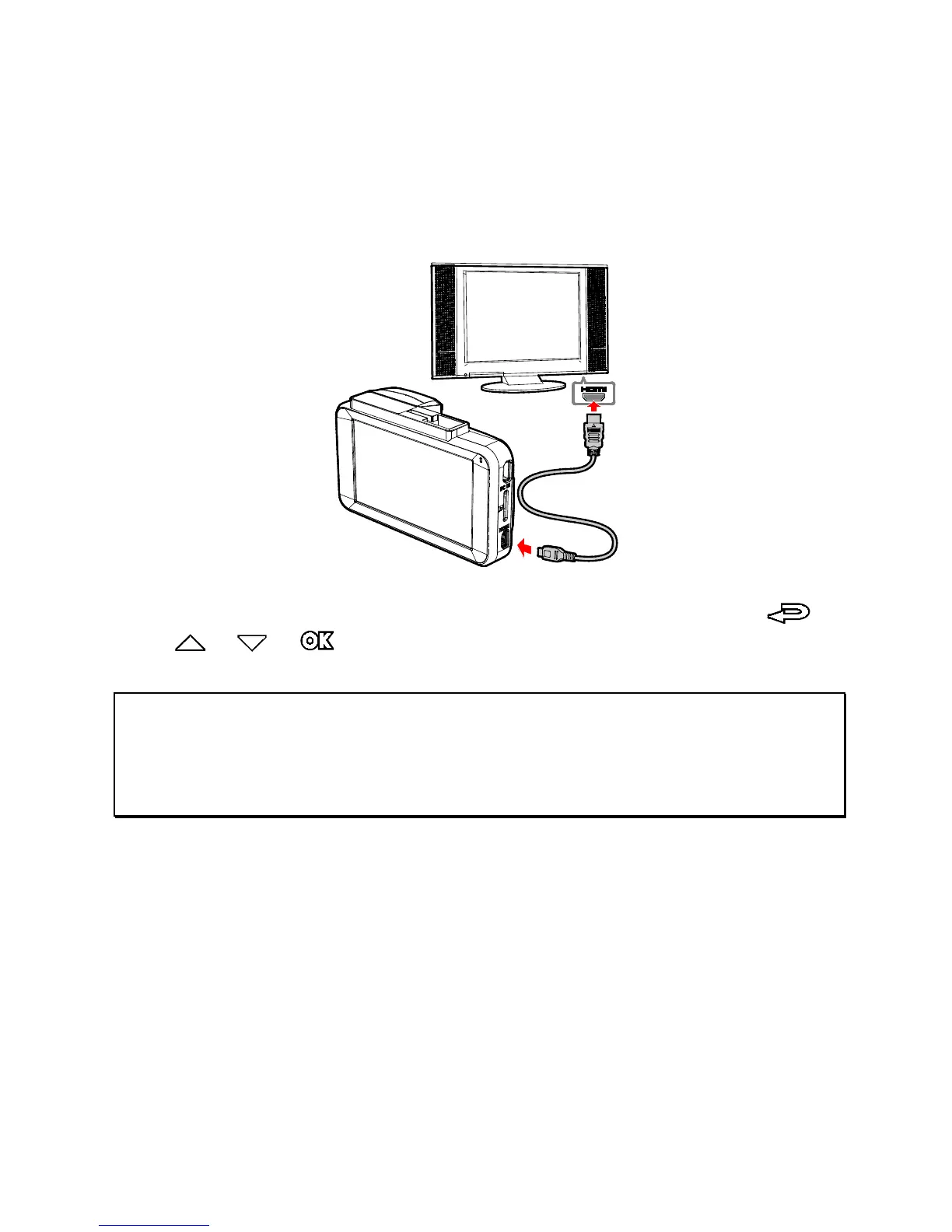
5.2 Connecting to TV
You can use a HDMI cable to connect to a TV to play the file.
1. Power on the device.
2. Connect HDMI cable to device HDMI port.
3. Connect HDMI cable to TV HDMI port.
4. Power on TV, switch TV signal input to HDMI, use the /
/ / buttons to operate the device.
Note:
1. It only indicates this device can connect to TV, HDMI cables are not included in the
standard package.
2. Please make sure the device is powered on before using the HDMI cable to connect
to the TV.



 To Next Page