2.7 Powering the Device On / Off and Resetting
2.7.1 Auto Power On/Off
If the device is connected to the vehicle power supply, start the car
engine, the device will automatically power on and start recording.
Once the vehicle engine shuts down, the device automatically saves
the recording and powers off within 10 seconds.
2.7.2 Manual
Power On/Off
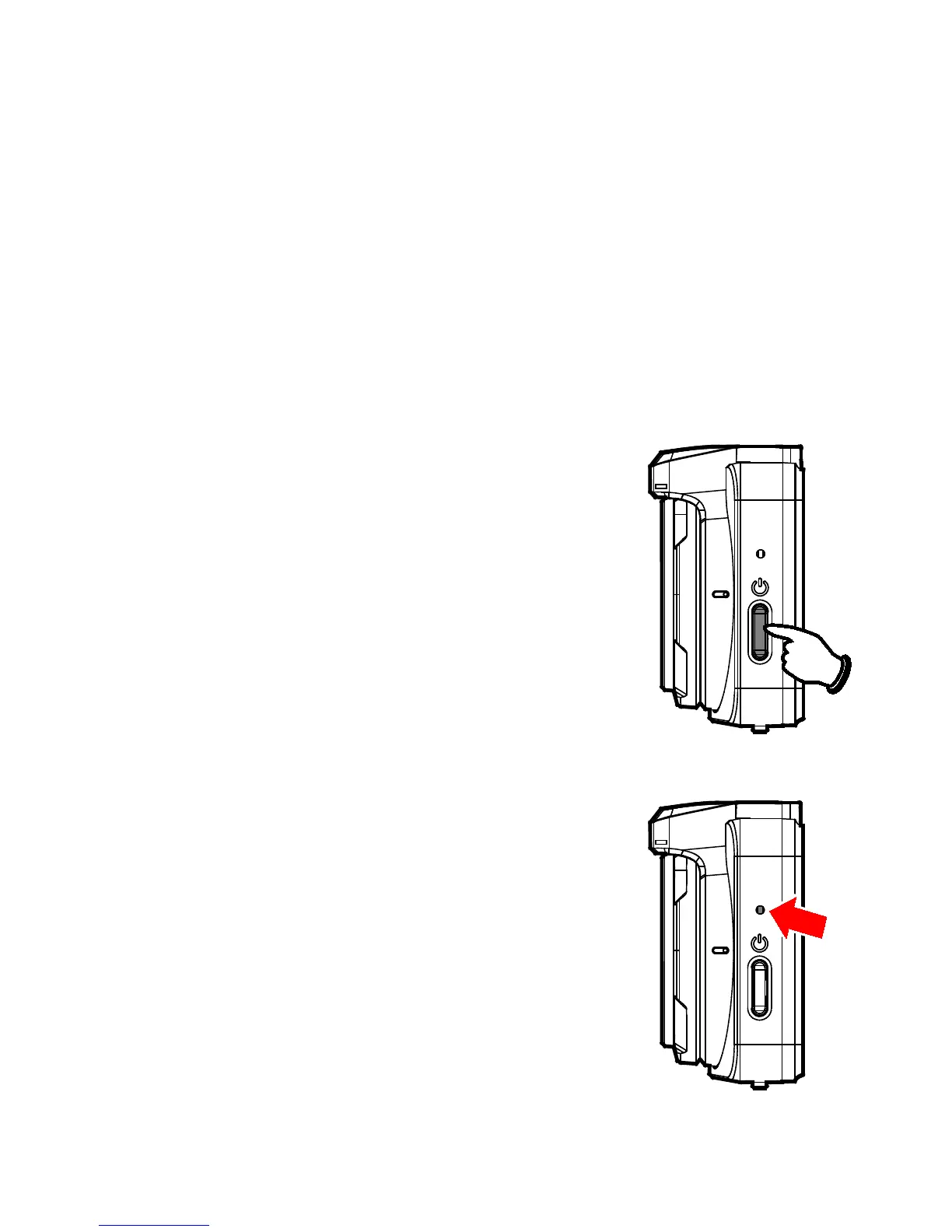
To manually turn on the power, press the POWER button.
To turn off, press and hold the POWER button for at least 2 seconds.
2.7.3 Reset
In case the device fails to function normally
due to unknown causes, insert a pin or paper
clip into the Reset hole for 5 seconds to restart
the device.



 To Next Page