3.2 Add Speed Point
You may customize speed cam positions in this product.
1. When the GPS positioning is active, press
/ to update
speed camera points.
2. This product features a capacity for 200 speed cam positions.
In case you are trying to add more than that the system will
prompt with the message "Speed Position is full".
Note:
You may delete custom speed cam positions by selecting the
Delete Last Position
or
Delete All Position
option from the
Speed Position Management
menu. Please note that
all of your existing speed cam positions are deleted once the
Delete All Position
option is
selected. Make sure you are ready to recreate your custom speed cam positions before
running this option.
3.3 Pictu
re in Video
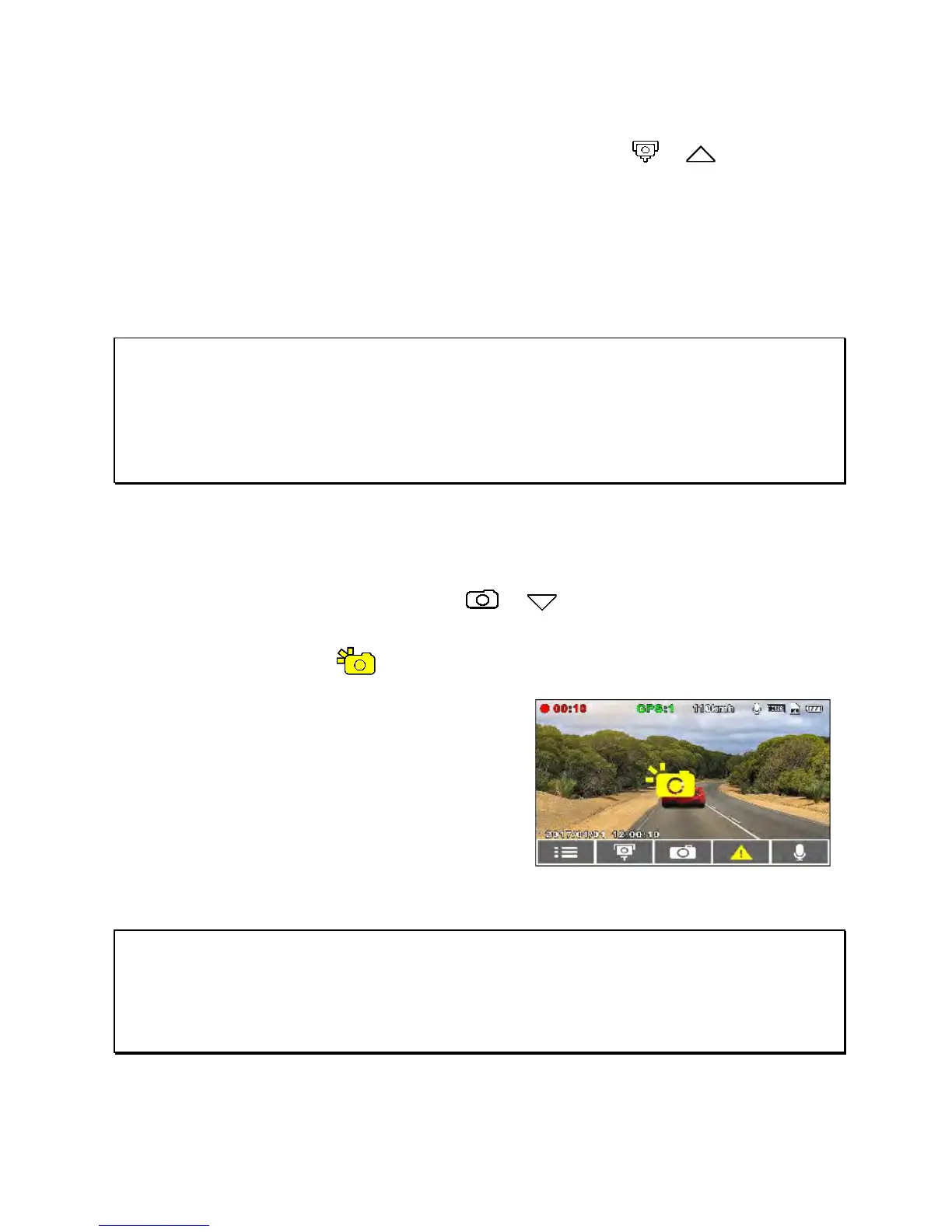
You can use this device to take snapshots of the current view.
1. In recording status, press
/ to capture screen shots
from the front lens.
2. When the icon shows in the centre of the screen, it means
the screenshot is captured.
Note:
1. The screenshot image resolution quality is dependent on the video resolution setting.
2. The picture resolution is limited by the speed of the target object and the quality of the
ambient lighting. The screenshot function is better used for taking still pictures in
accident scenes or when the car is stopped waiting for a traffic light.



 To Next Page