3.9 FCWS
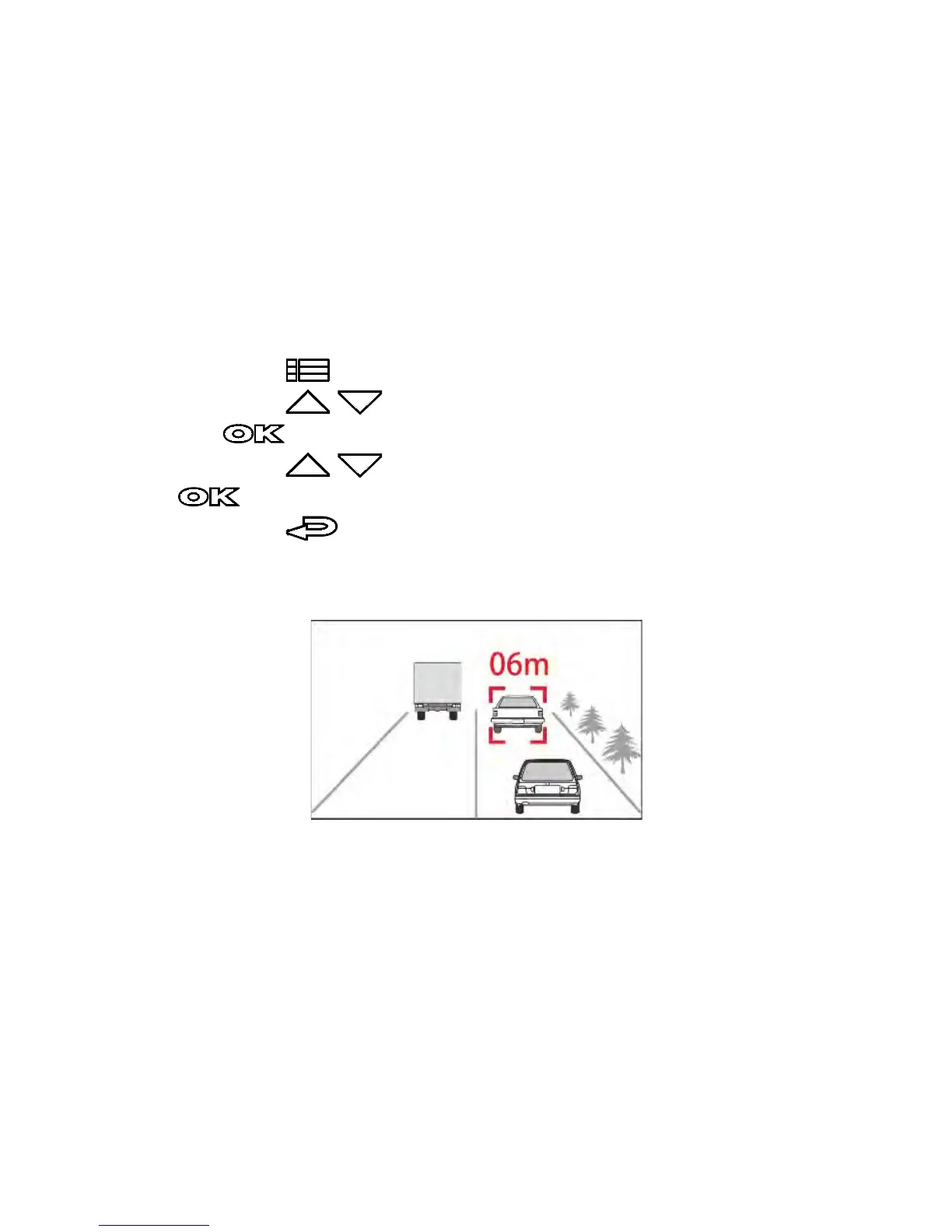
Once your car’s location is determined by GPS and the FCWS
function is enabled, this camcorder produces an audible alert and
screen message when you drive at speeds over 60 km/h (37 mph)
and are less than 20 m away from the car in front of you. If the
camcorder is not connected to a satellite, and the distance from
the leading vehicle is below 20 meters, it will also produce a
warning screen and an audible beep reminder.
To set the FCWS (Forward Collision Warning System):
1. Press the button to enter the OSD menu.
2. Press the / button to select FCWS, and then press
the button to enter the function menu.
3. Press the / button to select On, and then press the
button to enable the function.
4. Press the button to return to the recording screen.
5. This product produces an audible alert and screen message
when FCWS is activates.



 To Next Page