4. Press the button to return to the recording screen.
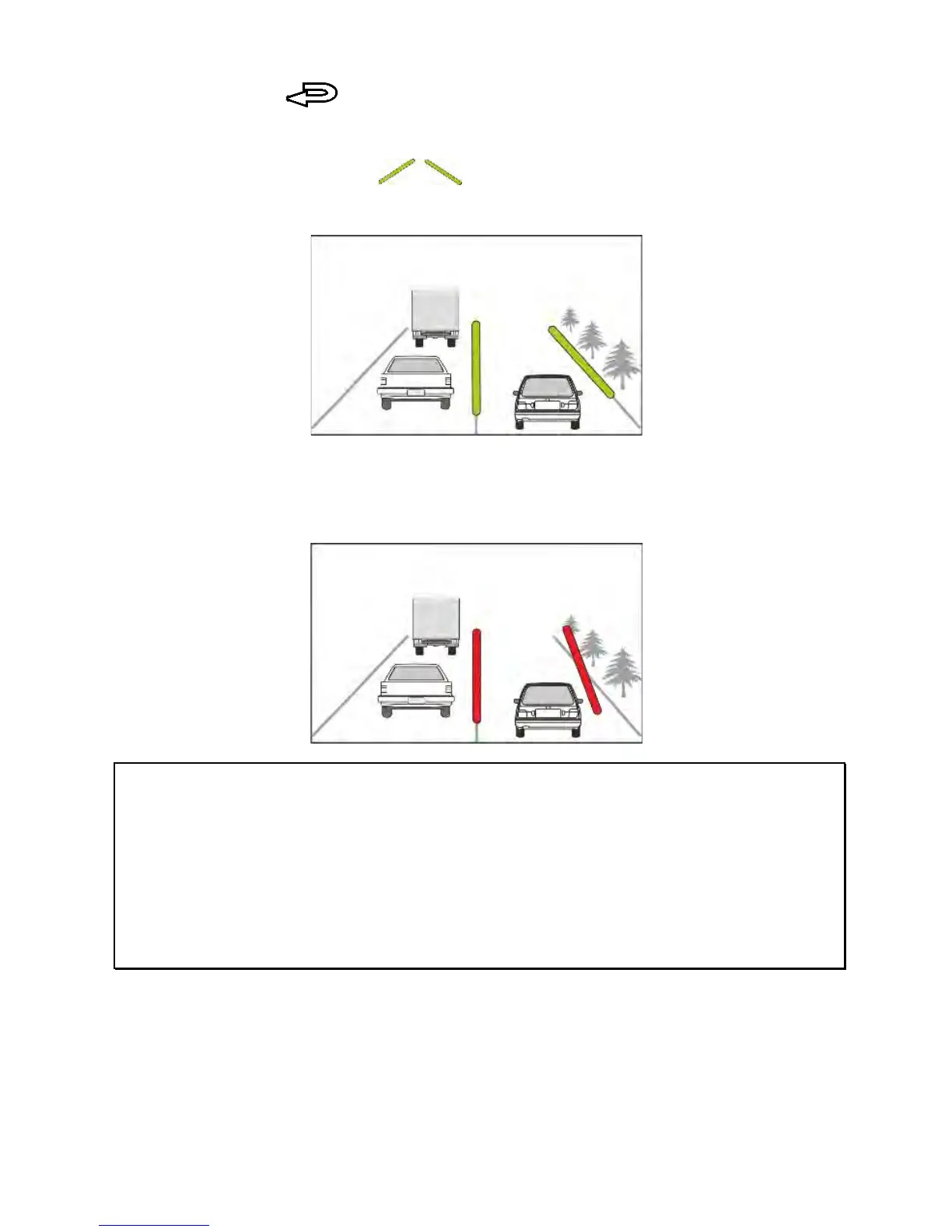
5. After enabling LDWS, the screen will display a traffic lane
align icon in green , please adjust the camcorder so
the slash lines are centred in the driving lane.
6. This product produces an audible alert and screen message
when LDWS is activated.
Note:
1. Please measure the front windshield viewing area, do not block the driver's forward
field of view, and install the camcorder below rearview mirror (upper center of the front
windshield). We recommend that the sky and the ground both occupy 50 % of the
video screen, install the bracket then adjust the camcorder to ensure the lane is
aligned to the lane alignment icon. Correct installation maximizes the efficiency and
improves the accuracy of the
LDWS
function.
2. Make sure that the traffic lane align icon will not be obscured by other things (e.g.
hood). It may cause misjudgment if the endpoint is obscured.



 To Next Page