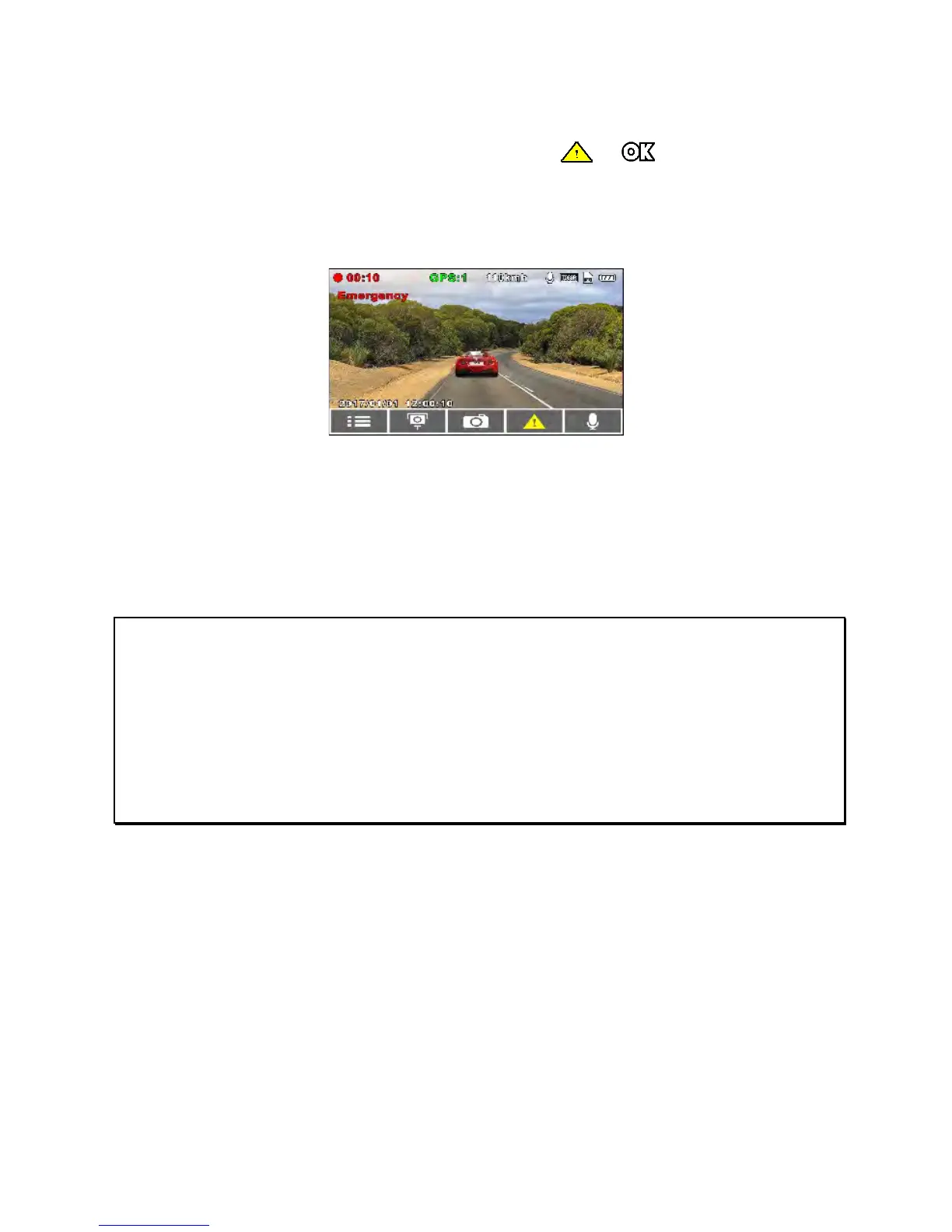
3.1.2 Emergency Recording
To Start the Emergency Recording, do the following:
1. During Video Recording, press the
/ button to enter
emergency recording mode, the “Emergency” message will be
displayed immediately at the upper left corner of the screen,
and the recorded file will be protected.
2. The emergency video recording length is the same as the
recording interval setting. When the emergency recording
duration reaches the interval setting, the system will return to
the general recording mode.
Note:
1. If the
Collision Detection
function is enabled and a collision is detected, the device
will automatically trigger the emergency recording.
2. The emergency file is created as a new file and is saved in the Event folder, which will
be protected to avoid being overwritten by normal loop recording. The emergency
video folder will occupy 40% of the available memory card capacity. For example, if
you use 8GB memory card, about 3.2GB memory space will be reserved for
emergency files. When the event folder is full, the oldest emergency file will be
automatically deleted by the newest emergency file.



 To Next Page