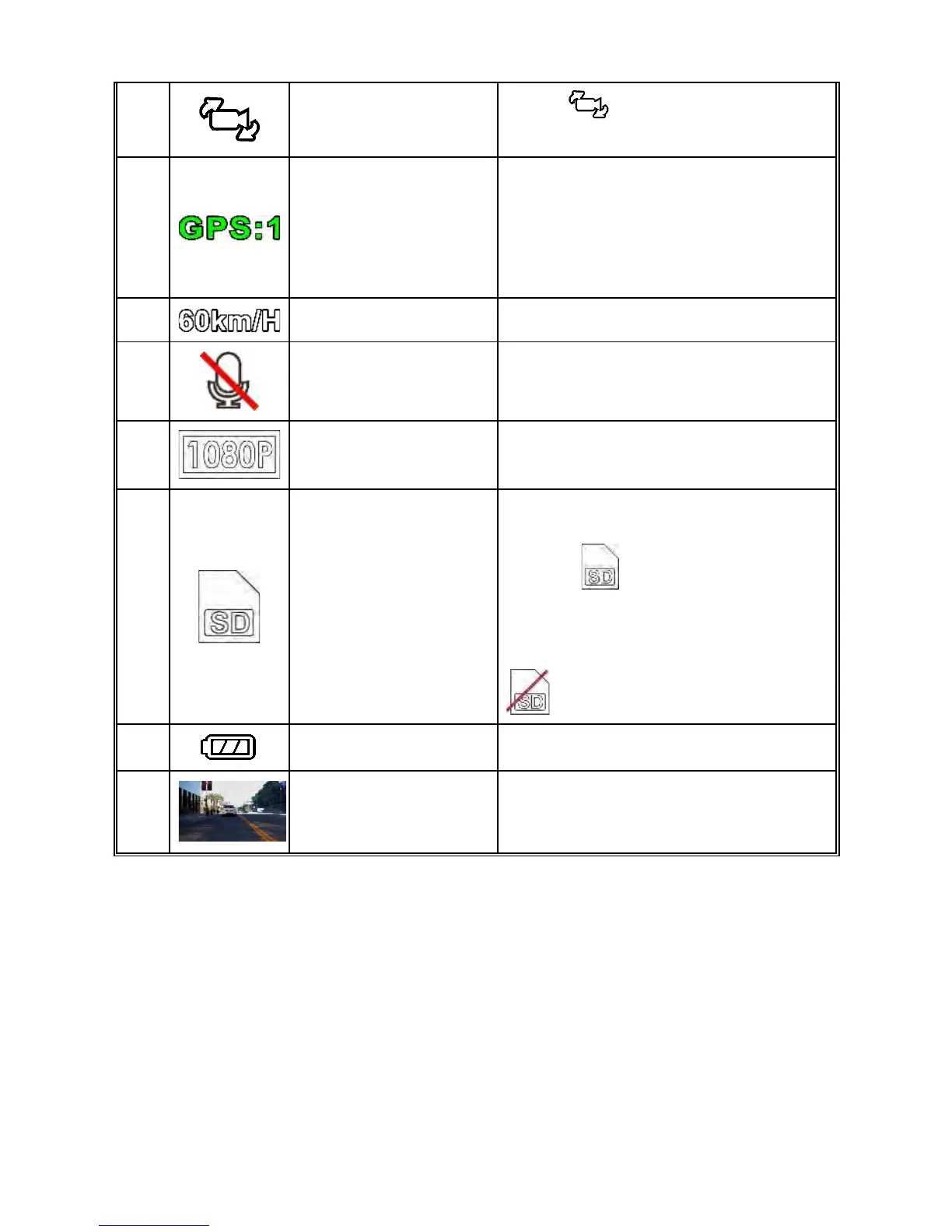
7
Switch
Camera
Preview
Press to switch preview
screen.
8
Satellite
Positioning
Indicates the strength of satellite
positioning. If the icon shows in
red on screen, it indicates that the
camcorder cannot complete the
satellite positioning.
9 Speed Current driving speed.
10 Voice Record
Indicates voice recording muted,
sound will not be recorded.
11 Resolution Indicates the video resolution.
12 Micro SD Card
memory card is inserted, the LCD
displays .
If no memory card is inserted or if
the memory card is damaged /
incompatible, the LCD displays
13 Battery Indicates battery status.
14
VIV
(Video in Video)
Rear camera recording screen.
(DVR-5HD only)



 To Next Page