Wire EDM Machine Operation Chapter 15
Copyright November, 98 Page 15-3 Sodick Inc.
M
M
A
A
L
L
-
-
M
M
D
D
I
I
S
S
C
C
R
R
E
E
E
E
N
N
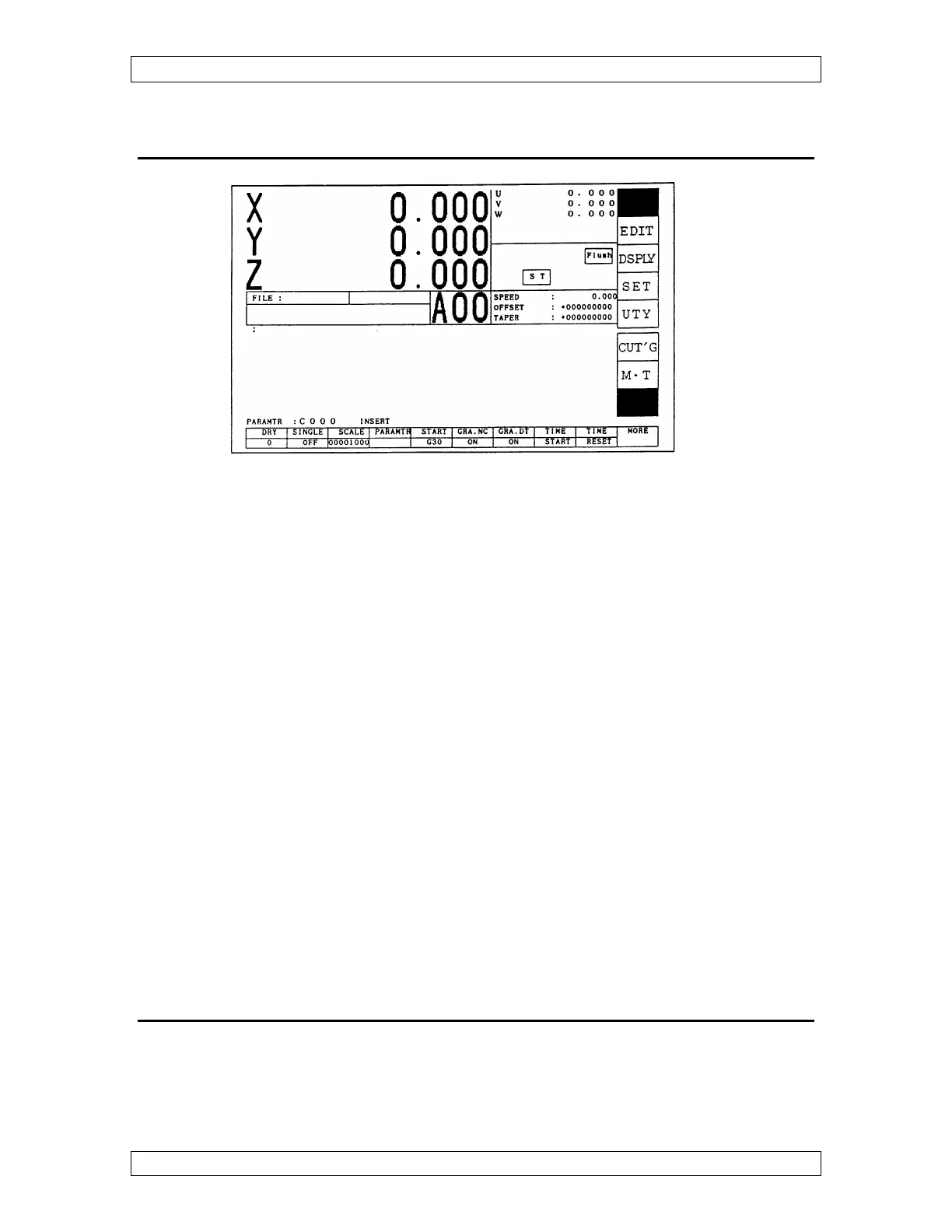
The “MAL – MDI” screen is blank in the middle allowing the operator to manually type
in commands and programs.
Choose more in the lower right corner with the key below it and then choose load and the
files on HD or userdisk appear in a box. Move the cursor up or down to choose the file
you want to load. Once you find it, press “ENT” and it appears on the screen. Press
“ENT” to execute the program.
To type information into the open screen, the word “INSERT” must be highlighted at the
bottom of the screen. Use the “INS” key on the keyboard to toggle between insert and
exchange. If you want to save this information, choose more and save. Input filename
prompt appears in the lower left corner, so you must name the program now, using a
maximum of 8 characters. After typing it in, press “ENT” and the information will be
saved to the hard-drive or to the user disk.
If the information you typed in does not need to be saved, choose delete. Will you delete
prompt appears in the lower left corner. Press “ENT” for yes and “ESC” key for no.
If you typed in some information, executed it and then wanted to bring it back, choose
“MORE” to go to the second screen. Press “BACK” and it turns blue. Press the “BACK”
button again and it will bring back the last information you typed in and display it on the
screen.
M
M
A
A
L
L
S
S
C
C
R
R
E
E
E
E
N
N
Choose “MAL” and choose “MDI” to UN-highlight MDI mode. This screen displays the
functions available in manual (MAL) mode in the middle. It is another way to do the
things you usually do in the “MAL”,” MDI” screen. For example: To get the machine to



 To Next Page